
You can delete messages through calls to methods of the DeleteMessages class:
Figure: The DeleteMessage Class
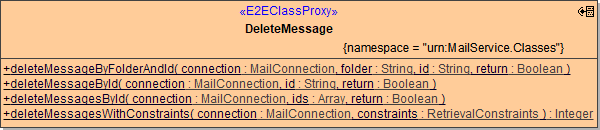
You can:
-
delete specific messages from the inbox folder by message id
-
delete specific messages from arbitrary folders by message id
-
delete messages matching retrieval constraints (time window, subject line, unread, etc)
Deleting a Message from the Inbox by its ID
You can delete a message with a known id from the inbox by calling the deleteMessageById method:
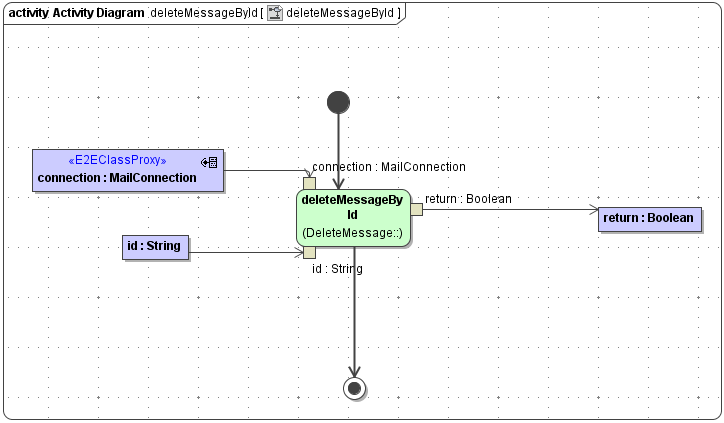
Parameters of method deleteMessageById in detail:
|
Name |
Type |
Direction |
Remarks |
|---|---|---|---|
|
connection |
MailConnection |
In |
Specifies connection details such as server name, protocol etc. (see Mail Connection). |
|
id |
String |
In |
Id of the message to be deleted. |
|
return |
Boolean |
Return |
True, if the message was found and deleted. False otherwise. |
Deleting Multiple Messages from the Inbox by their IDs
Analogous todeleteMessageById, you can delete multiple messages by their ids from the inbox by calling the deleteMessagesById method.
Parameters of method deleteMessagesById in detail:
|
Name |
Type |
Direction |
Remarks |
|---|---|---|---|
|
connection |
MailConnection |
In |
Specifies connection details such as server name, protocol etc. (see Mail Connection). |
|
id |
Array of String |
In |
List of ids of the messages to be deleted. |
|
return |
Boolean |
Return |
True, if the action has been successful. False otherwise. |
Deleting a Message from an Arbitrary Folder by its ID
You can delete a message from an arbitrary folder by its ID by calling the deleteMessageByFolderAndId method:
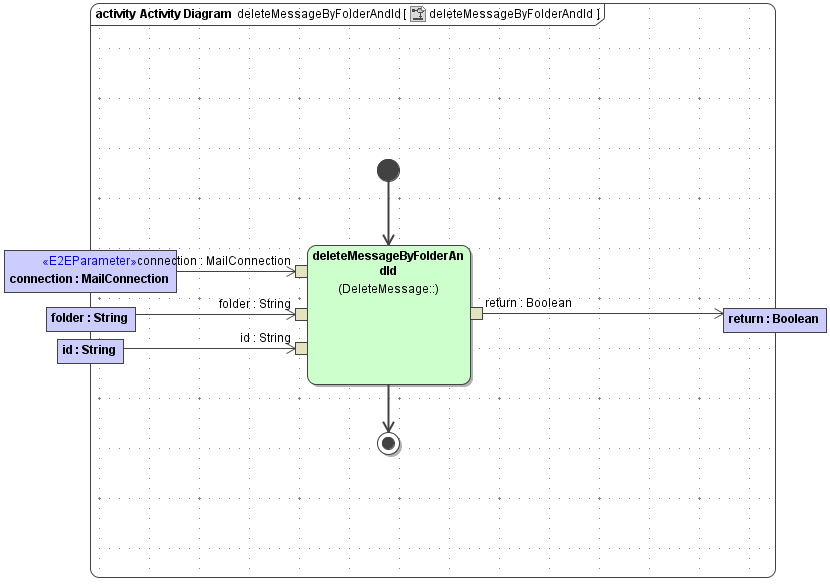
Parameters of method deleteMessageByFolderAndId in detail:
|
Name |
Type |
Direction |
Remarks |
|---|---|---|---|
|
connection |
MailConnection |
In |
Specifies connection details such as server name, protocol etc. (see Mail Connection). |
|
folder |
String |
In |
Folder in which the message is located. |
|
id |
String |
In |
Id of the message. |
|
return |
Boolean |
Return |
True, if the message was found and deleted. False otherwise. |
Deleting Specific Messages Using Retrieval Constraints
You can specify which messages to delete by providing a constraints object to the deleteMessagesWithConstraints method:
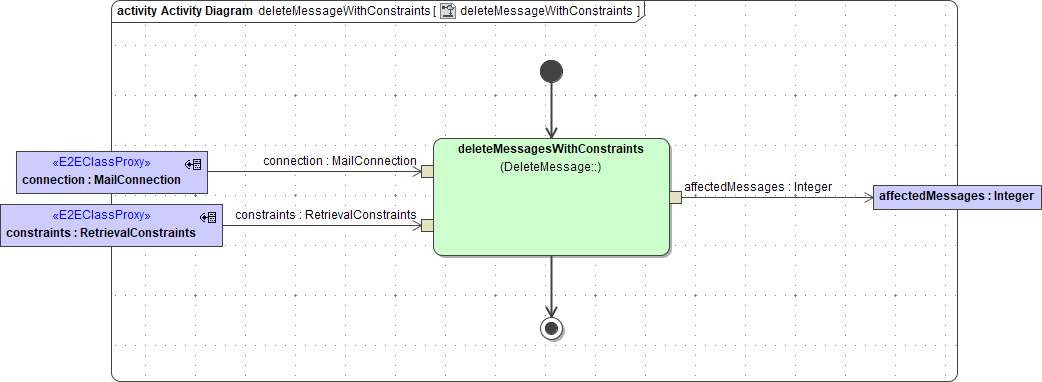
Parameters of method deleteMessageWithConstraint in detail:
|
Name |
Type |
Direction |
Remarks |
|---|---|---|---|
|
connection |
MailConnection |
In |
Specifies connection details such as server name, protocol etc. (see Mail Connection). |
|
constraints |
RetrievalConstraints |
In |
Class containing the constraints that the records to be deleted must match. |
|
affectedMessages |
Integer |
Return |
Number of messages that have been deleted. |