Creating a Date Attribute
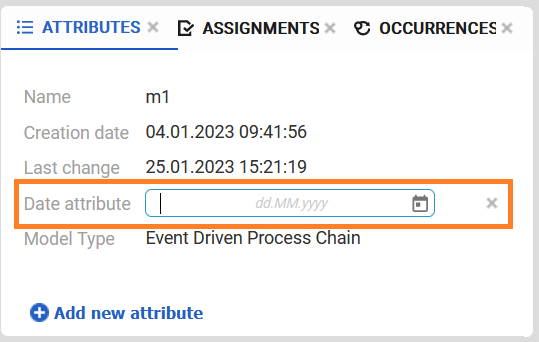
When the Date attribute type is selected, a date input field is displayed in the Attributes panel.
Choosing a Value for a Date Attribute
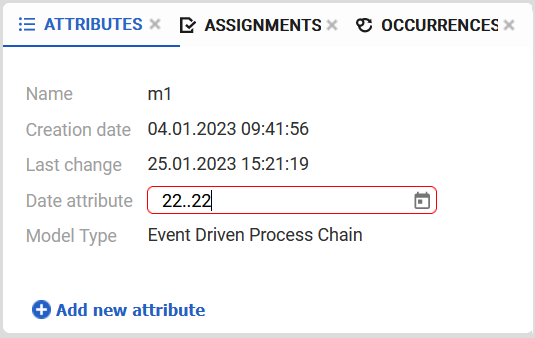
The date field expects a valid date value. If an invalid date format or non-numeric characters are entered, the input field is highlighted with a red border to indicate invalid input.
By clicking the calendar icon on the right side of the input field, a calendar view is opened, allowing users to select a date directly from the calendar.