
You want to get to know the basic functionalities of Scheer PAS API Management ? In our step-by-step tutorials you can quickly learn how to manage an API.
For those interested in detailed knowledge, we have integrated two types of hints:
-
Links to releated pages in the official API Management guide, e.g.: Refer to API Settings in the API Management Guide for more information.
-
Good to Know infoboxes with background information about the concept of the introduced API Management functionality. Click on the box to expand its content.
Example:
By working through the first tutorial, you will learn
-
how to create an organization
-
how to import an API from PAS Administration to API Management
-
how to restrict an API by adding policies
-
how to test your configurations
-
how to consume a public API via the API Developer Portal
By working through the second tutorial, you will learn
-
how to create an organization and a plan
-
how to import an API from the API Catalog
-
how to create a contract and a client
-
how to test your configurations
-
how to consume a private API via the API Developer Portal
By working through this tutorial, you will learn
-
how to request approval for private APIs via the API Developer Portal
-
how the approval process works within API Management
-
how to consume private APIs via the API Developer Portal
As users with different authorizations are required for the approval process, this is not a "do it yourself" tutorial.
Prerequisites
Deploy the service via the deployment wizard within the PAS Administration. To access the deployment wizard, open the Administration:
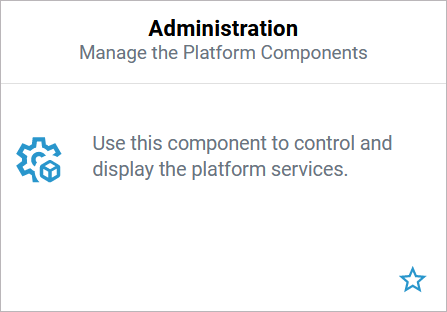
Your user needs the profile xuml_container_admin to use the deployment wizard and to manage xUML services in the Administration.
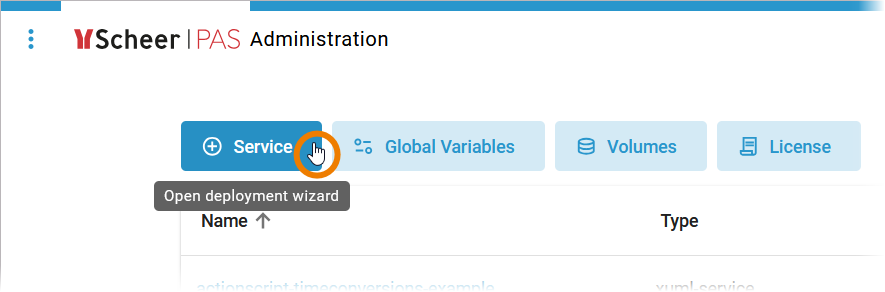
Use option + Service in the navigation bar to open the deployment wizard:
The wizard opens in a pop-up window. As soon as you have selected the .rep or the bundle.zip file of a service, the wizard guides you through the necessary steps to create an xUML service:
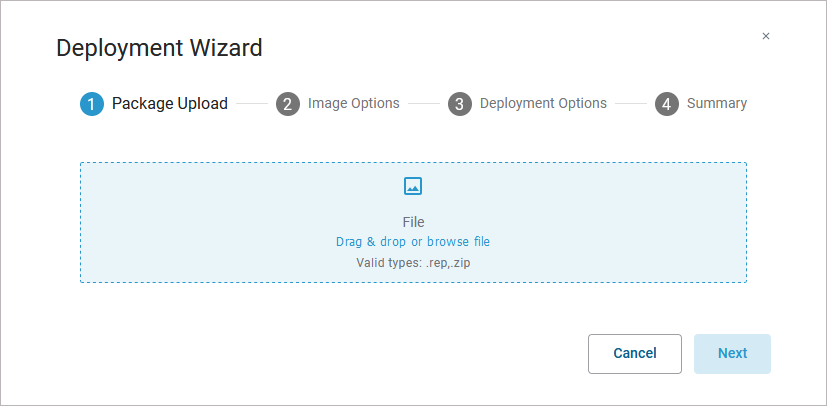
In step 2 of the deployment wizard, please adjust the service name so that it matches your user, e.g. restapi-echo-example-stringer.
Refer to Working With the Deployment Wizard in the Administration Guide for detailed step-by-step instructions.
Related Content
Related Documentation: