
The Element Note
|
Element |

|
|
Function |
The element Note is a modeler's assistant and may be used like a post-it: In the description field you can enter text which will be displayed directly in the element. This could be reminders, ideas, general notes. Notes do not influence the EPC's execution and cannot be tied to any element. |
|
Default |
When dragging the Note element to the work surface, the element name will be displayed by default: 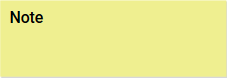
|
|
Connection |
Predecessor: None
|
|
Example |
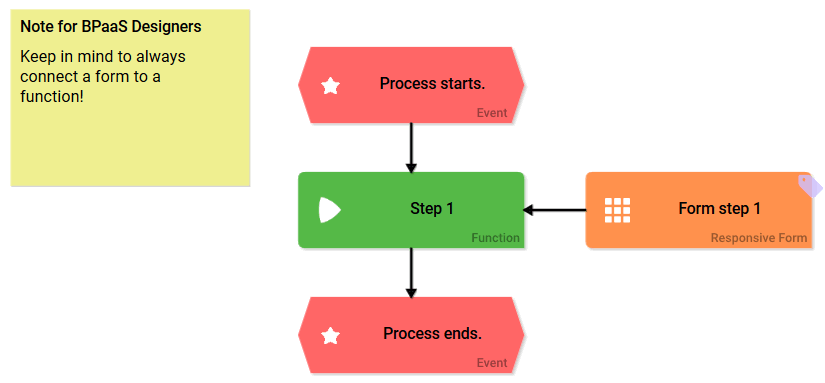
|
Configuration Options
Edit the element via the Edit Sidebar.

|
Name Name of the element within modeling. |

|
ID The read-only field contains the model ID of the element. Designers can use the ID for example in the search to link the element in other models. |
|
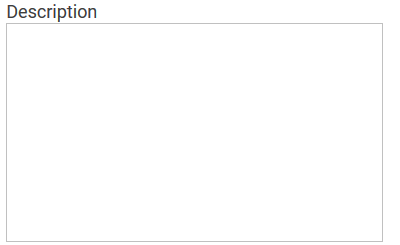
Description A commentary field for the modeler. Its content is invisible to users and its sole purpose is internal documentation. |

|
Hashtags Possibility to insert your own key terms . The leading hashtag sign # (hash) will be inserted automatically. Use the spacebar to insert multiple hashtags: 
One hashtag may be issued for multiple elements: 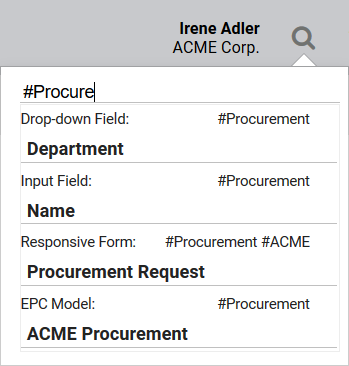
|

|
Choose Background Color Use the drop-down menu to select a different background color for your note: 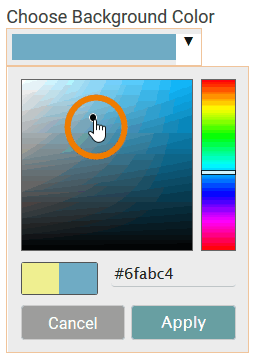
|

|
Hide Title Check this box if you do not wish to display the name of the element as title of the note. |