Response
On the Response tab, the output data of the response is displayed:
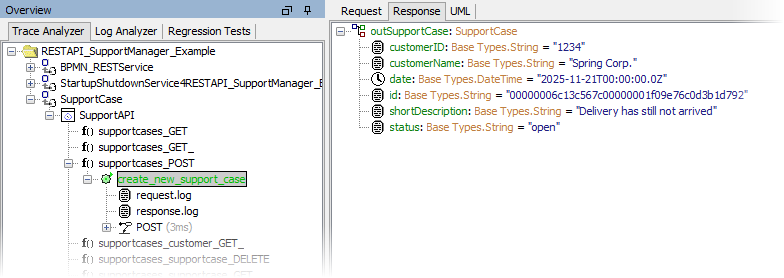
You can expand the tree of complex parameters and inspect the return values of the test case.
SOAP Response
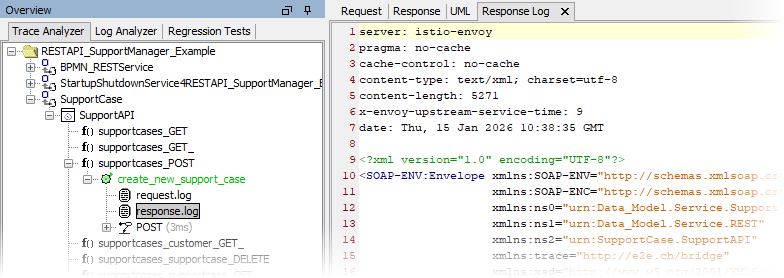
If you select the node response.log in the Trace Analyzer pane, the transcript of the response SOAP message that has been sent from the service is displayed in a separate tab.
UML Trace
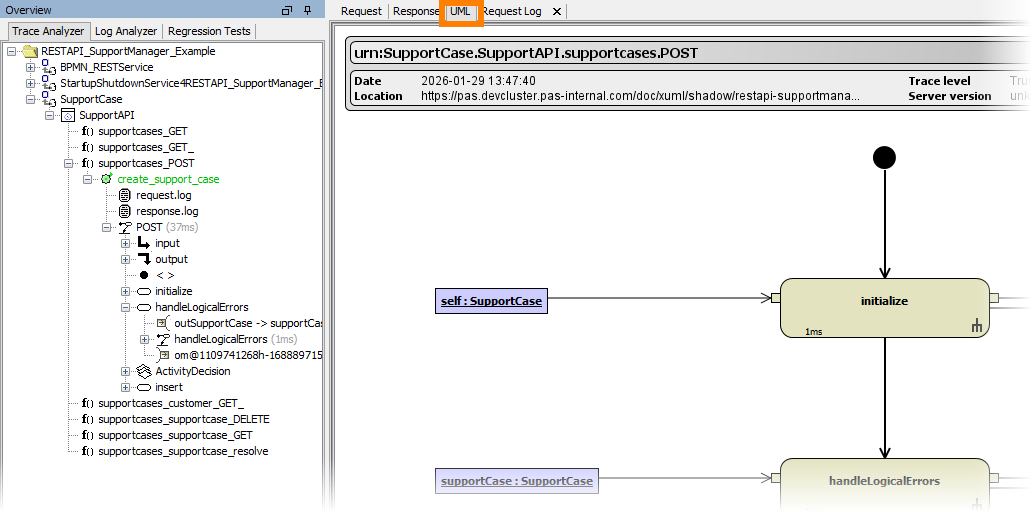
Switching to the UML tab in the content pane, you can browse through the execution path of the service.