
System Configuration Overview
The System Configuration is part of the Administration tab and provides general settings that affect the overall behavior of the Business Modeler.
It includes configuration options for:
-
managing content languages
-
defining help page settings
-
controlling whether users are allowed to create custom attributes
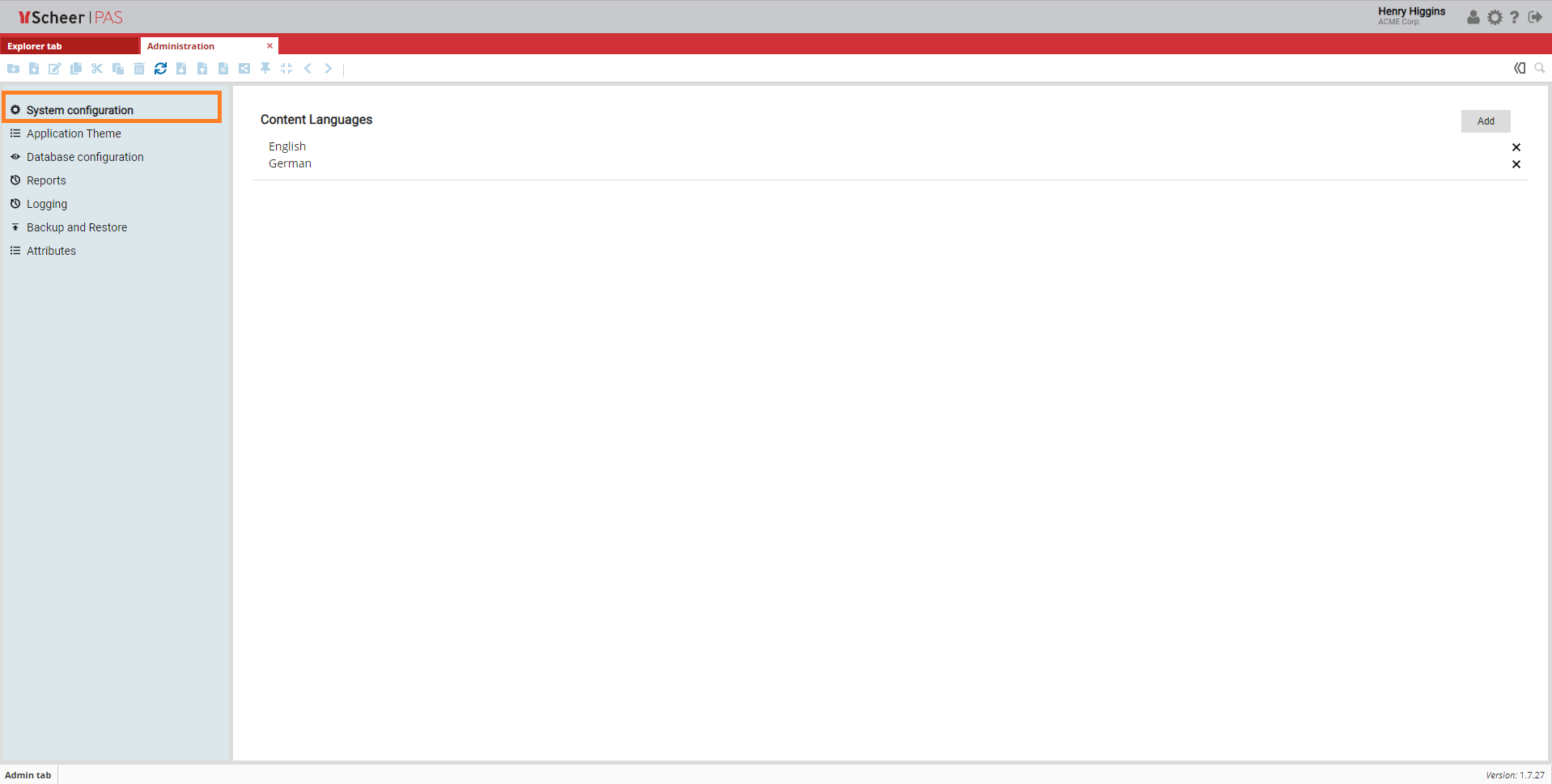
Content Languages
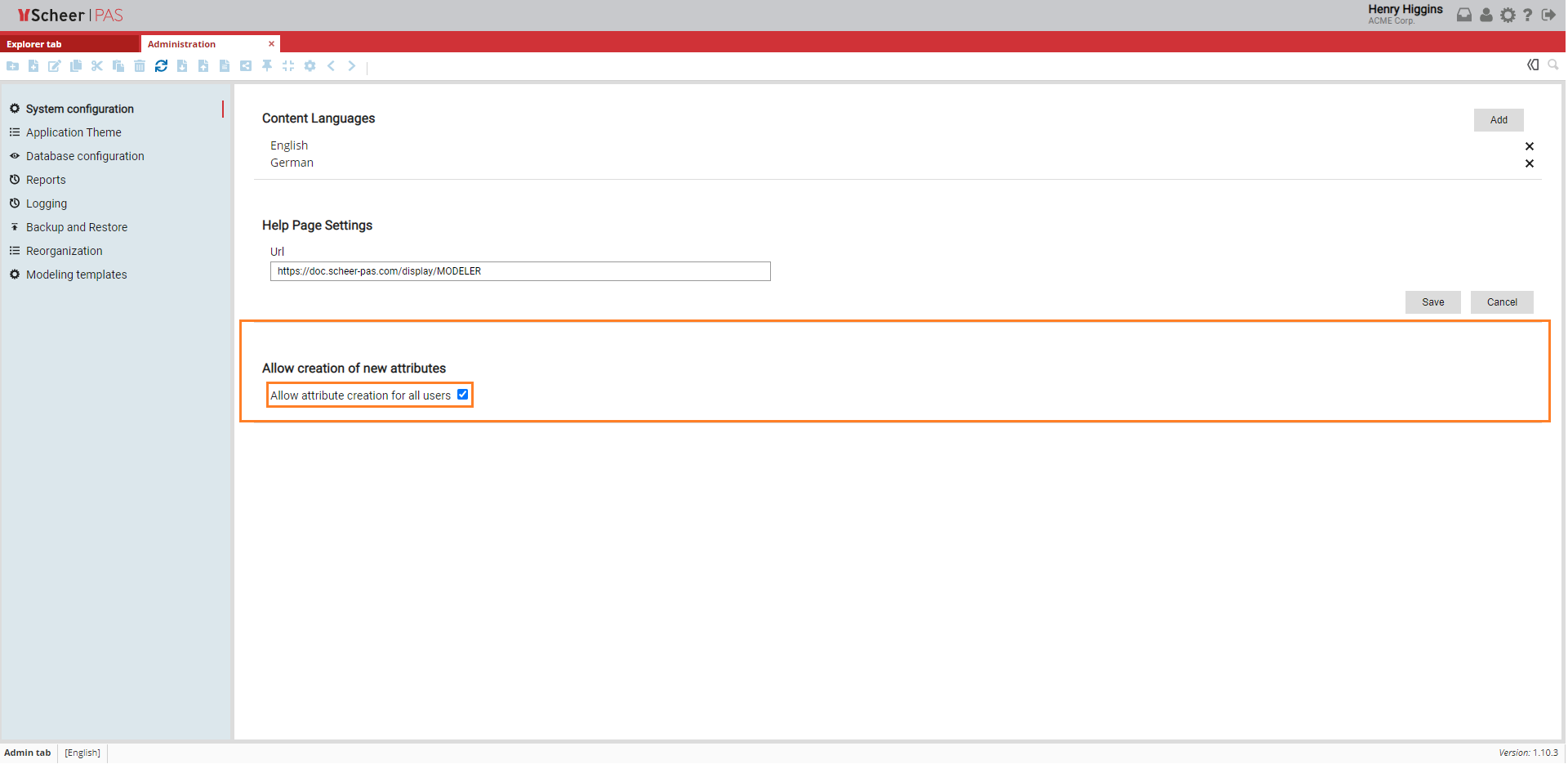
The Content Languages section displays all languages that are currently available in the system. These languages can be used for multilingual content such as attributes, names, and descriptions.
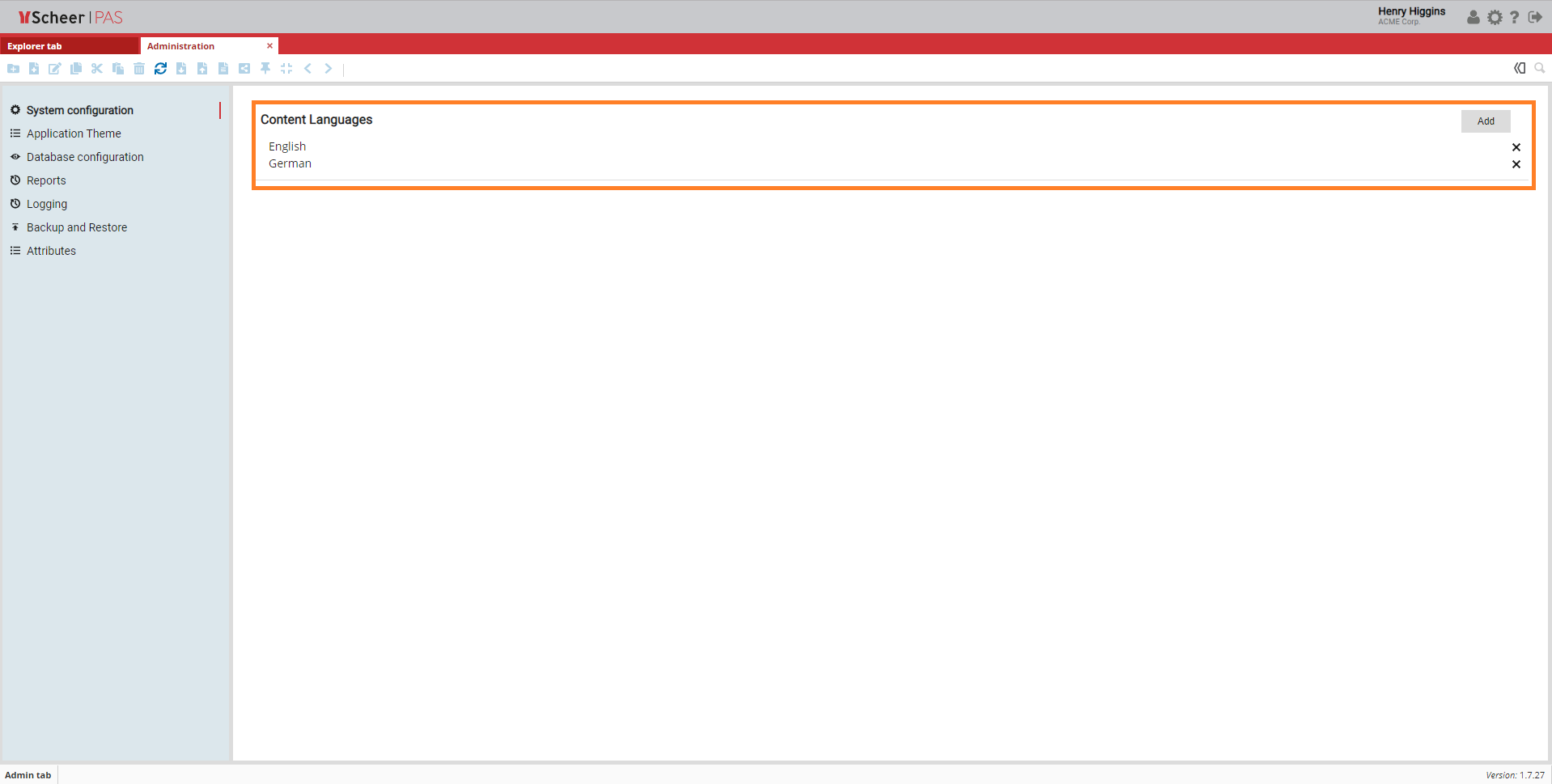
Adding a New Language
To add a new content language:
-
Click Add in the Content Languages section.
-
Enter the name of the new language in the Name field.
-
Click Submit to confirm.
The newly added language becomes available immediately.
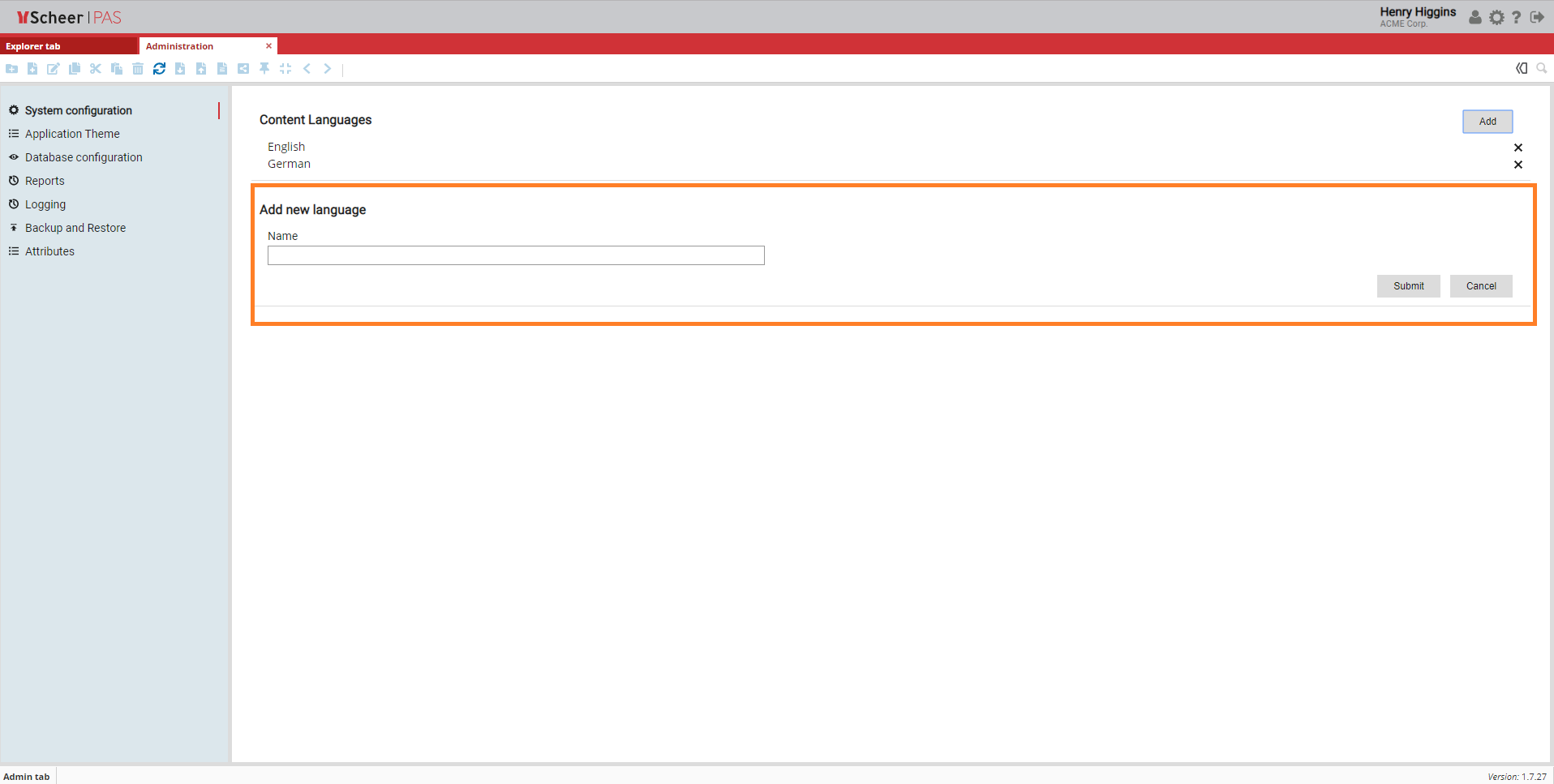
Deleting a Language
To remove an existing content language:
-
Click the X icon next to the corresponding language.
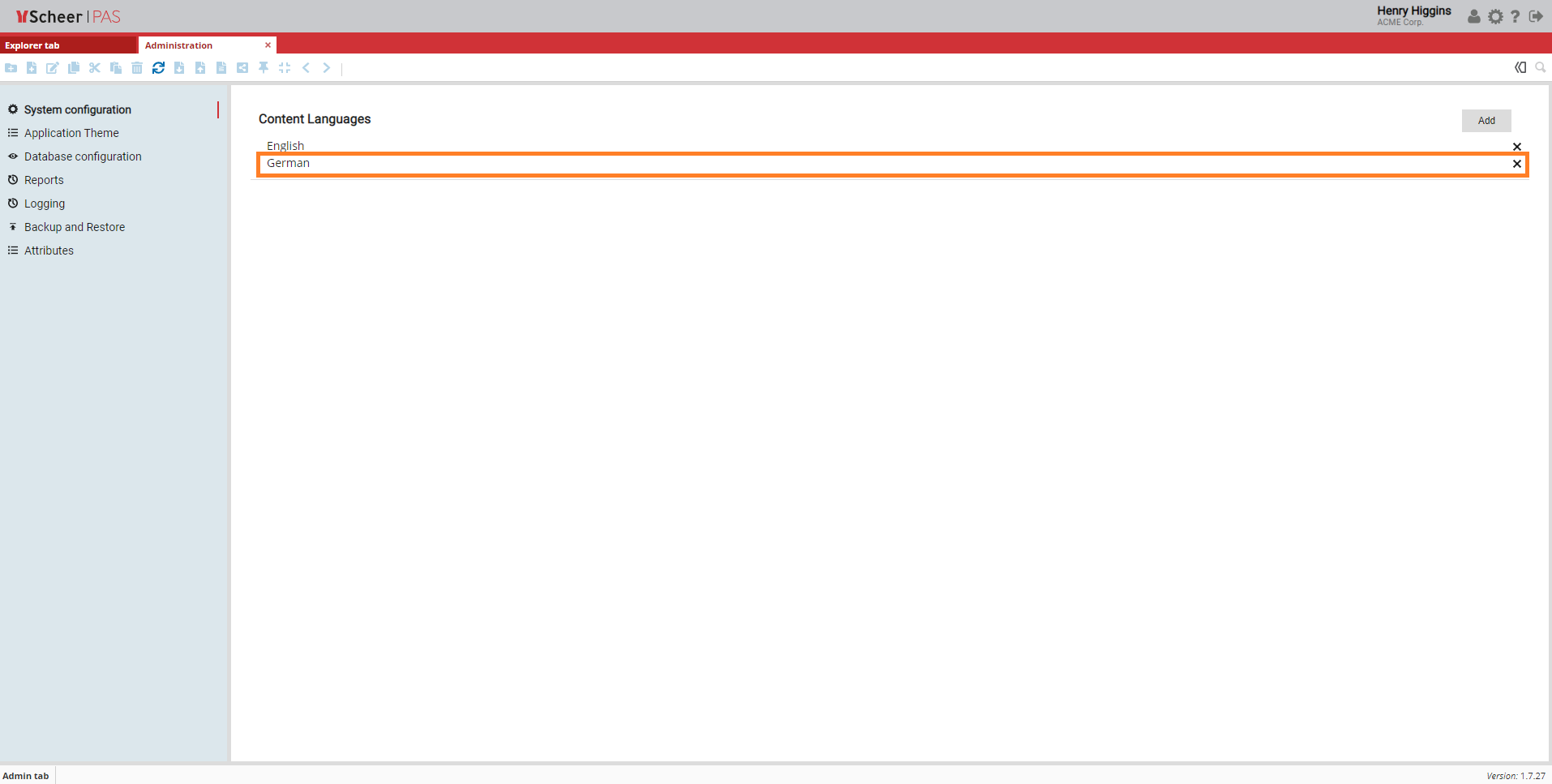
-
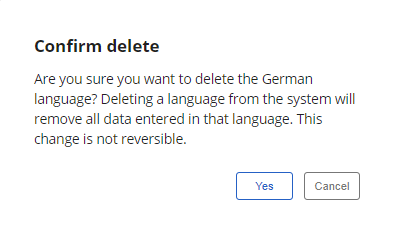
A new window opens. To delete the language, confirm your action by clicking Yes.
Attribute Creation Settings
The System Configuration also controls whether users are allowed to create custom attributes.
-
If the option Allow attribute creation for all users is disabled, only users with the PAS_Administrator role can create custom attributes.
-
If the option is enabled, all users are allowed to create custom attributes for objects and models.
This setting helps administrators control attribute governance and prevent uncontrolled creation of custom attributes.
For more details on adding attributes visit page Attributes.