
The Element Administration Model
The following usage description of roles is deprecated.
Starting with version PAS 18.1 we urgently recommend to create apps with central role management. Starting with version PAS 18.1 please only use the element Role.
|
Element |
|
|
Function |
The Administration Model is your entry into app user management, therefore this element can only be used in the Project Editor. Opening the element transports you to the user and role management of the project. |
|
Connection |
Elements, that are saved to the work area of the Project Editor cannot be linked via connections. |
|
Example
|
The Administration Model for the project ACME Procurement is situated on the work surface of the Project Editor. Its sole purpose is allowing entry to user and role management. Therefore it is not tied to other elements via connections. 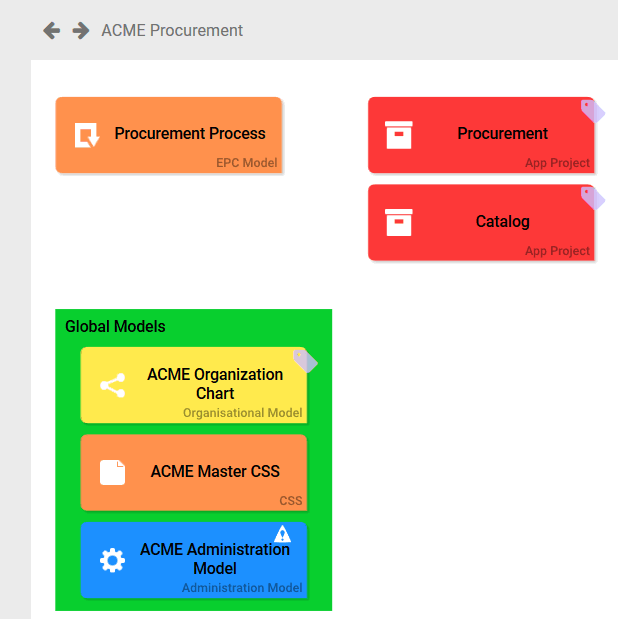
|
Configuration Options
Edit the element via the Edit Sidebar.

|
Name Name of the element within modeling. |

|
ID The read-only field contains the model ID of the element. Designers can use the ID for example in the search to link the element in other models. |
|
Description A commentary field for the modeler. Its content is invisible to users and its sole purpose is internal documentation. |

|
Hashtags Possibility to insert your own key terms . The leading hashtag sign # (hash) will be inserted automatically. Use the spacebar to insert multiple hashtags: 
One hashtag may be issued for multiple elements: 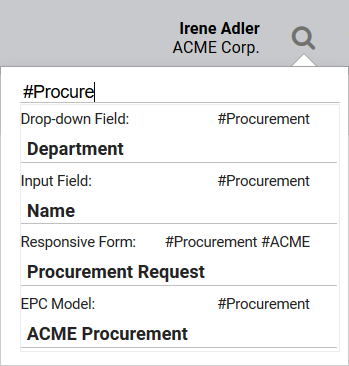
|