
Creating a Calculated Attribute in the Scheer PAS Administration
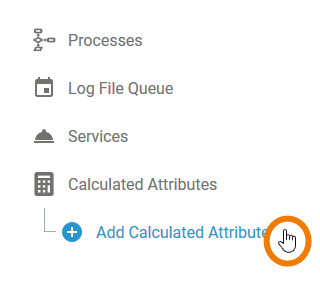
Select option Add Calculated Attribute from the sidebar menu:
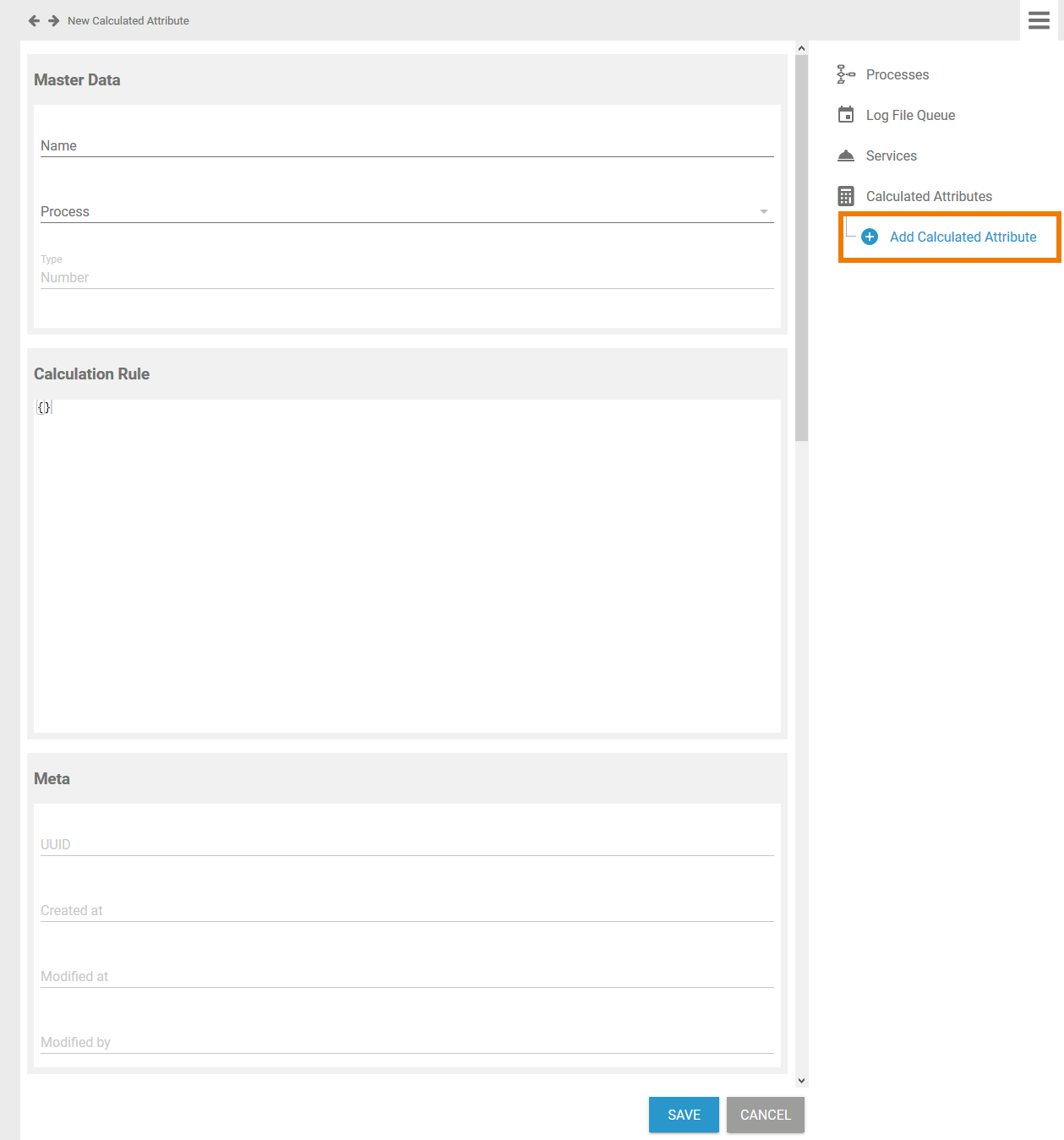
An empty attribute's data sheet is displayed in the content area:
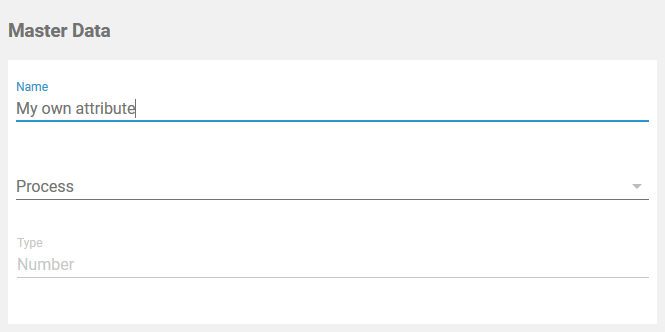
Insert a Name for the attribute:
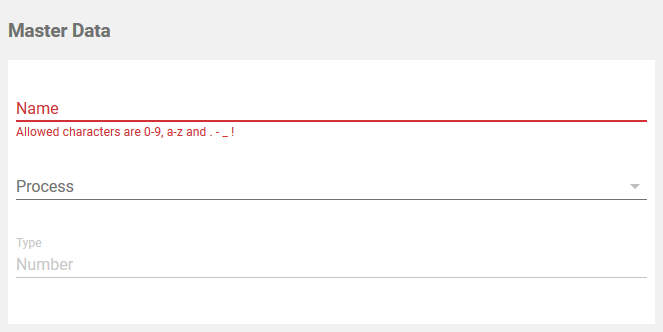
The Name field must not be empty. Allowed characters are:
-
numbers 0-9
-
letters a-z and A-Z
-
special characters . - _ and !
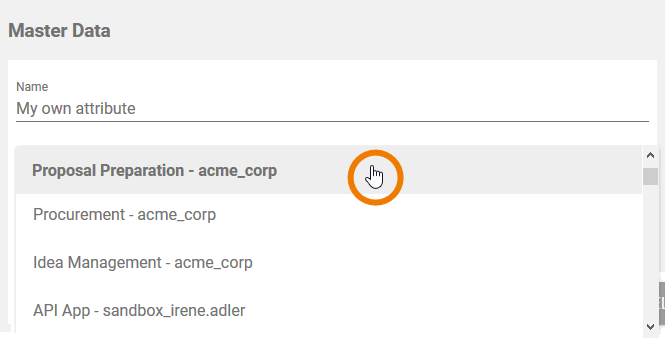
Select a process from the drop-down list:
The entry in field Name must be unique. Therefore, your entry is automatically checked. If the name is already in use, you need to change your entry:
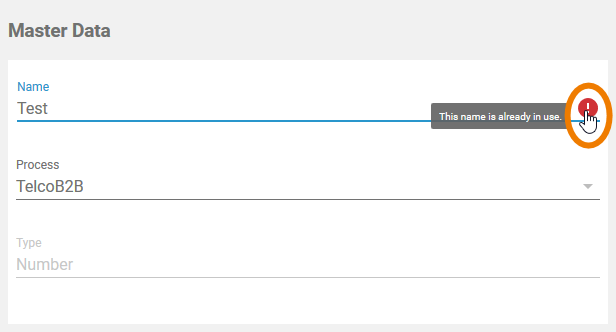
The field content is checked after you select a process, because you can use the same attribute name for different processes.
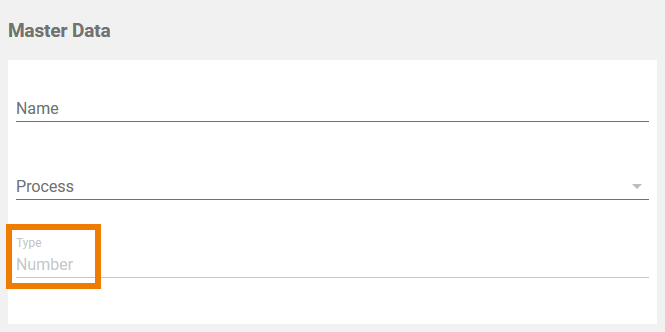
Shows the attribute's type. Currently available:
-
Number
Defining the Calculation Rule
In section Calculation Rule you can now insert the rules that should be applied to your attribute:
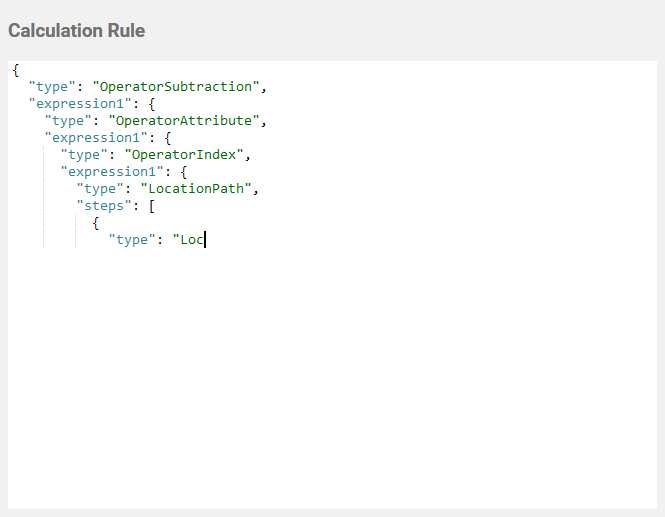
Do not change or create calculated attributes without any knowledge of JSON.
We would be pleased to help you with the implementation of your calculations. If you want to create your own calculated attributes, please contact your Scheer PAS consultant.