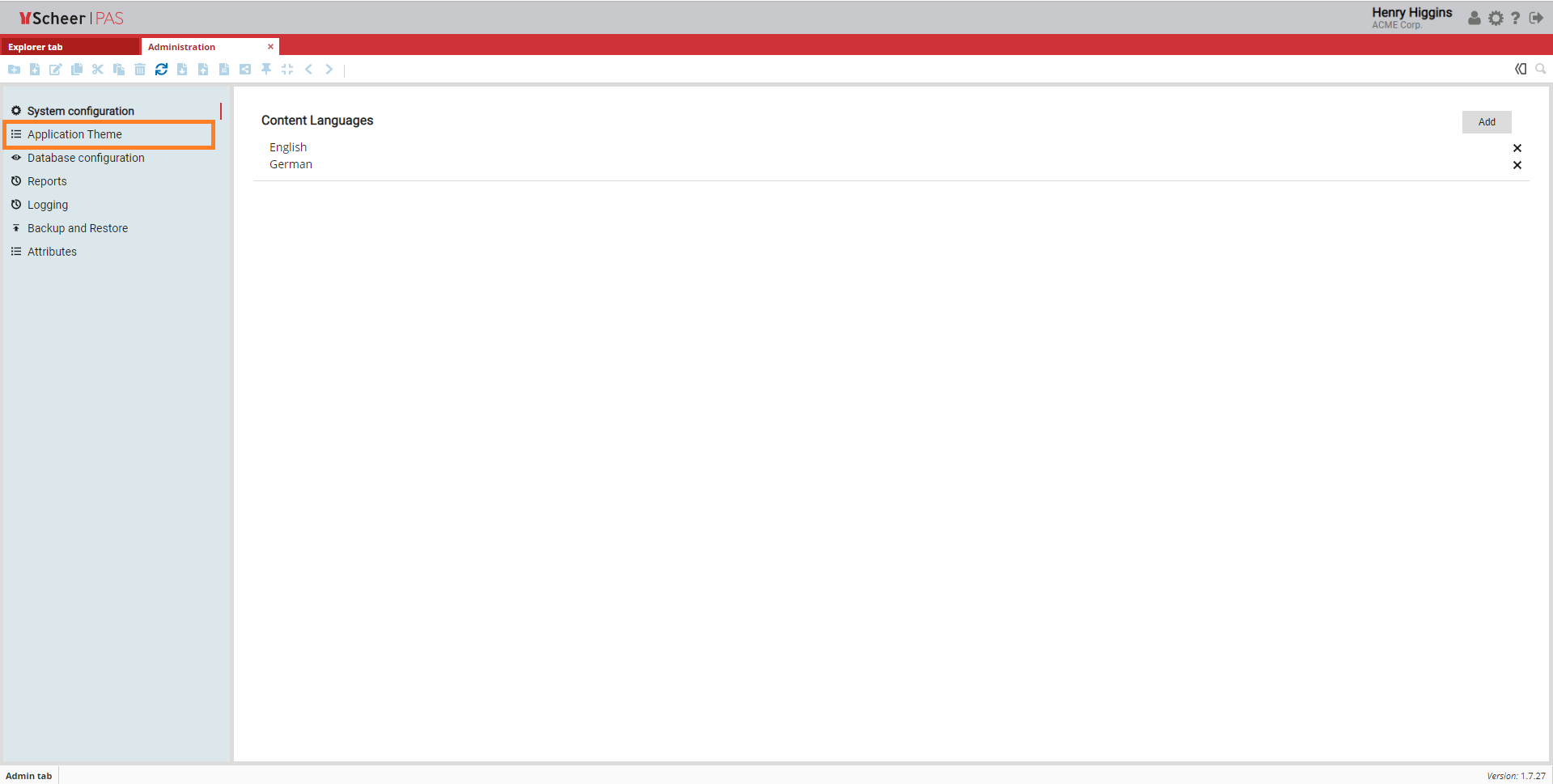
Access to Application Theme Page
The Application Theme is part of the Administration Tab. Choose this option to create a custom look for your application.
Customizing the Layout
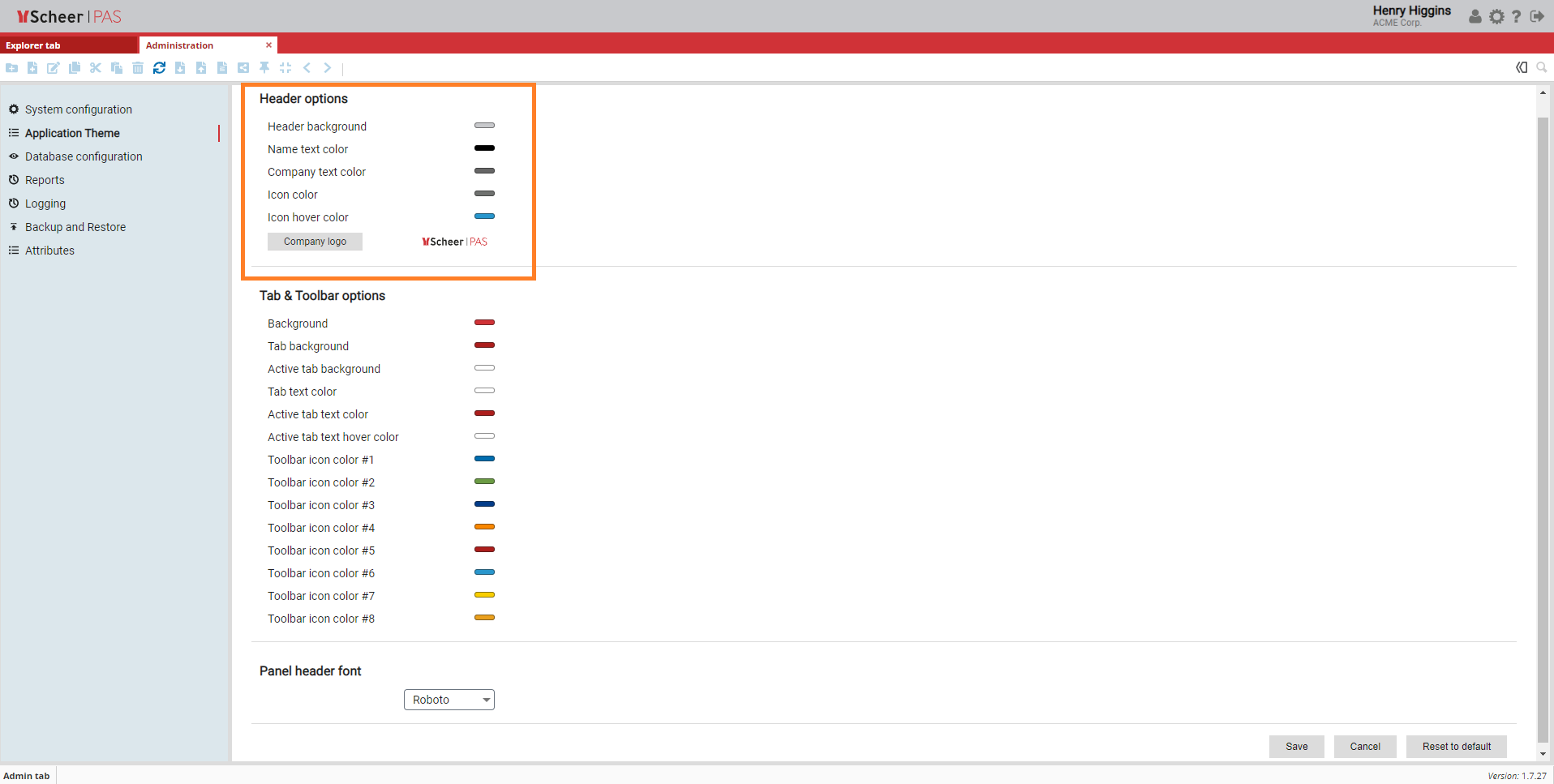
The first section in the Application Theme window is Header options, where you can choose the colors of your application and insert the logo of your company.
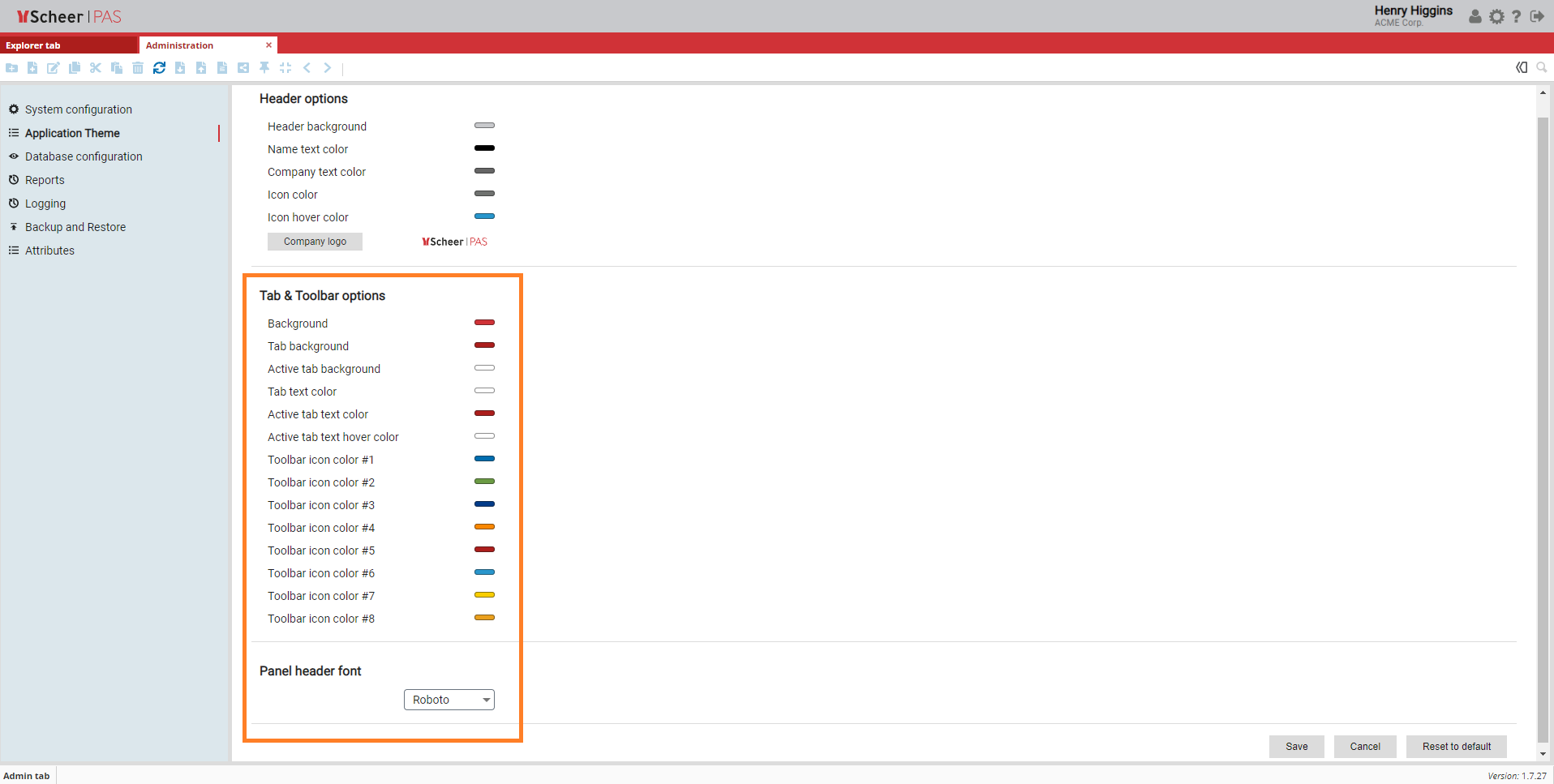
In the second section you can choose the colors of the tabs and the toolbar.
Here you can change every listed detail of the visual presentation of your application such as Background color, Tab background color and many more.
In this section you can also choose one of five available fonts.
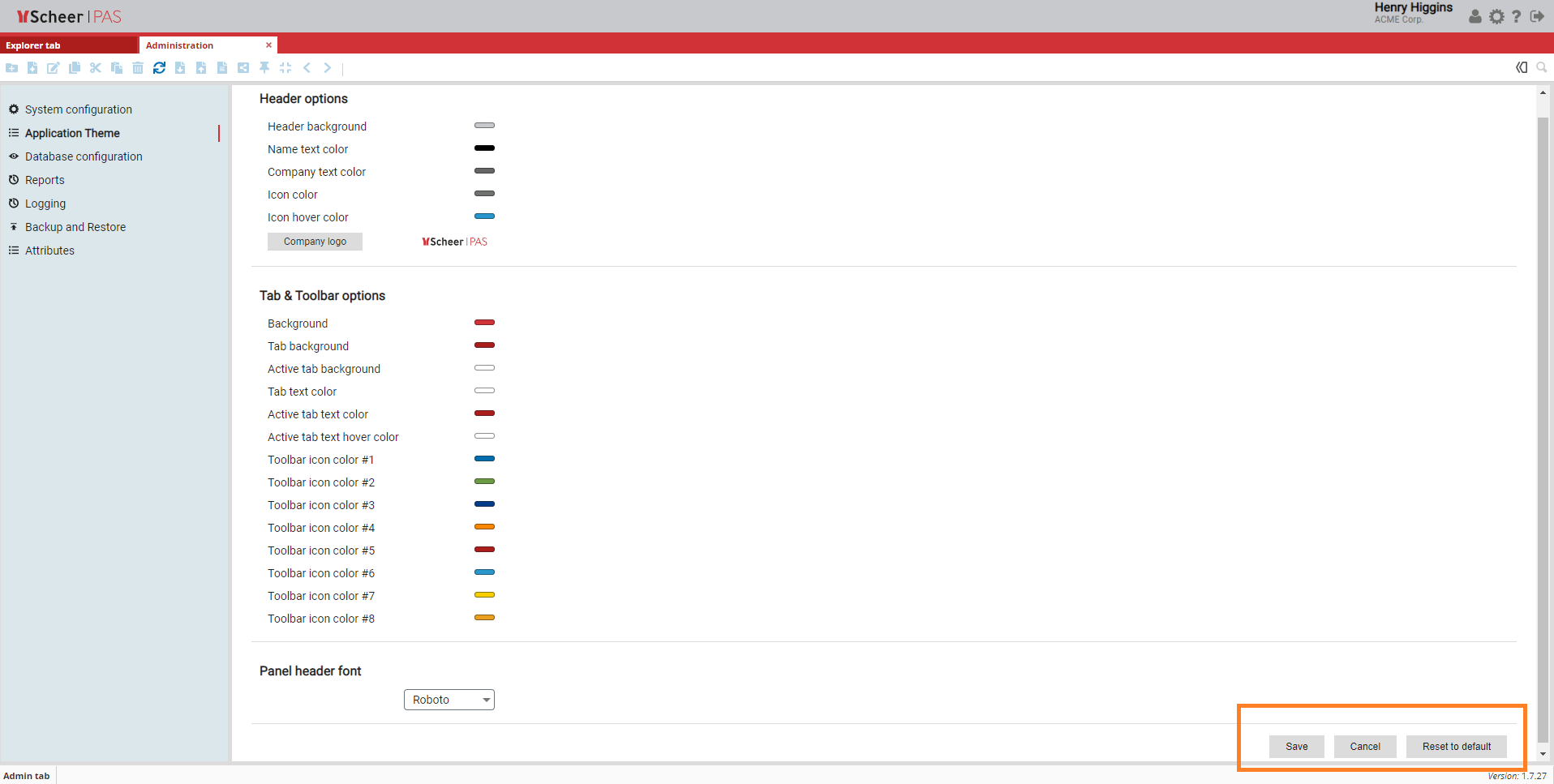
Save your changes by clicking the Save button or abort by clicking the Cancel button.
You can reset the customized layout to the default settings by clicking the Reset to default button.