
Fragments panel location
The Fragments panel is by default located in the lower-right corner of the screen, along with the Objects, Validation and Compare Model panels.
This is where you can see and use fragments created by you or any other user.
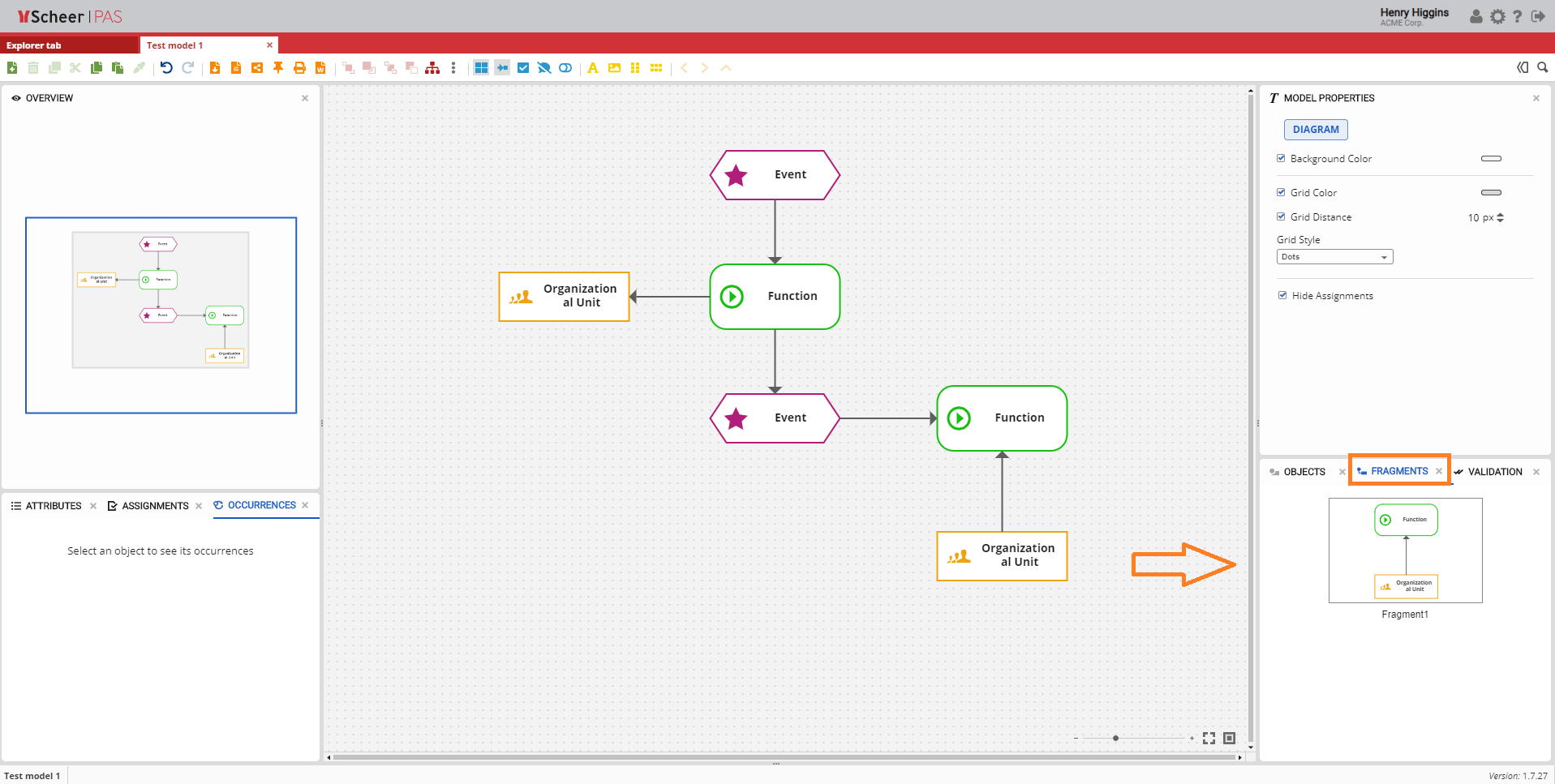
Fragments panel overview
The Fragments panel gives you an option to drag&drop fragments that are currently available for the type of a model that you selected. They consist of one or more selected objects created as a fragment.
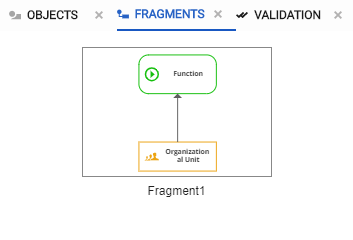
For more details on how to create a fragment visit the Creating a new Fragment section within the /wiki/spaces/MODELER/pages/18972823 page.