
In the header, you can use the following features:
|
Icon |
Description |
|---|---|

|
Use the portal menu to switch back to another PAS component or the PAS Portal: 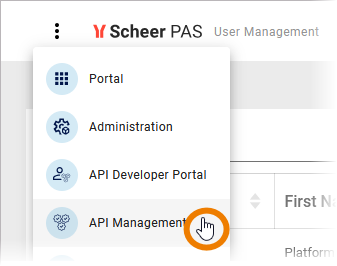
|

|
Use this option to open the PAS chatbot. Refer to Ask the PAS Chatbot! for more information. |
|
Click the user name to open the user menu that gives you access to the following options:
Refer to Managing the User Preferences in our Getting Started Guide for details. |
Related Content
Related Pages: