
Now you can test your service. As in the previous tutorials, you will again use the service preview. Refer to Working with the Test Environment in the Designer Guide for detailed information about the application preview.
In the Controls panel you should see the message Test environment ready. Click Open application to access the test service:
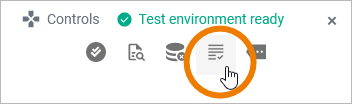
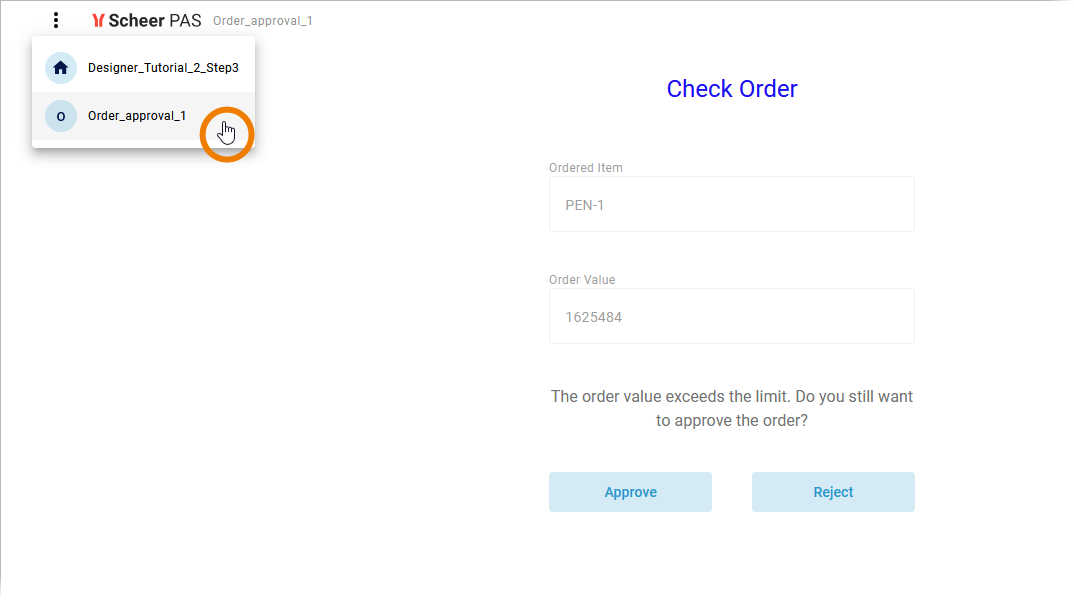
The Applications start page is displayed. It lists all available processes in this service. Click on your process to open its instance list:

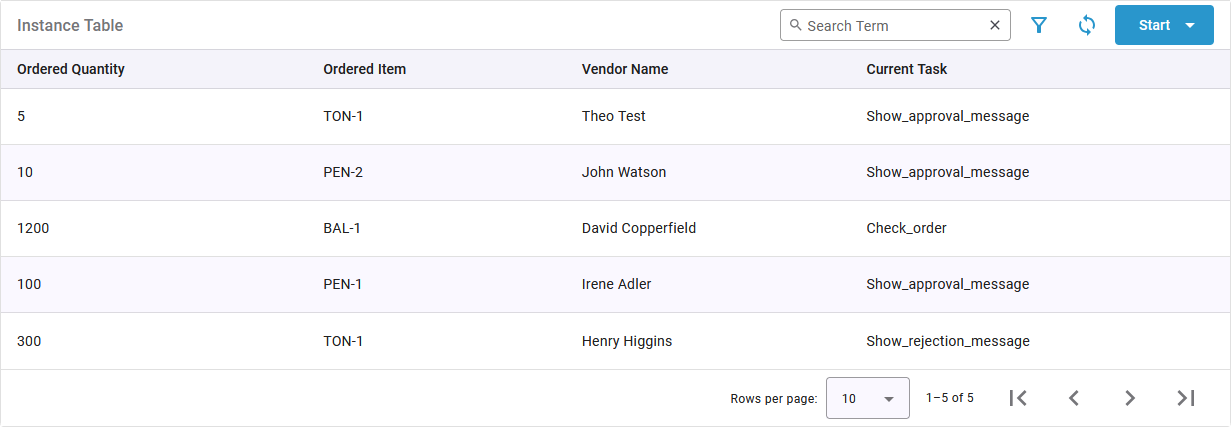
The list displays the content in the order you defined in the column configuration:

To check if the defined content is correctly displayed in your instance table, use the Start button to create some new instances:

Remember: The value of the order limit is 1.000.
Keep in mind that the instance list only shows running instances. Do not process the new instances until the last process step but change back to the process overview after the first or second form.
Running instances are displayed in the instance list, showing quantity, item, vendor name, and the name of the current task:
Filter the Instance List
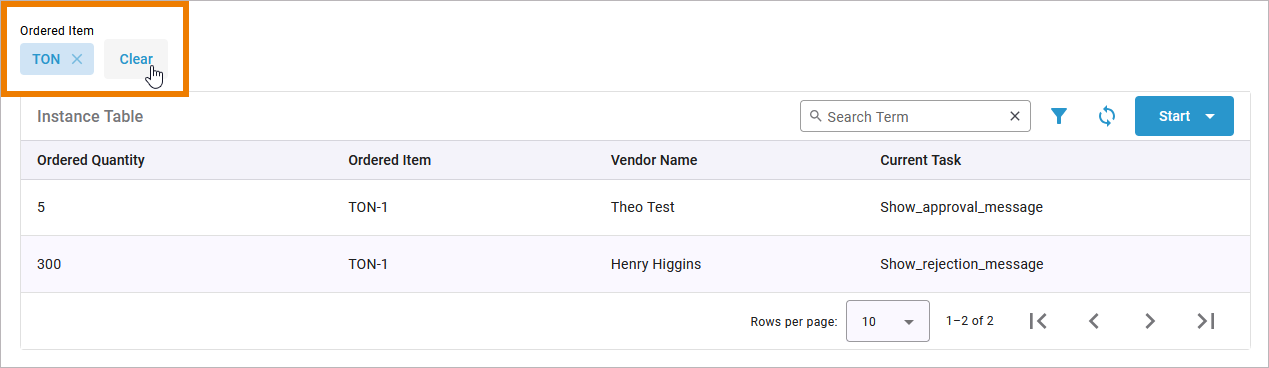
Enter a content-specific filter to reduce the list:
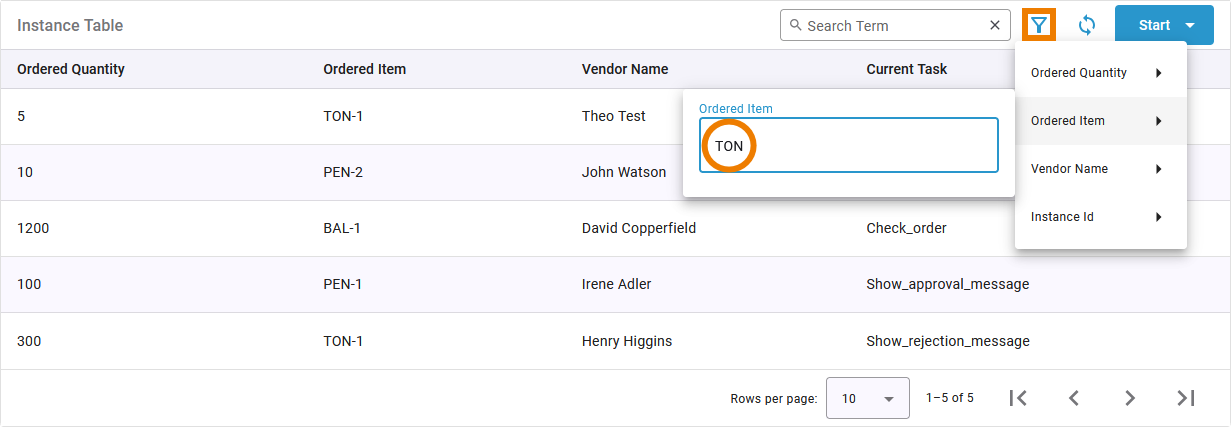
The filter is displayed on top of the instance list. It will be applied until you delete it:
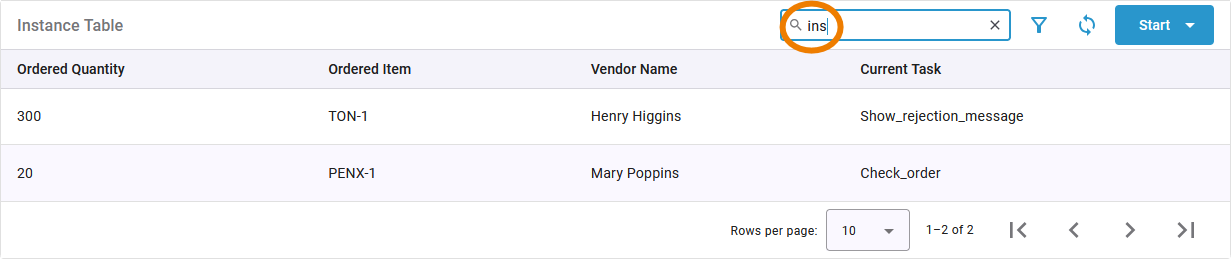
Use the full-text filter to search the whole list:

Congratulations - you have done it!
You have configured your instance list, mapped your form data to show it in the list and tested your changes.
Next Level
You want to discover more?
In Tutorial 4: Deploying a Service you learn how a service is deployed and administrated
Curious about more details?
In this step you tested your application and the data in the instance list. Have a look into our Designer Guide if you are interested in more detailed information:
-
Page Working with the Test Environment contains detailed explanations about the usage of the test environment.
-
Chapter Running Designer Applications explains how to work with the executed application.