Creating a Select Attribute
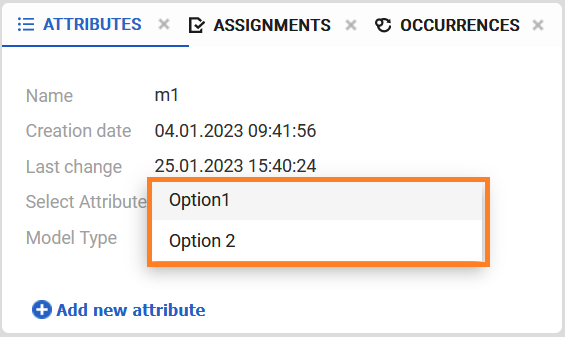
The Select attribute allows users to choose a single value from a predefined list of options. Options can either be selected from existing entries or newly created.
Customizing the Attribute
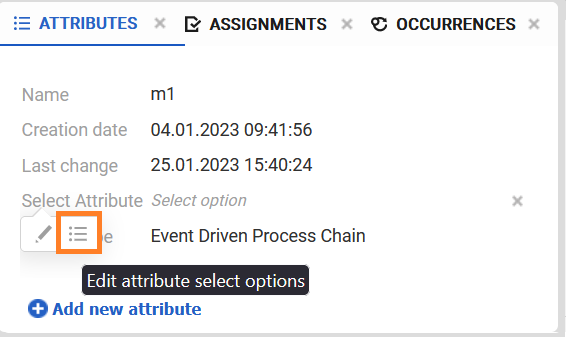
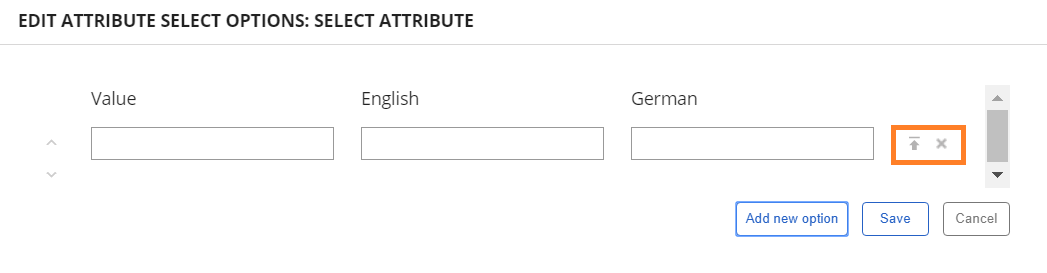
To modify the selectable options of a Select attribute, right-click the attribute name in the Attributes panel and select Edit Attribute Select Options from the context menu. This opens the configuration dialog for the attribute options.
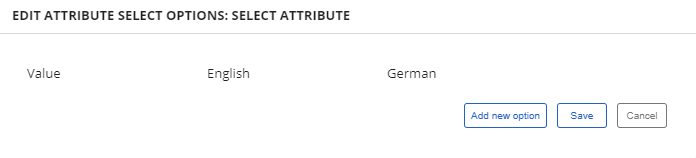
By clicking on the Add new option you can add new entry.
By clicking on Save, you can save your entries.
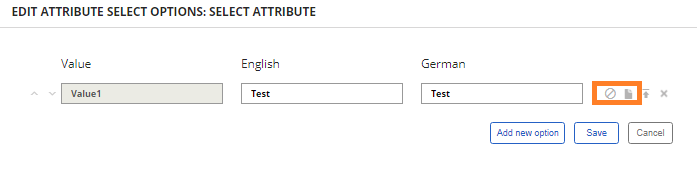
Enter the value you want to display when you click on the field, and add an English and German translation.
You can upload an icon for every option you add. To upload an icon, click on Upload icon.
By clicking on Delete select option, you can delete that option.
Once you have uploaded an icon, options Remove icon and Download icon will appear.
If you want to remove the icon you uploaded, click on Remove icon.
By clicking Download icon, you can download the previously uploaded icon.