Overview Location
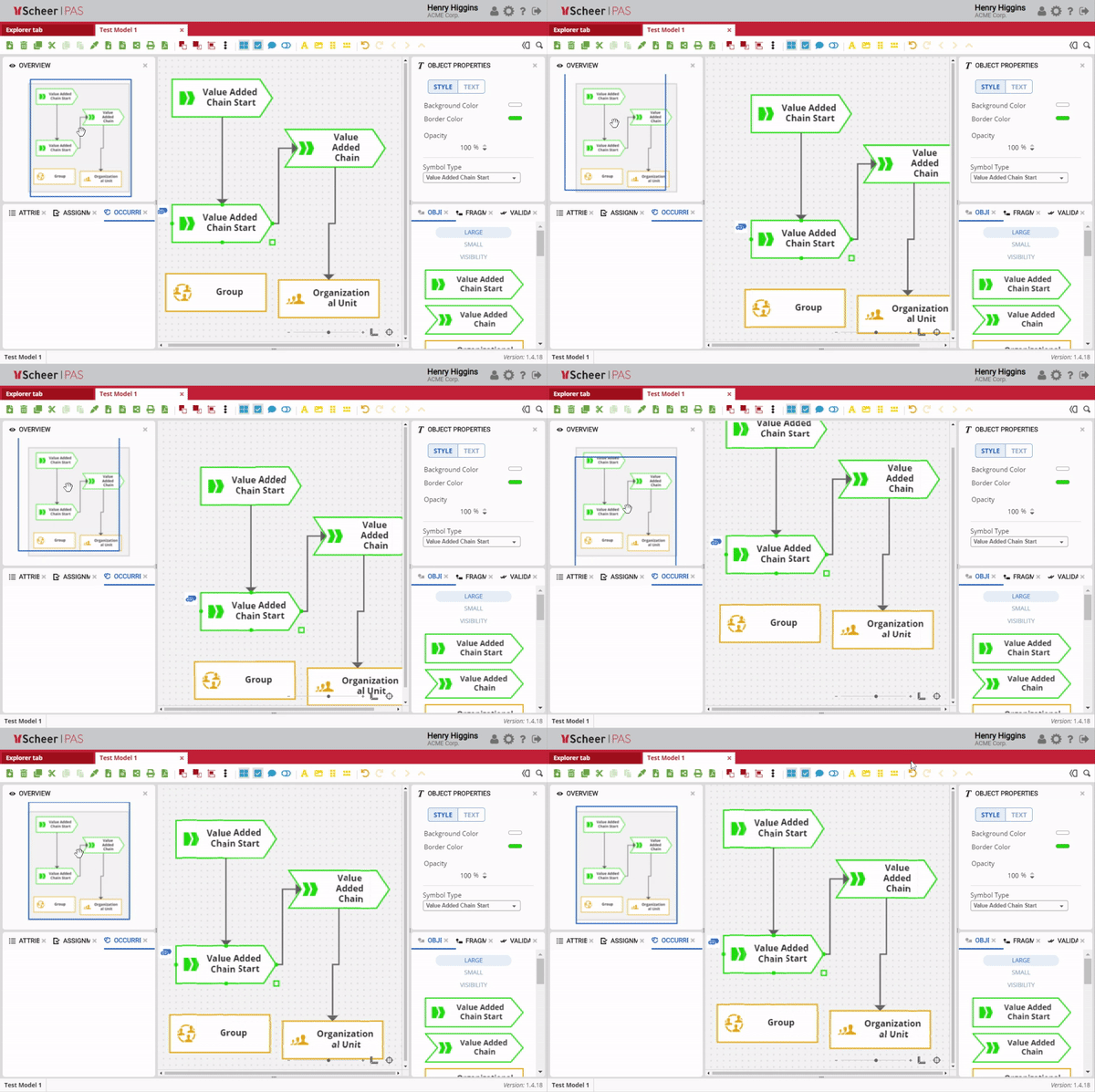
The Overview panel provides a miniature view of the entire model and supports quick navigation within the Canvas. It allows users to easily move to specific areas of large or complex models.
By default, the Overview panel is located on the upper left side of the Canvas.
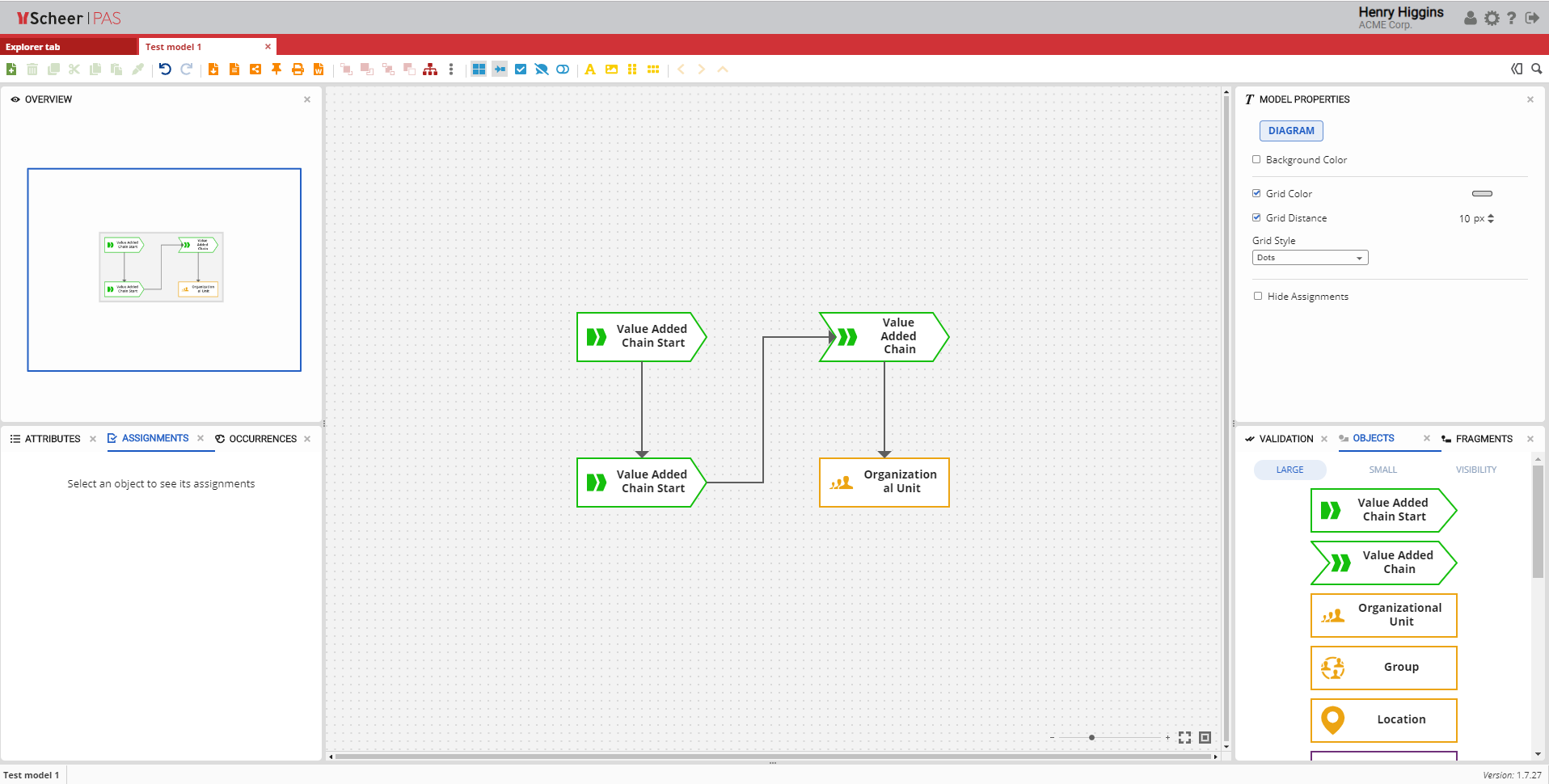
Overview Window
The panel displays a full representation of the model. The blue frame indicates the area of the model that is currently visible on the Canvas based on the current zoom level.
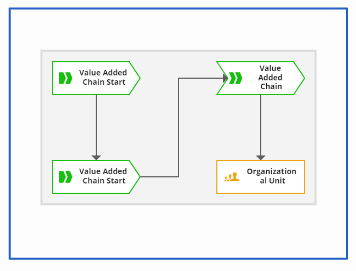
Moving Canvas
To navigate within the model, click and hold the left mouse button inside the Overview panel and move the blue frame. The Canvas view updates accordingly, allowing fast and intuitive navigation across the model.