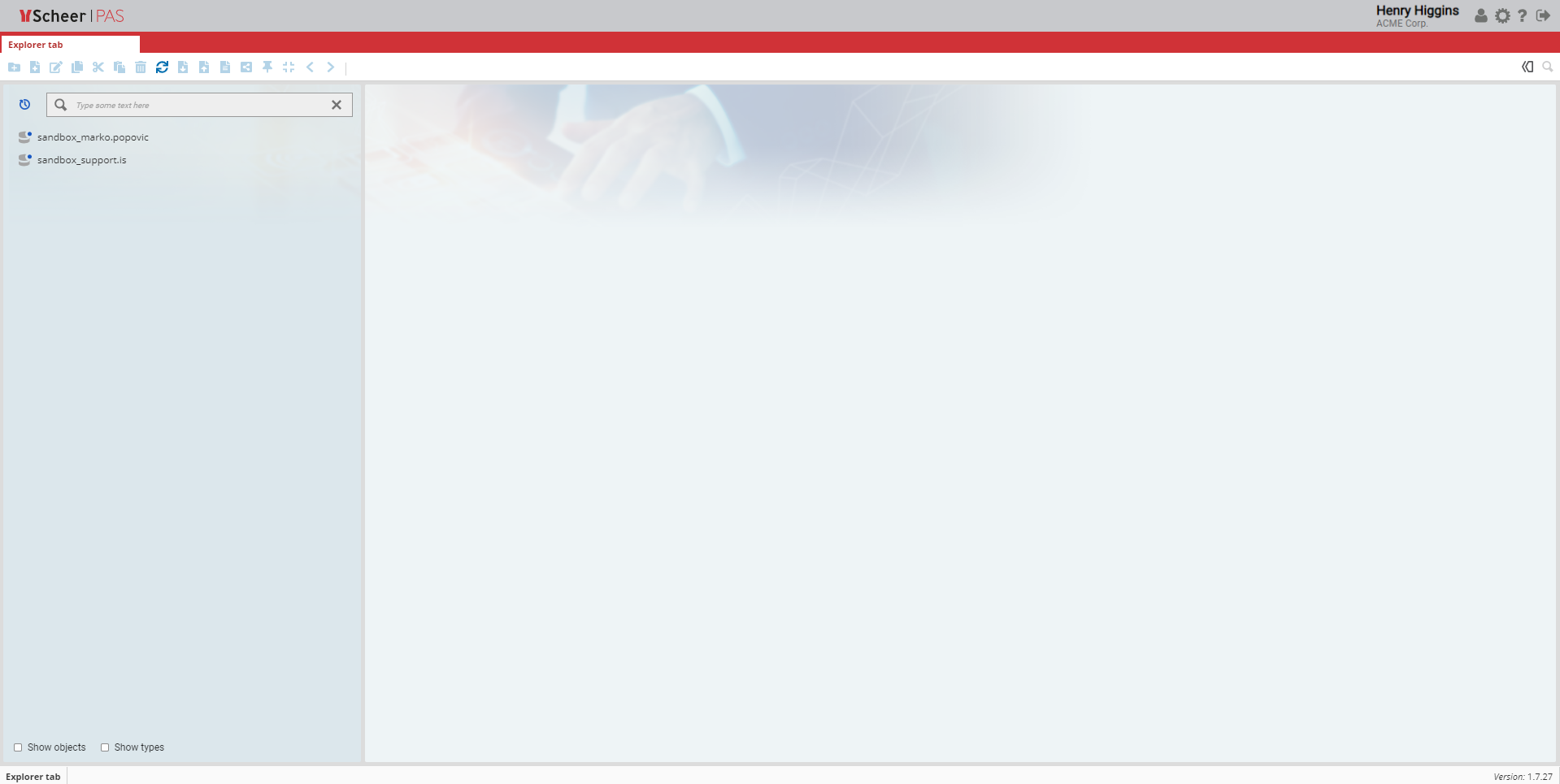
Model Editor Home Page
The editor of the Scheer PAS Business Modeler provides the central working environment for managing project content and modeling business processes. It combines intuitive navigation with powerful modeling capabilities, enabling users to efficiently design, analyze, and maintain process models.
This chapter provides an overview of the editor and its main functionalities. It introduces the general layout of the user interface and the most important interaction elements that support daily modeling tasks.
In the top-right corner of the editor window, the Account Bar provides access to user- and application-related information and settings. From here, users can open User Preferences to customize their personal workspace, such as language settings, visual preferences, and panel configurations. The Account Bar also provides access to the Administration Tab, which contains all configuration and management options for the Business Modeler, including system settings, role configurations, and other administrative functions.
The Navigation Bar supports structured access to databases, folders, models, and additional resources. It enables users to quickly navigate through the workspace, switch between different contexts, and focus on relevant content while working in the editor.