User Preferences Overview
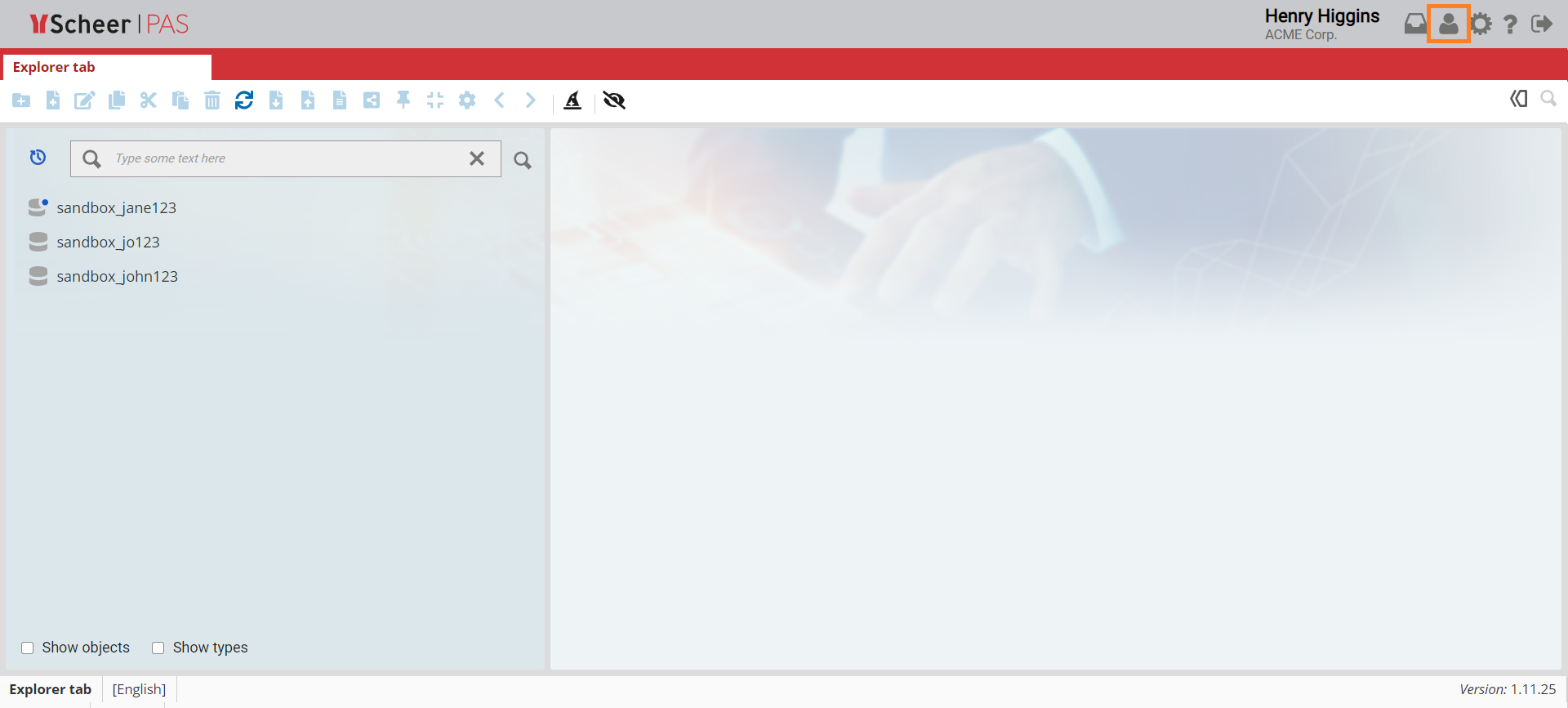
Click on the User preferences icon in the top right corner of the window to display the User preferences side menu.
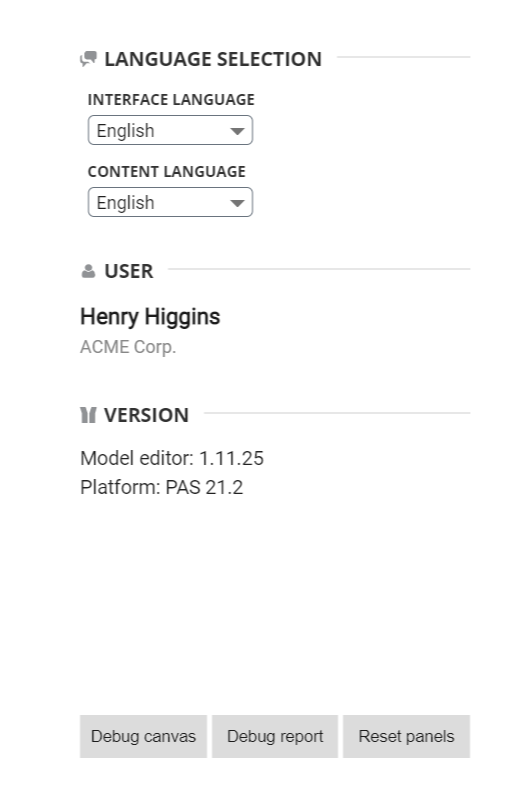
Within the side menu, information of the language selection, user and version is displayed.
-
The Language selection section in the side menu displays language settings. There are two types of language settings that can be adjusted:
-
Interface language: Changes affect the main windows and options while the content stays as default.
-
Content language: Changes affect the content such as name of the object, attributes and various options.
-
The User section in the side menu displays your username and company name.
-
The Version section in the side menu displays the current version of the Business Modeler.