
Page Navigation
The Navigation Bar is used to switch between different tabs within the application, such as the Explorer Tab, Administration Tab, Messages Tab, and open Model Tabs. It allows users to keep multiple models open at the same time and switch between them efficiently.
The Navigation Bar remains visible at all times, regardless of how many tabs or models are open. Users can activate a tab by clicking on it.
Tabs can be rearranged freely using drag and drop, allowing users to customize the order according to their workflow.
To close a tab, click the X icon on the right side of the corresponding tab.
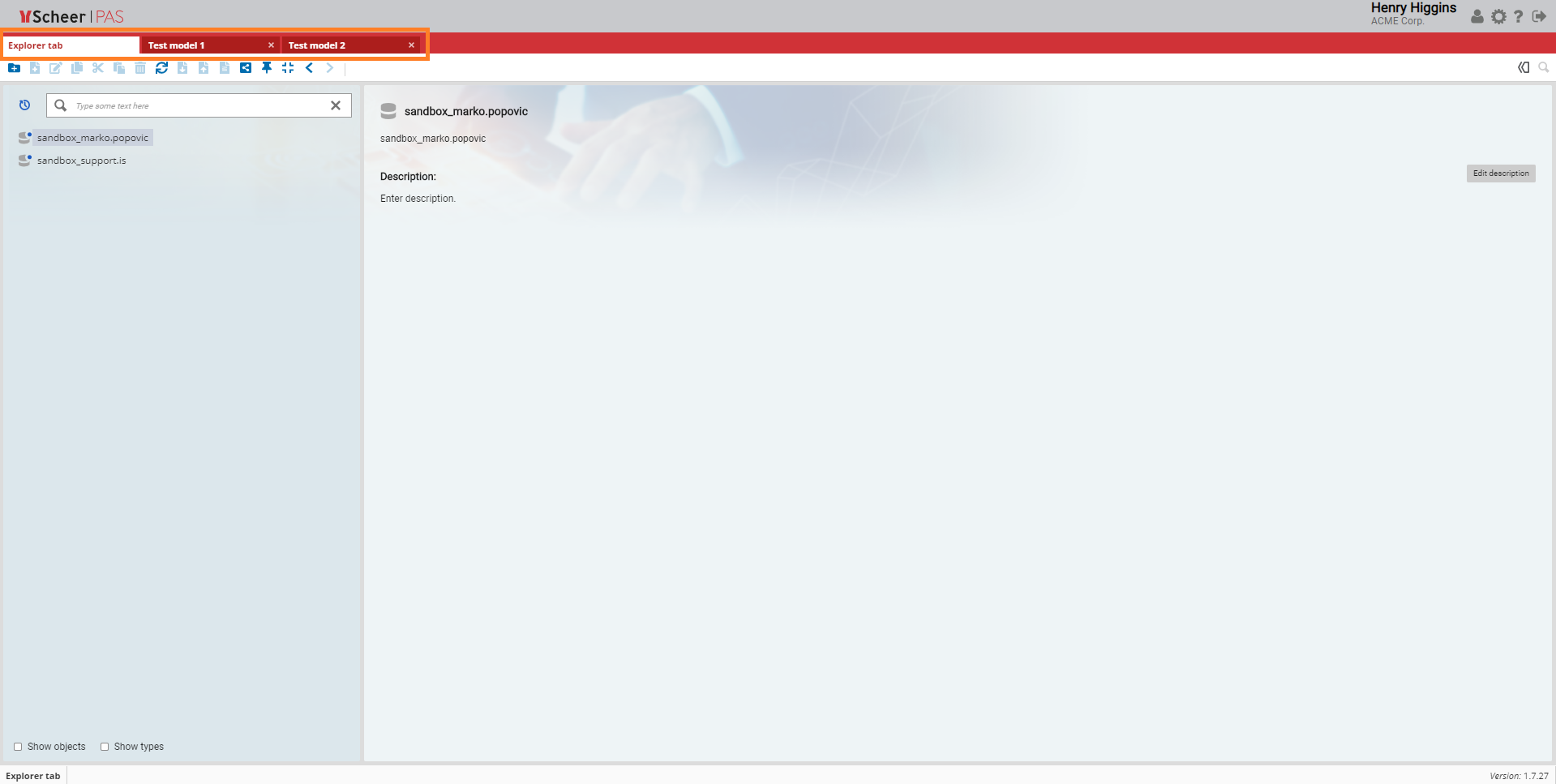
Note that the Explorer tab is the only tab you cannot close. This tab always remains open.