
Usage of test cases is explained using the RESTAPI_SupportManager_Example. Refer to Importing the Service Description for information on how to import the corresponding service API description.
RESTAPI_SupportManager_Example
Click here to download a simple example model that shows the implementation of a REST API with Scheer PAS Designer.
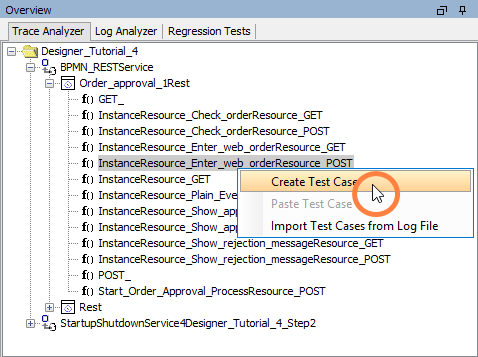
To create a test case, select an operation. From the context menu, select Create Test Case:
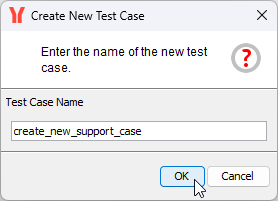
Enter a name for the new test case and click OK. Default name suggested is the name of the operation:
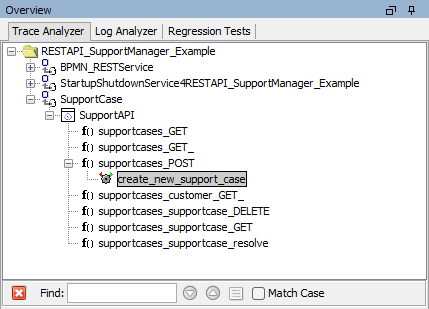
The test case will be listed below the operation and has a grey icon Unknown Attachment . The grey icon indicates that the test case has not been run yet:
Continue with inserting test data.