
When a service sends data to another service, there is no guaranty that the recipient will be available. If the call to the addressed service fails, the current process instance switches to an error state. The example used on this page primarily refers to asynchronous communication. The retry mechanism also works for other types of communication, such as synchronous communication via REST.
To prevent the process instance from remaining in an error state, you can try calling the service again as soon as it becomes available. You can activate the retry function of the Caller_Service_async to do this. Go to the PAS Administration and open the service details page.
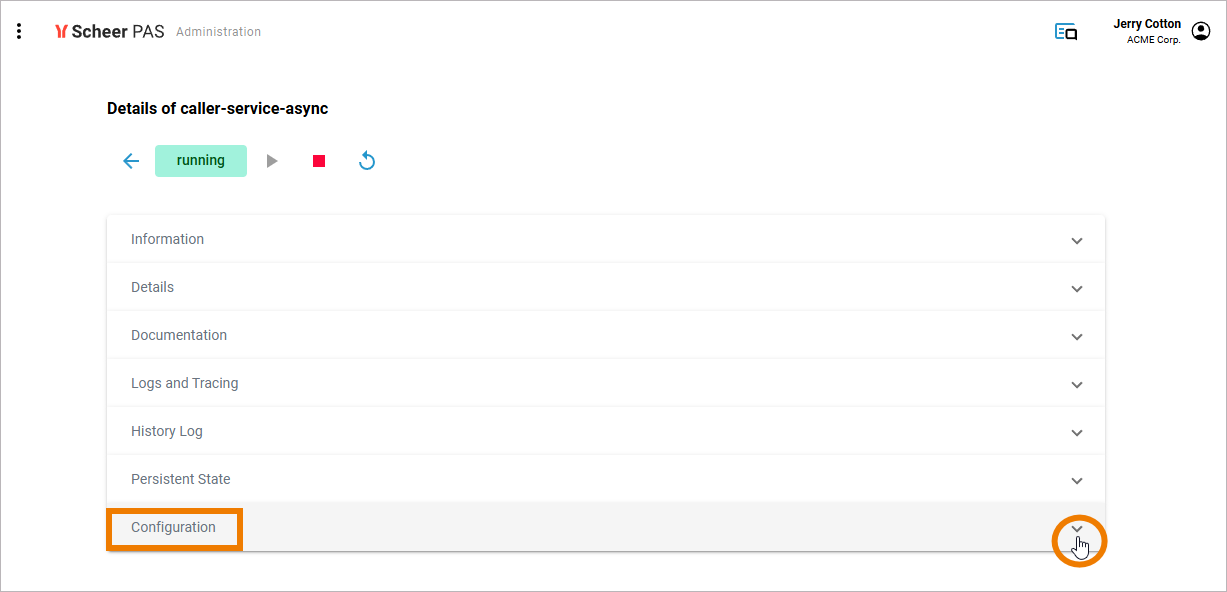
Open section Configuration and filter for “retry”. The parameters autoRetryTrime and autoRetry will now be displayed. Set autoRetry to true and enter an appropriate RetryTime.
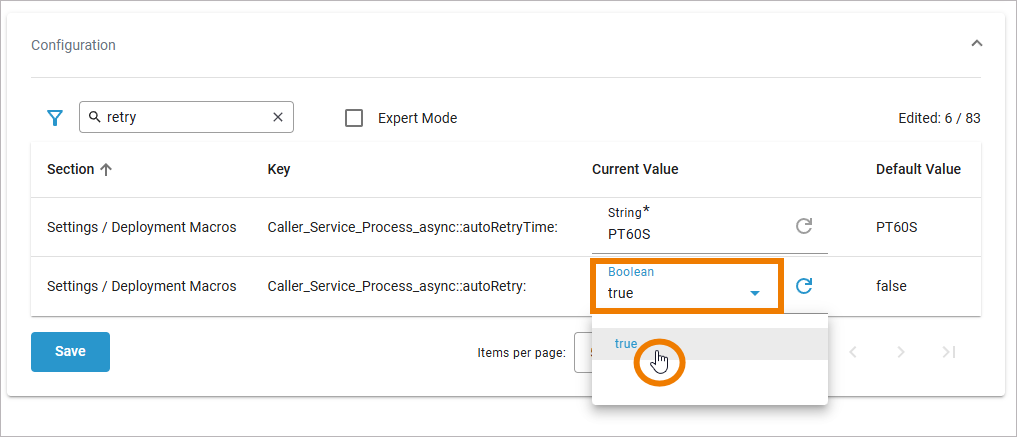
To save the changes, click Save. The service restarts automatically, applying your changes.
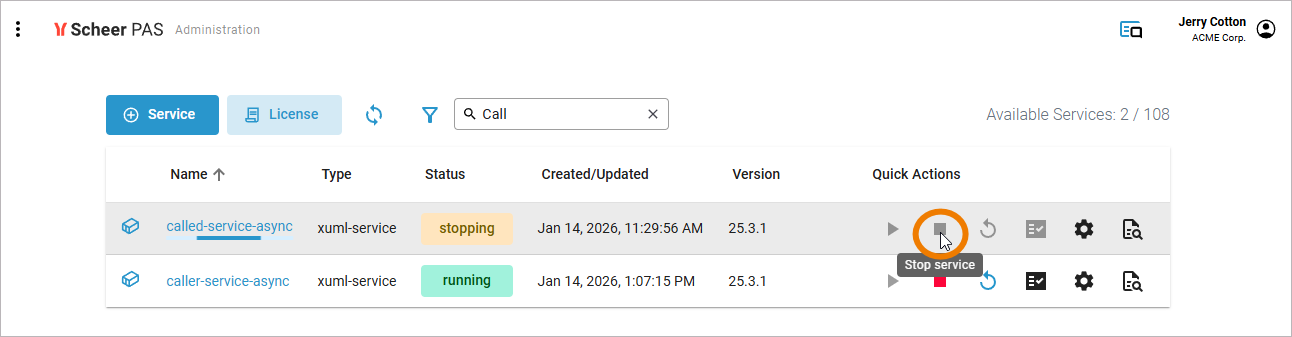
If the requested service is still unavailable, the calling service attempts to call the receiving service every time after the autoRetryTime interval has elapsed. To test this, stop the receiving service in the administration:
Now make sure that the retry function for the calling service enabled and send a new call.
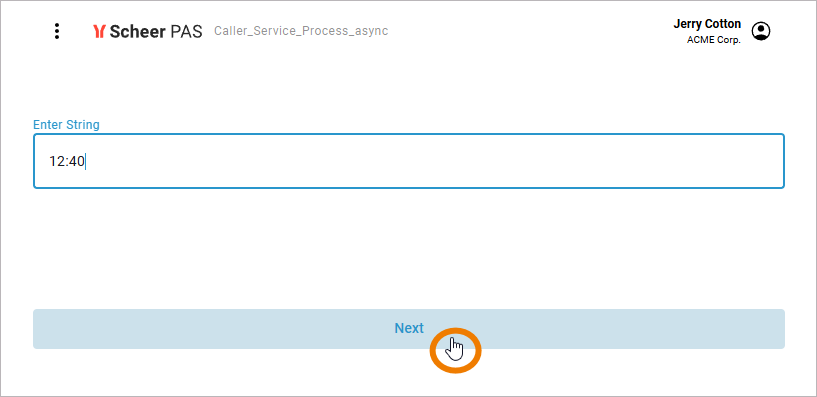
The call will end up in error state and it will not appear in the log of the called service. As soon as you restart the receiving service, the call will be processed and logged accordingly.
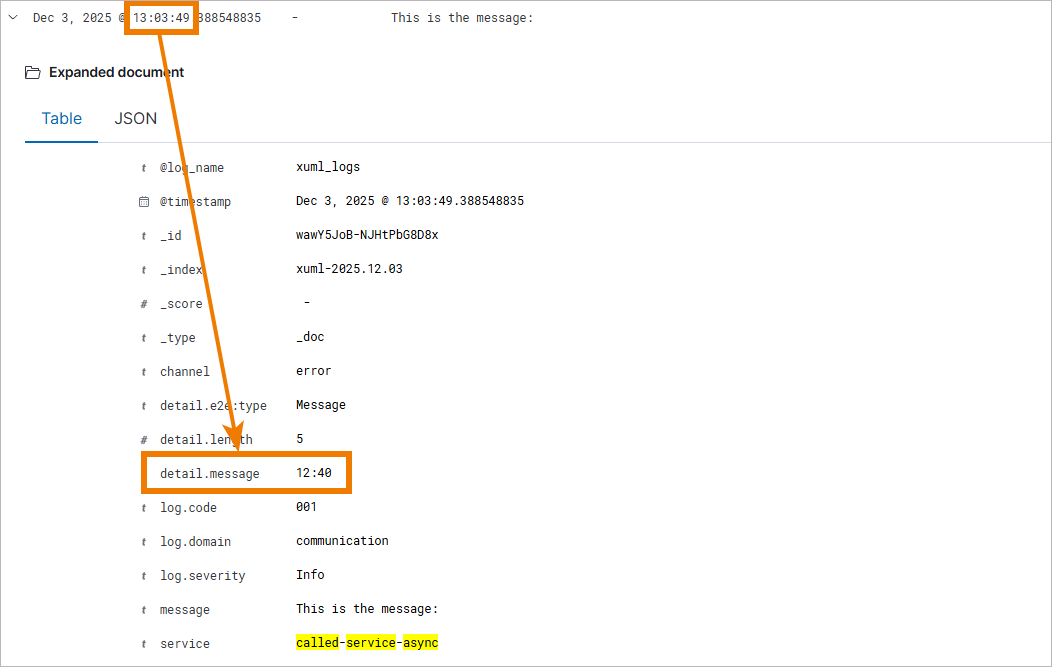
The asynchronous REST call is performed and the process instance completed.