
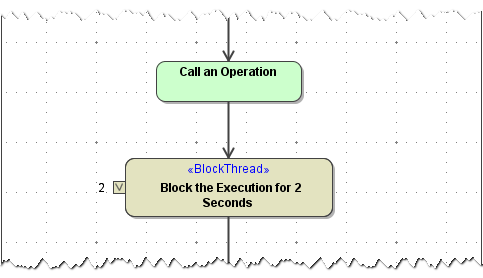
Sometimes it may be necessary to delay the execution of an xUML service. To block the current activity for a given period of time, you can use the Block Thread Adapter.
Figure: Block Thread Action
Each blocked thread consumes a Bridge license slot. Each blocked thread that contains persistent states also blocks a persistent state worker. For more information on E2E Bridge licensing, refer to License for Running xUML Services and Performance Considerations of Persistent State.
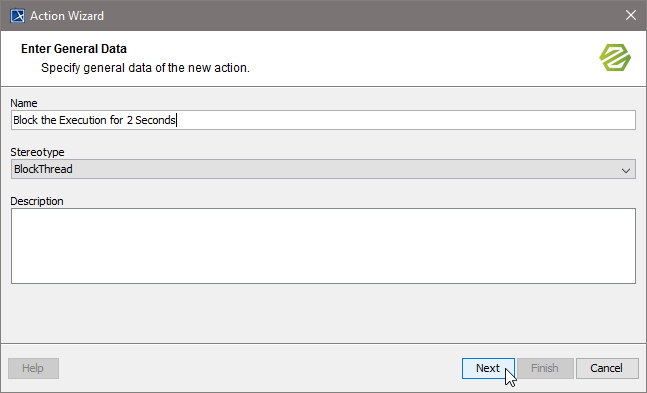
You can use the Action Wizard to add a <<BlockThread>> action. Add an empty action node and select E2E Action Wizard from the context menu.
|
Specify the name of the action and select stereotype BlockThread from the list of stereotypes. |
|
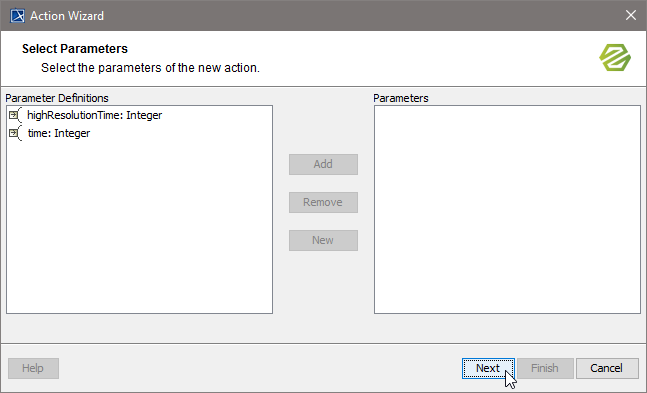
Add the necessary parameter to specify the period of time to wait:
|
|
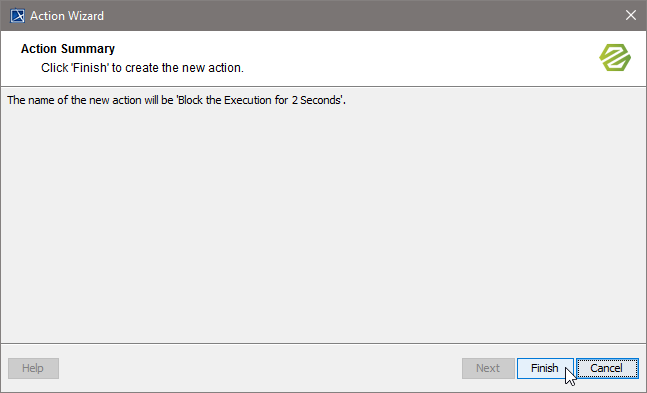
Click Finish. |
Parameters
| Name | Type | Direction | Mandatory | Description | Allowed Values | |
|---|---|---|---|---|---|---|
| time | Integer | in |  |
Specify a period of time in seconds defining the sleep time. | any integer | |
| highResolutionTime | Integer | in | |
Specify a period of time in milliseconds defining the sleep time. | any integer | |