
If you want to access the details of in individual persistent state object, you have two options.
-
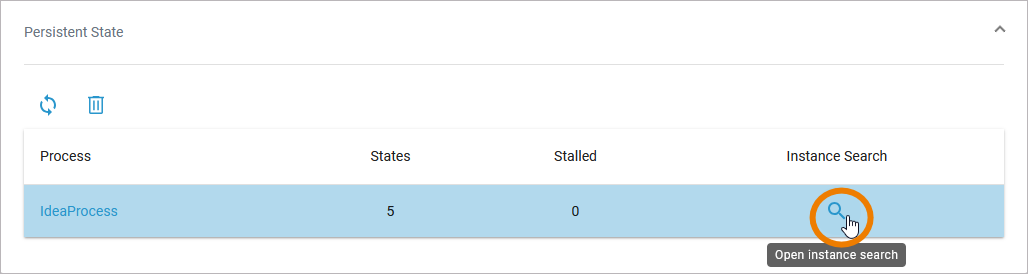
If you know the identifier of the instance in question, you can use the Instance Search on the Persistent State tab:
-
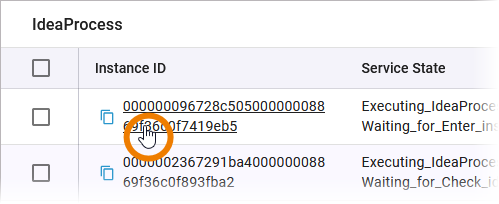
Or you can click the instance ID of a persistent state object in the table:
Working With the Persistent State Object Details
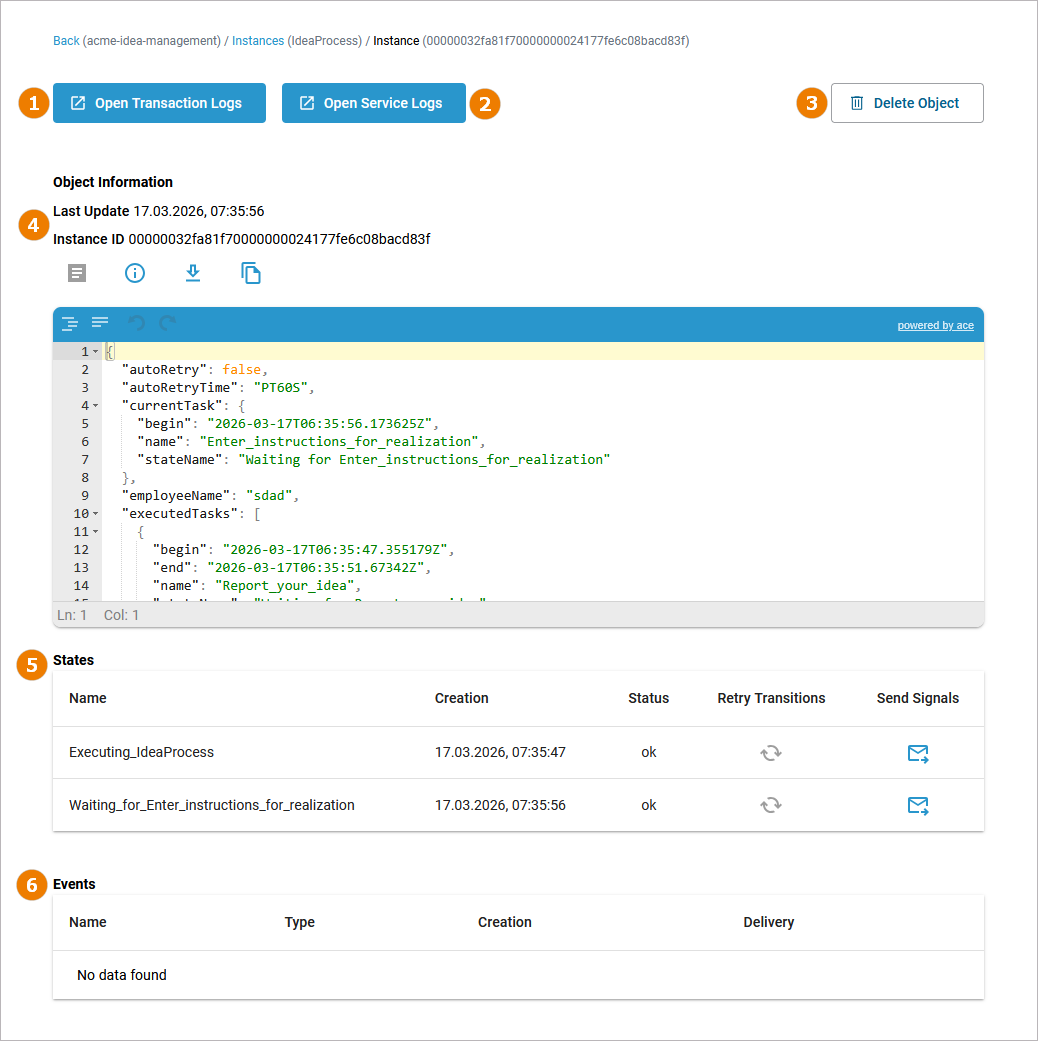
The details of a single persistent state object are opened in a new window. On top of the object details page you can find a breadcrumb navigation that allows you to to switch back to the previous pages. The following information is displayed for each object:
The following functionality is at your disposal:
(1) Open Transaction Logs: Click here to open the transaction logs of the service. The log analyzer is opened in a new tab.
(2) Open Service Logs: Click here to open the service logs of the service. The log analyzer is opened in a new tab.
(3) Delete Object: Click here to delete the persistent state object. Refer to Deleting Persistent State Objects for details.
(4) Object Information: Displays the date and time when the object was last updated and the instance ID. The JSON editor contains the persistent state data, displayed in JSON format.
|
UI Element |
Name |
Description |
|---|---|---|

|
Show full object |
Displays the complete object data in JSON format. Enabled by default. |

|
Show errors only |
Click here to display only the content of the attribute errors of the persistent state object in the JSON editor. |

|
Download JSON |
Click here to download a JSON file with the object information. |

|
Copy JSON |
Click here to copy the content of the editor to the clipboard. |
(5) States: Lists the state of the persistent state object and all substates with Creation timestamp and Status. The names of all persistent state elements are displayed in normalized UML: all white spaces are replaced by underscores ('_'). You have also two options to send signals to the object, refer to Sending Signals to a Persistent State Object below.
(6) Events: A list of all events that occurred on this state object and are not yet finished is displayed. Click on the event name to display further details, refer to Inspecting Event Details
Sending Signals to a Persistent State Object
In the States section, you can find two options to send signals:
-
Retry Transitions: Use Retry to resend the last signal to the persistent state object, if that last transition has failed.
-
Send Signal: Use Send Signal to send a specific signal to this persistent state object.
Refer to Sending Signals to Persistent State Objects for details.
Inspecting Event Details
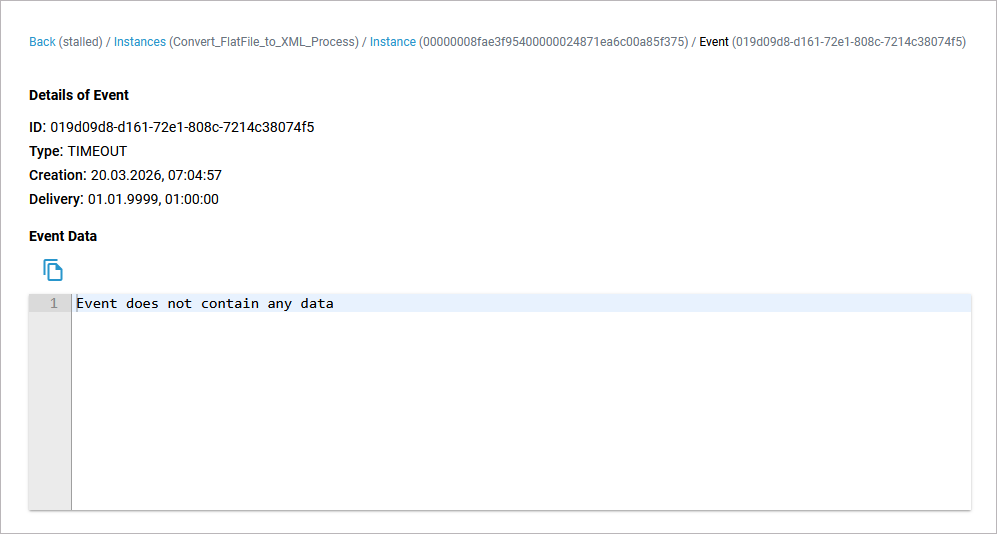
In the persistent state object view, a list of events is displayed. It shows all events that occurred on this state object and are not yet finished. Click on an event name to display further details.
On top of the event details page you can find a breadcrumb navigation that allows you to to switch back to the previous pages. The following information is displayed for each event:
|
Content |
Description |
Values |
|
|---|---|---|---|
|
ID |
Identifier of the event. |
a UUID |
|
|
Type
|
Type of the event. |
STARTWORK |
A do activity is scheduled. |
|
WORKDONE |
A do activity has finished and an update to the object is scheduled. |
||
|
TIMEOUT |
A time triggered transition is scheduled. |
||
|
COMPLETION |
A regular transition is scheduled. |
||
|
JOIN |
Parallel persistent states are joined. |
||
|
FINALIZE |
Object reached final state and is due to be deleted. |
||
|
SIGNAL |
Processing a signal that has been send to the object. |
||
|
Creation |
Creation date and time of the event. |
any datetime |
|
|
Delivery |
The Delivery timestamp is always in the future and indicates when the event will be triggered. |
any datetime |
|
|
Event Data |
This text box contains the signal event data. |
any string |
|