You have two options to delete persistent state objects. You can delete...
-
... multiple objects at once using the persistent state objects table.
-
... single objects in two different ways.
Since an object can be in different states at once, a selected object will be deleted from all states.
Deleting Multiple Objects
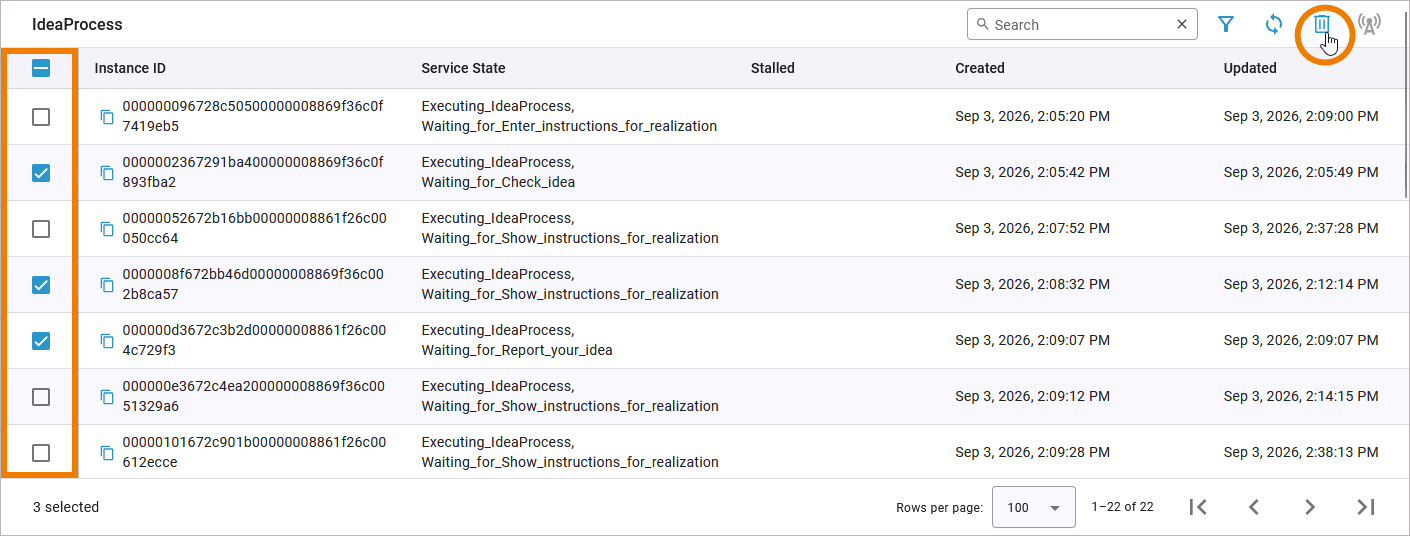
You can use the persistent state objects table to delete several persistent state objects at once. Select the checkbox in front of the objects that you want to delete, then use option Delete. The option is only enabled when at least one object has been selected:
You can also select all displayed objects by using the checkbox in the header of the table:
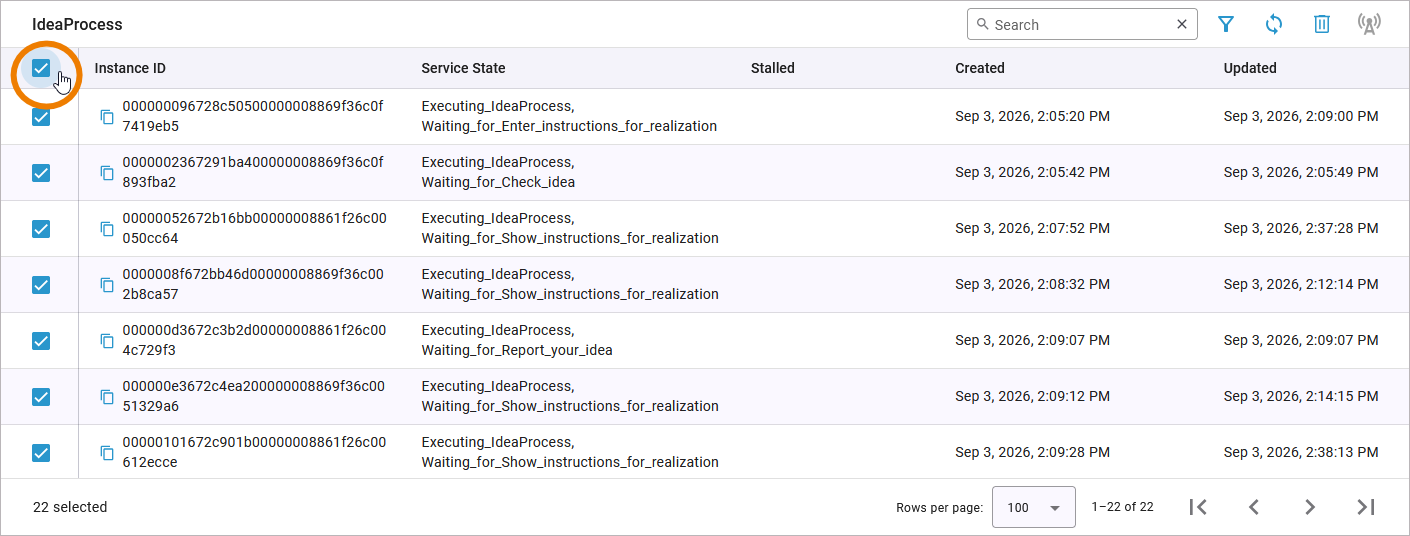
This option does only select the objects that are displayed on the current page, not all available objects.
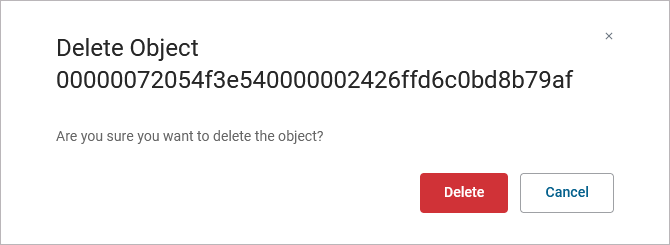
You need to confirm your choice:

Deleting a Single Object
You can use the persistent state objects table to delete a single persistent state object. Select the checkbox in front of the object that you want to delete, then use option Delete:
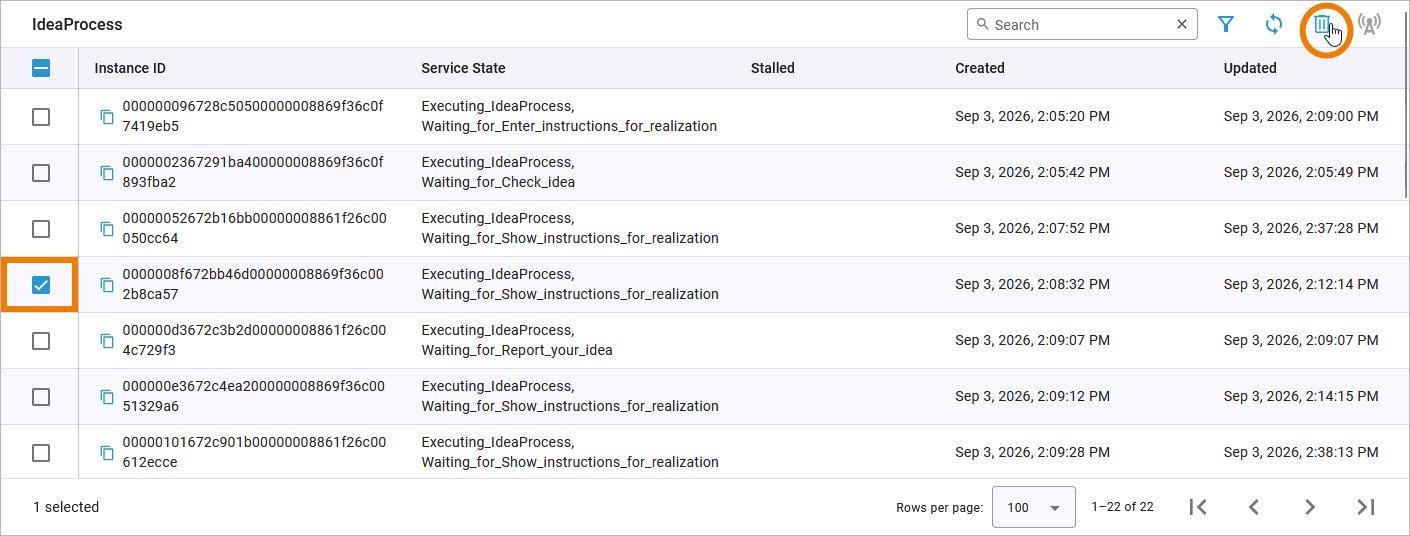
You need to confirm your choice:

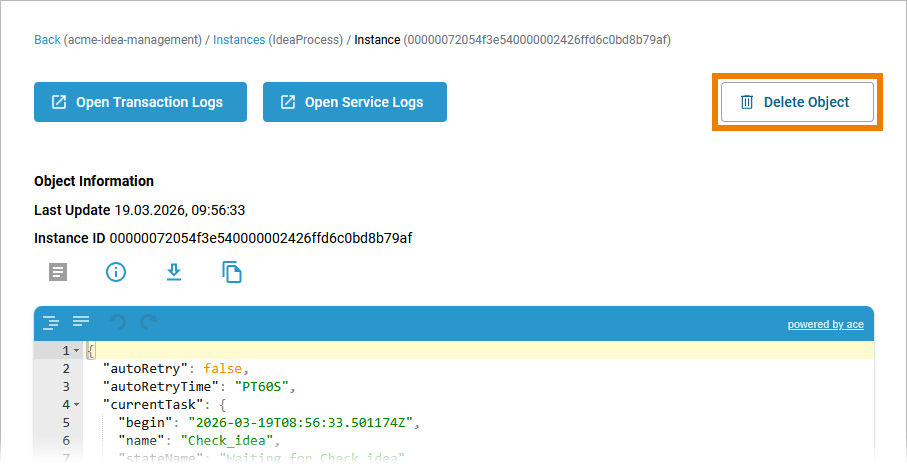
You can also use option Delete Object on the object details page to delete a single persistent state object:
You need to confirm the deletion: