
A common use case in the Designer is that multiple users want to work in a shared namespace. Namespaces are created and assigned in the Scheer PAS User Management. If you want to create a (shared) namespace, you must have permission for the user management: Only users with profile user_management_admin are able to work in the user management.
Refer to The Concepts of User Management for more detailed information.
Creating a Namespace
In Scheer PAS User Management, we are using profiles to grant the users the necessary permissions for the platform components. A Designer namespace is a special profile:
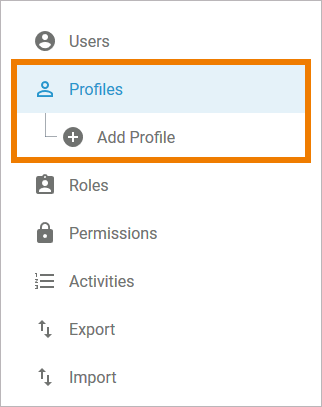
Namespace is the term for the memory location where the data of this profile is saved. In a profile without namespace, no data can be saved. You can not add or delete a namespace to/from an existing profile after creation. If you want to create a (shared) namespace for the Designer, open the user management menu Profiles and click Add Profile:
An empty profile data sheet will open. You can now enter a Name, a Display Name and a name for the Namespace of the new profile:
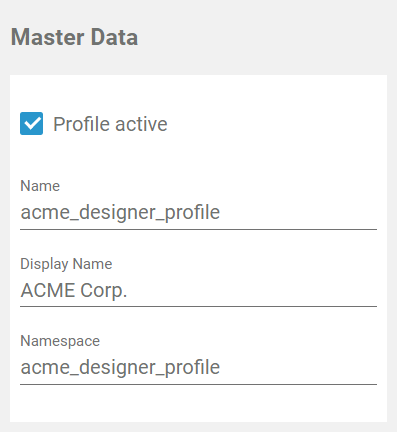
Use the same identifier for name and namespace of a profile.
Click Save to create the profile/namespace. For a detailed description refer to Adding a Profile.
Assigning Users to a Namespace
Once a namespace has been created, you can assign it to different users. Open the profile's data sheet and scroll down to section User. No users are yet assigned to a newly created profile. Click the Assign button to open the list of available users. Select the users you want to give access to the profile:
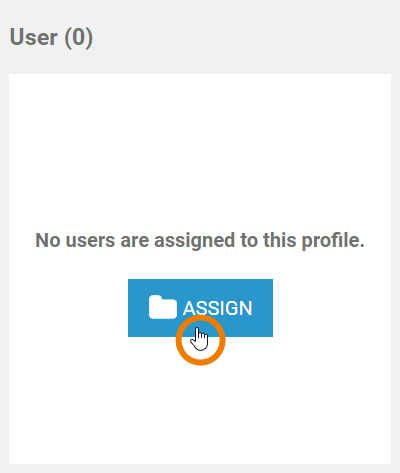
For a detailed description refer to Assigning Users on page Adding a Profile.
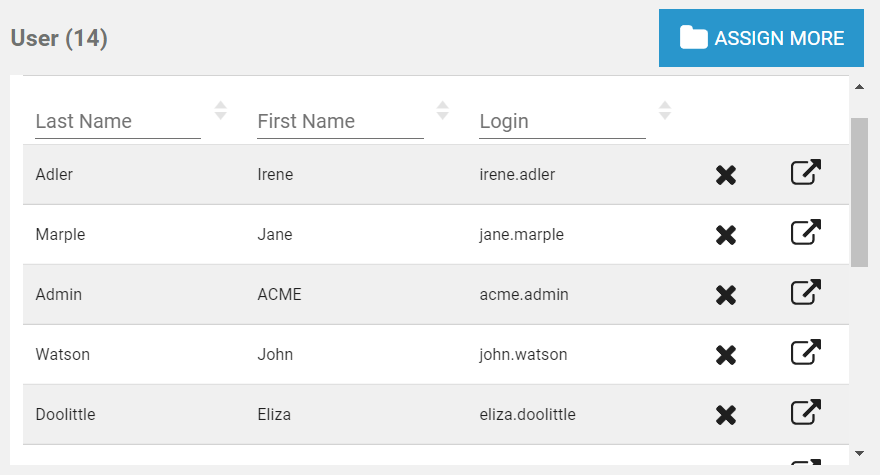
Your selection is transfered to the User section of the profile data sheet:
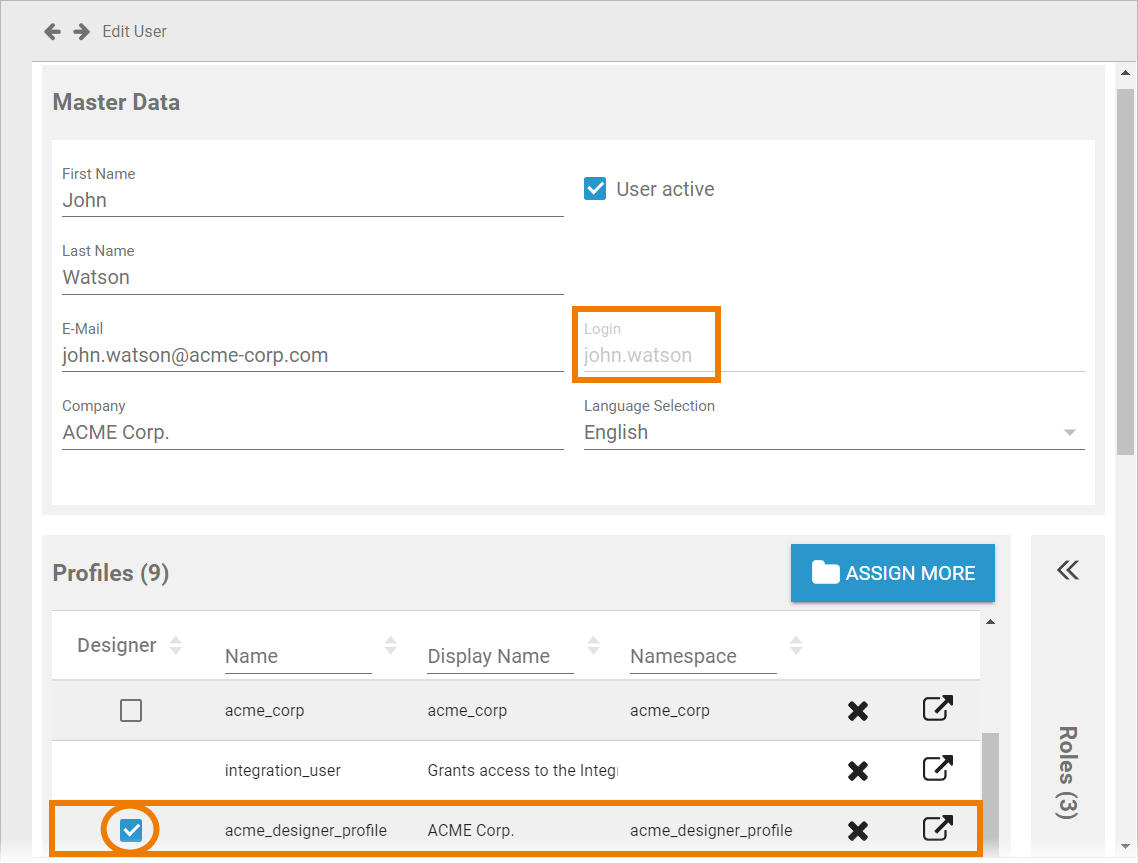
If you want to grant the user write permission, you have to switch to the user's data sheet and enable the corresponding checkbox in section Profiles.
Now all assigned users will see the namespace in the Explorer of Scheer PAS Designer:
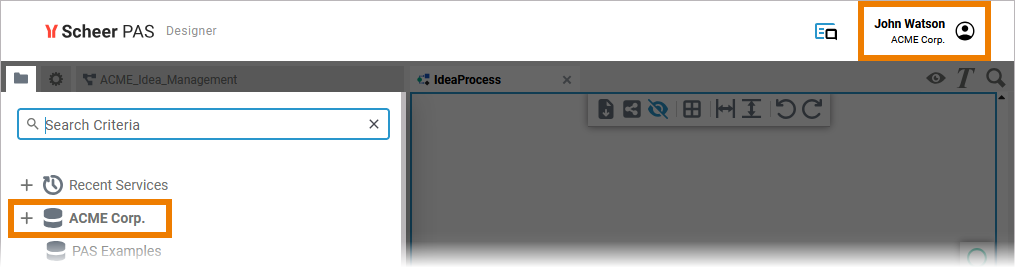
If a namespace has been assigned to your user and you cannot see it in your Explorer yet, reload the page. It should then be displayed.