
Prerequisites
The AI agent feature is only available in a Kubernetes setup. To use PAS AI agents, you need an account with an AI service provider that is not provided by Scheer PAS.
Currently, the following providers are supported:
-
Google
-
Mistral
-
OpenAI
-
LLMs hosted by Microsoft Foundry
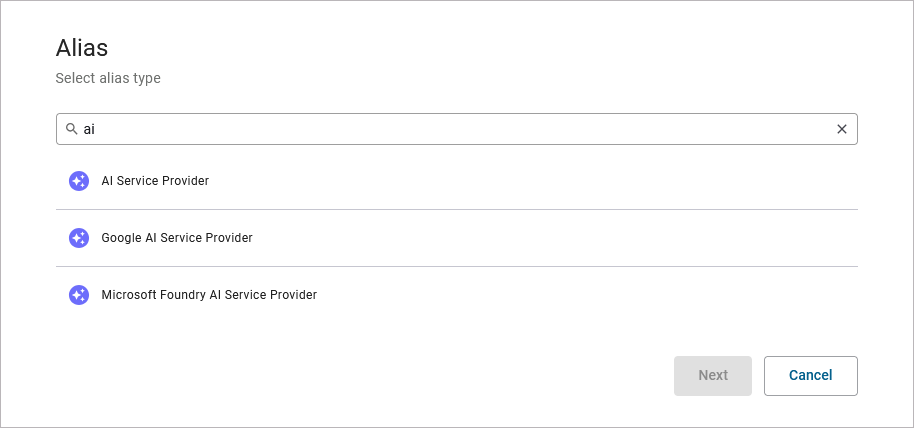
If you want to use an AI agent in a Designer service, you need to create an AI Service Provider alias. The crceation of an alias in the Designer is explained on page Aliases.
Scheer PAS supports multiple AI service providers:
-
Use AI Service Provider Alias for models of OpenAI or Mistral (refer to AI Service Provider Reference for details).
-
Use Google AI Service Provider Alias for Google models (refer to Google AI Service Provider Reference for details).
-
Use Microsoft Foundry AI Service Provider for models hosted in an Azure environment (refer to Microsoft Foundry AI Service Provider Reference for details).
AIAgent_InsuranceCase_Example
Click here to download a simple example model that shows how use an AI agent to process unstructured data with Scheer PAS Designer.
The AI Agent feature is only available on Kubernetes. To execute this example, you need your own API key from one of the supported AI service providers.
Related Content
Related Documentation: