
A User Task is a step in a process that must be completed by a person, not by the system. In this step, the user typically fills out a form, checks information, or makes a decision. The user task is completed via a trigger event, usually by clicking a button. The process is transferred to the next process step.
To ensure that only authorized persons have access to a user task and its content, place it in a lane and assign a role to it. Depending on the different role permissions, a user can:
-
edit the form and complete the user task
-
view the form only
-
not even open the form
Behavior of the User Task in Different Scenarios
Switching Between User Tasks
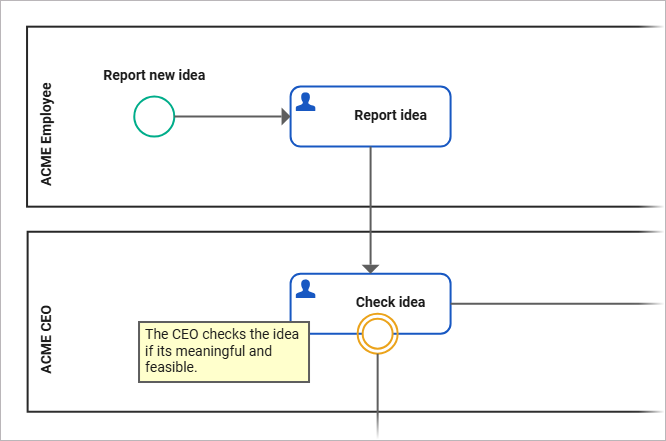
If one user task follows another in a process, they may be in different lanes with different permissions:
Write Permission
If a user has Write permission on both lanes, they can edit both user task forms and trigger any available buttons.
Read Permission
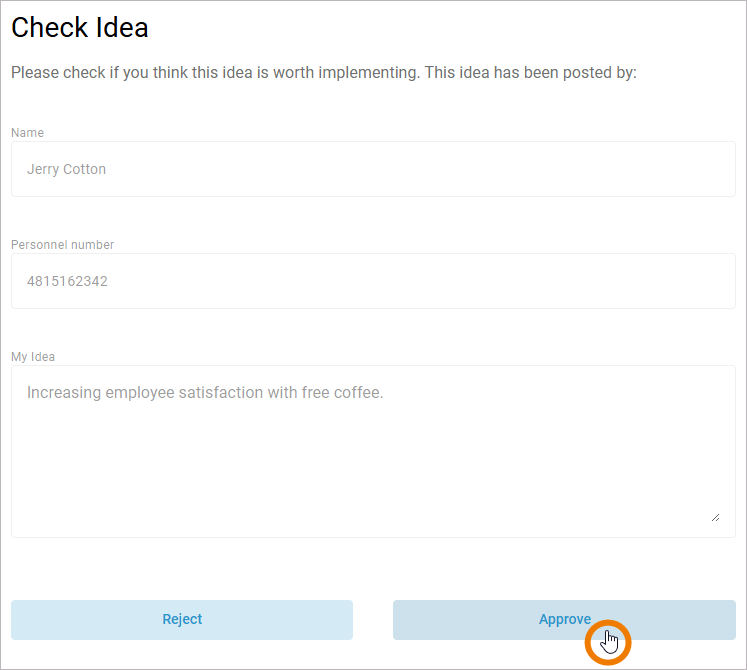
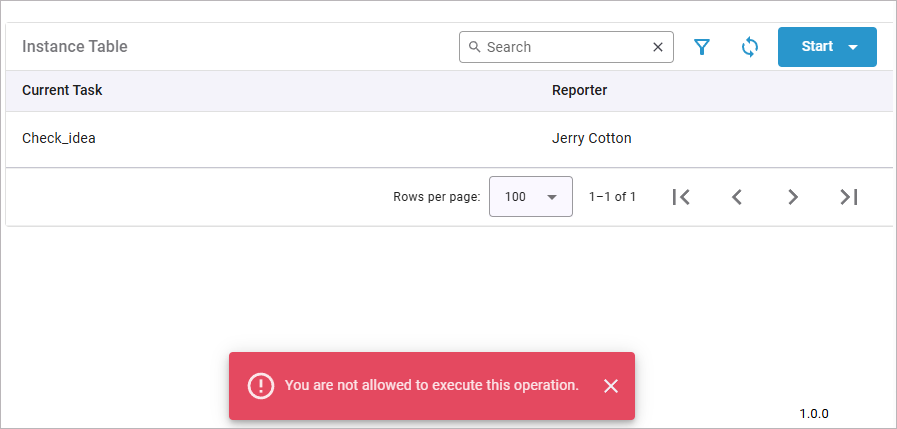
If the user has Write permission on the first lane and only Read permission on the second lane, they are redirected to the second form but cannot edit it. If they try to trigger a button, the system redirects them to the instance list and shows an error message: You are not allowed to execute this operation.
List Permission
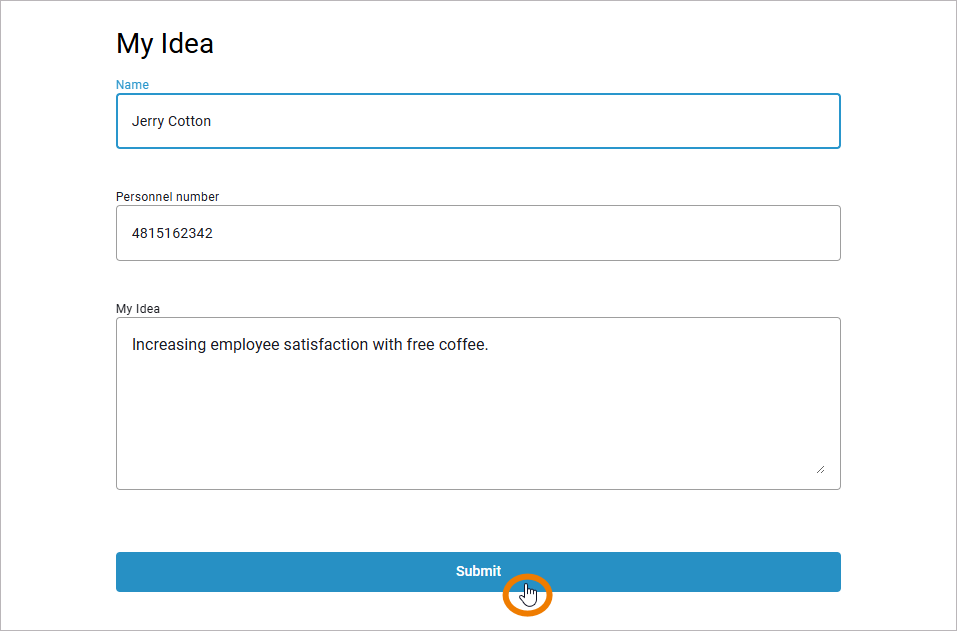
For users who have Write permission on the first lane but only List permission on the second lane, it is not possible to see how the process continues after they submit the first form.
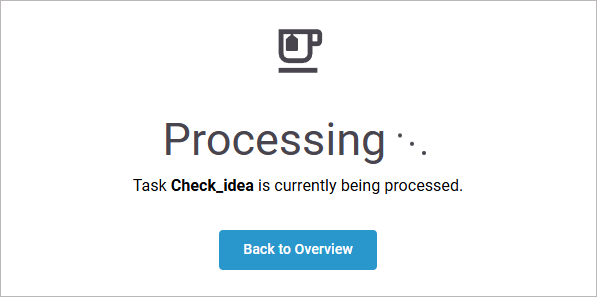
Instead, they see a message that this task is currently being processed:
Open an Existing Instance (User Task) via Instance List
Another way to open a user task is to open the instance list and click an entry to jump to the current process step, a user task. If this task is placed in a lane, as in our example, you can distinguish three permission types: Write, Read, and List, which behave differently.
Write Permission
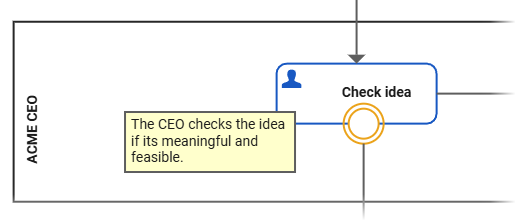
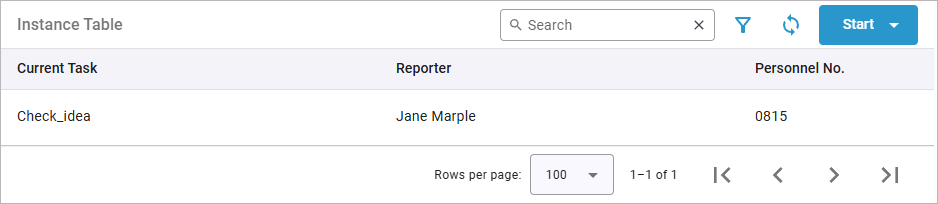
The users can view process instances in the instance list:

They can open the shown process instances, edit the corresponding forms and click buttons (which also triggers the next step in the process):
Read Permission

Users with Read permission on the actual process step can view created instances in the instance list and open these process instances. They can view, but not edit forms.
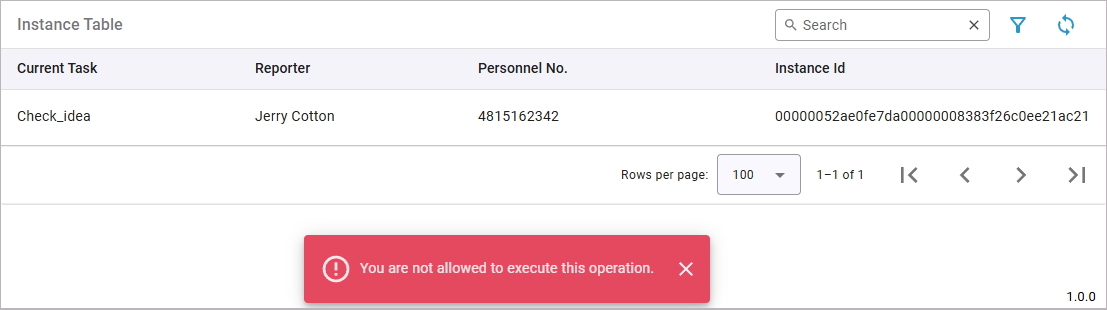
If they click a button, the system displays an error message and returns them to the instance list: You are not allowed to execute this operation.
List Permission
The user can view created instances in the instance list. If they attempt to open a process instance, the system hides the form and shows a message that the process step is currently being processed:
Access a User Task via API
In general, calling user tasks via the API works the same as calling them via UI. Depending on the permissions on the lane, users with certain roles may also retrieve and edit form data via the API. If they do not have sufficient permissions, the system returns an error code.
Write Permission
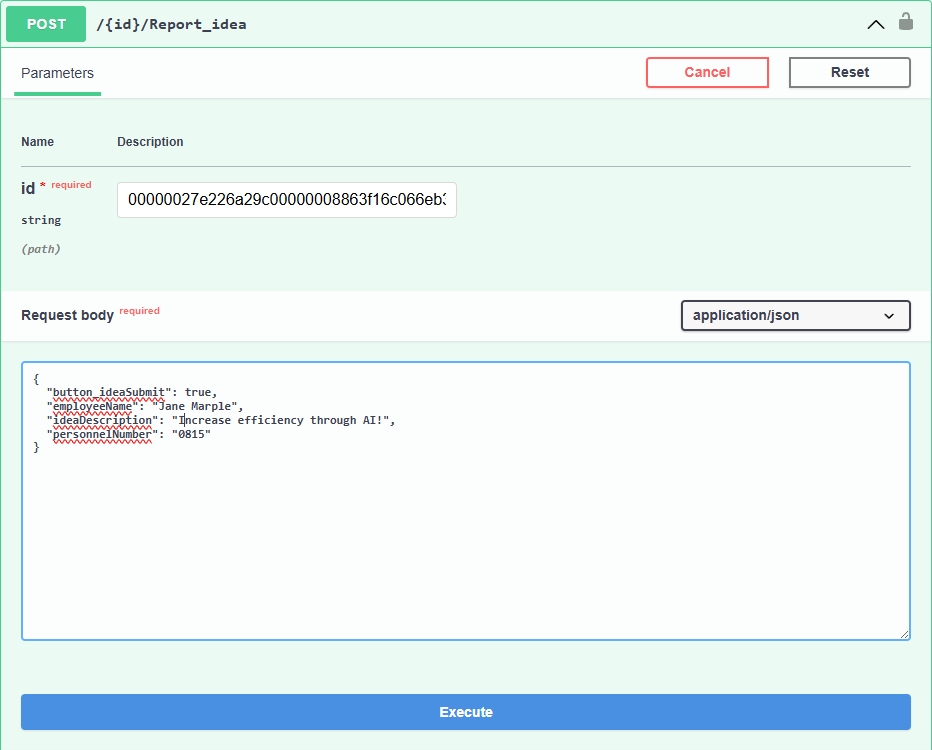
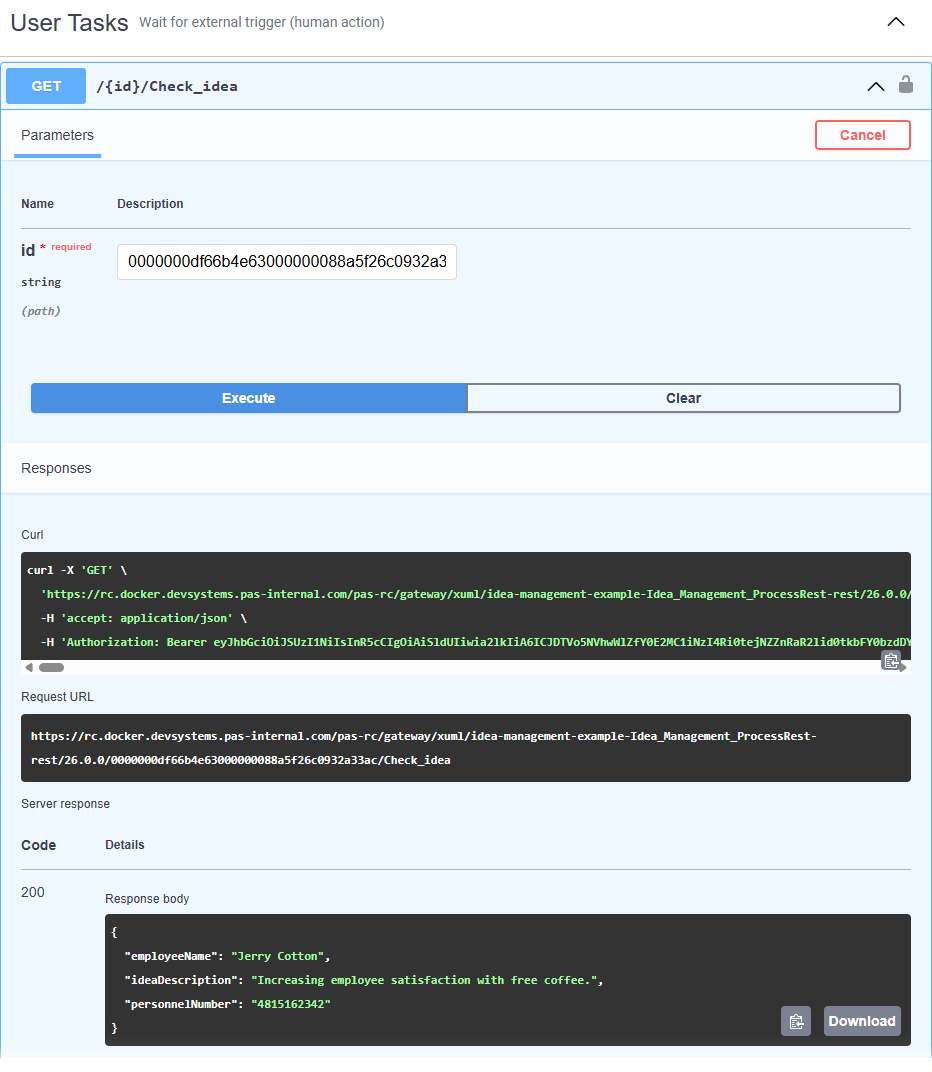
As with execution in the UI, users with Write permission on the lane can also use the API to get and edit process instances:
Read Permission
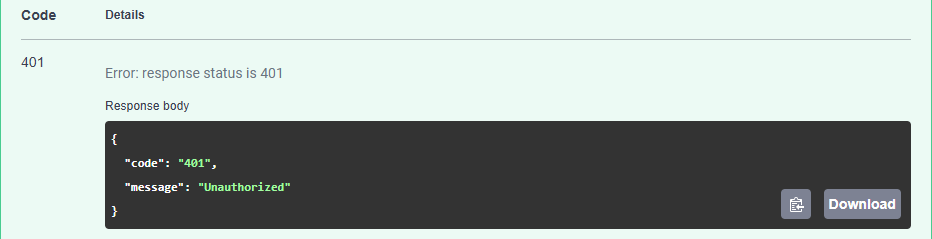
If users only have Read permission on a lane, they are allowed to retrieve data with a GET request. However, if they try to send data with a POST request, they receive the 401 error Unauthorized:
List Permission
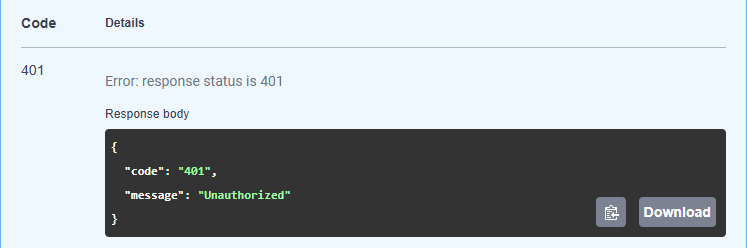
If a user has only List permission on the lane that contains the user task, they receive a message via the API that they do not have sufficient permissions to access it.
Related Content
Related Pages: