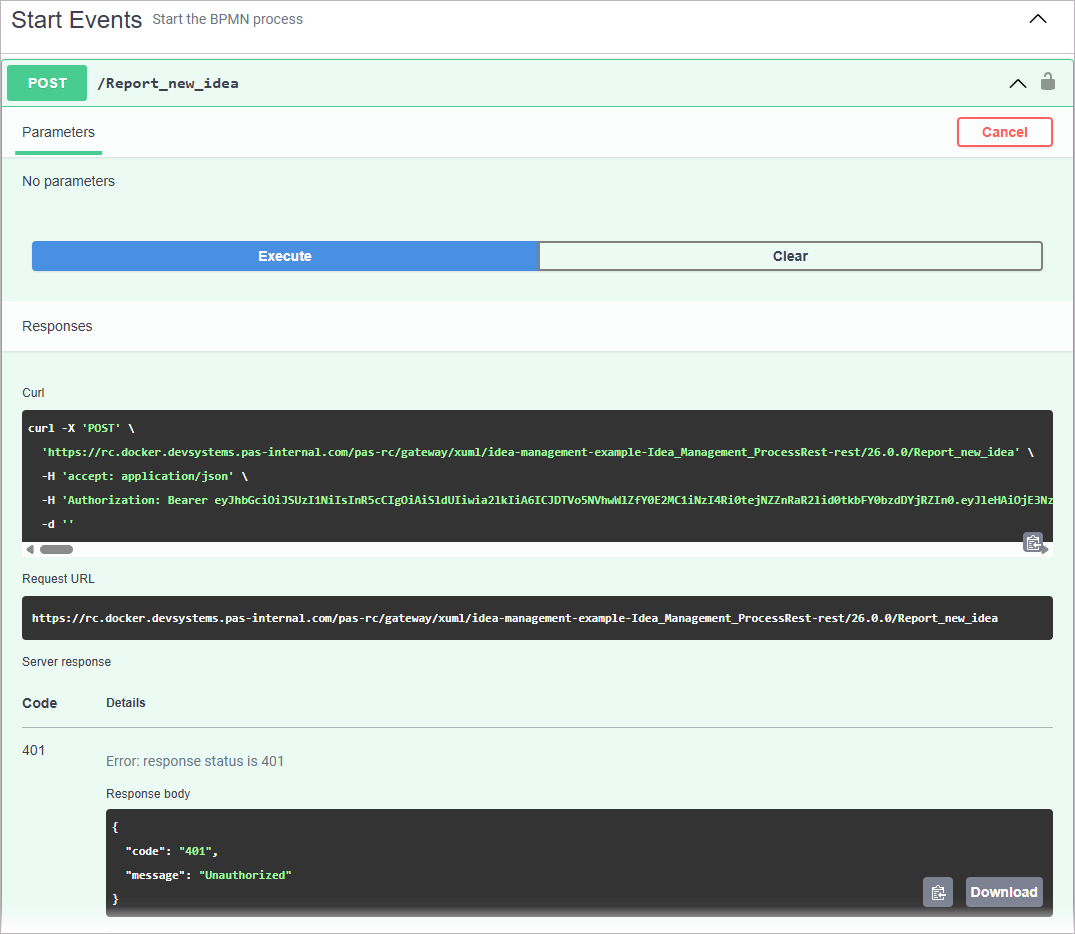
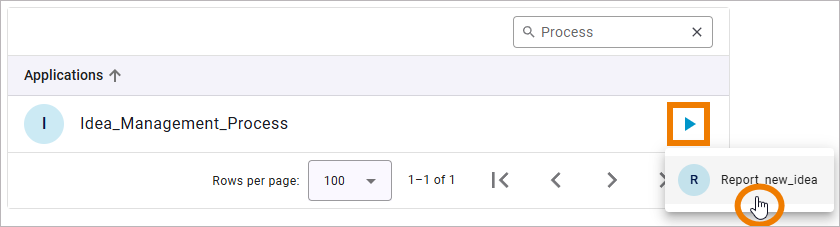
A start event creates a new process instance. Every start event exposes a POST operation in the generated API. Triggering this operation (via UI or API) creates a process instance, initializes process data and moves the instance to the first process step.
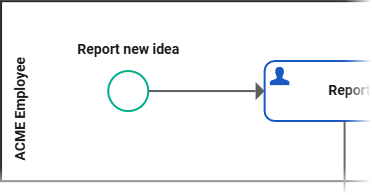
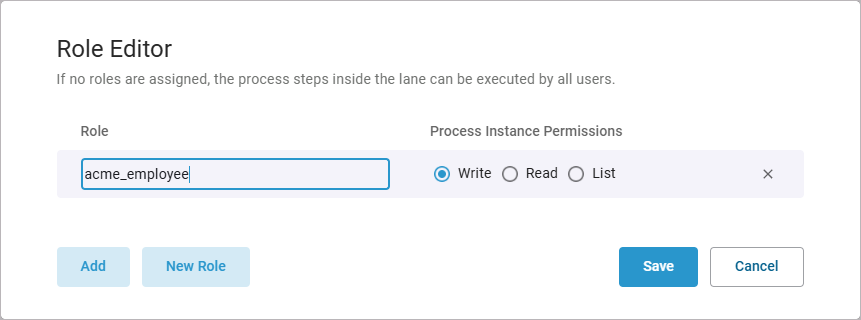
To ensure that only authorized users can create a new process instance via the start event, move the start event via drag and drop into a lane. Afterwards assign one or more roles to this lane with the permissions Read, Write, or List.
At least one role with Write permission is required to create new process instances.
Behavior of the Start Event for Different Permission Types
Write Permission
Place the start event in a lane and assign a role with Write permission to that lane. Users with this role can trigger the start event and create new process instances. In the idea management example, users with the acme_employee role can create a new process instance through start event Repor new idea.
Idea_Management_Example
Click here to download a simple example model that shows what you can do with Lanes and Forms in Scheer PAS Designer. It also contains a configured instance list and shows the usage of trigger events.
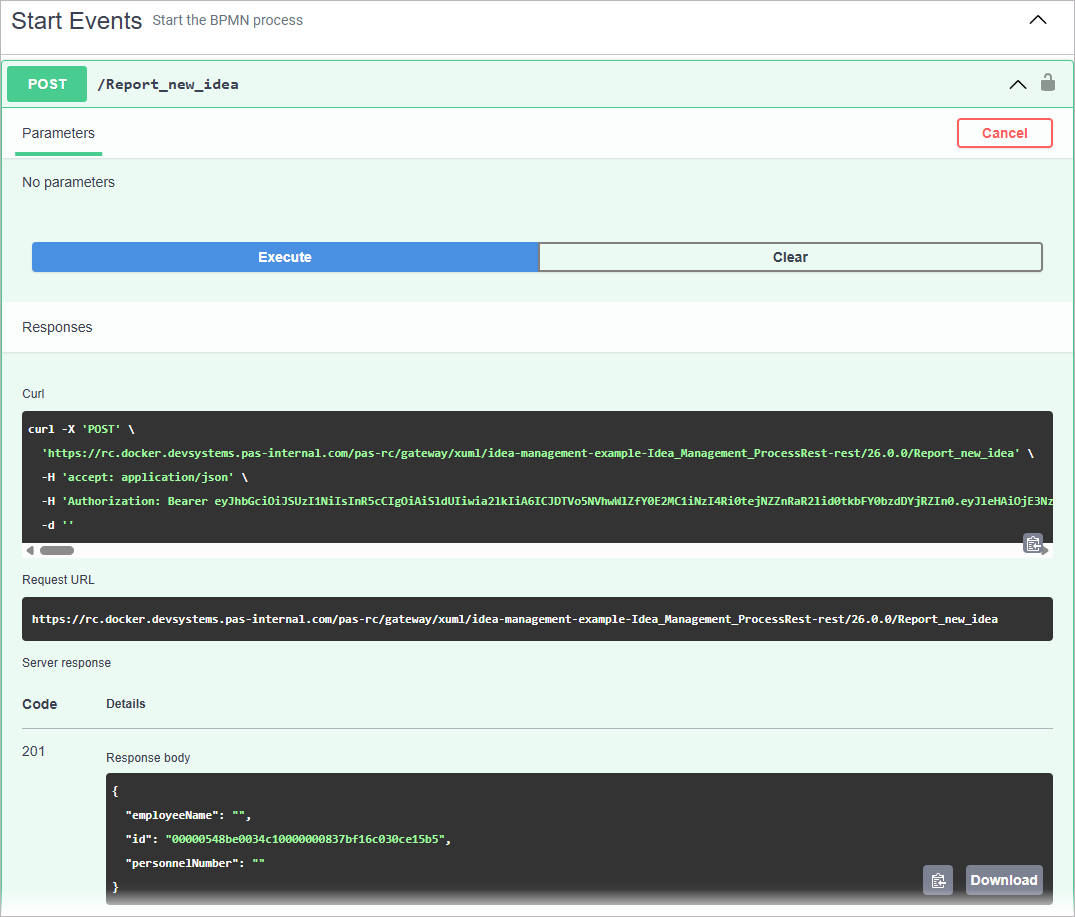
A User with Write permission can also trigger the start event using the POST function of the API:
Read and List Permission
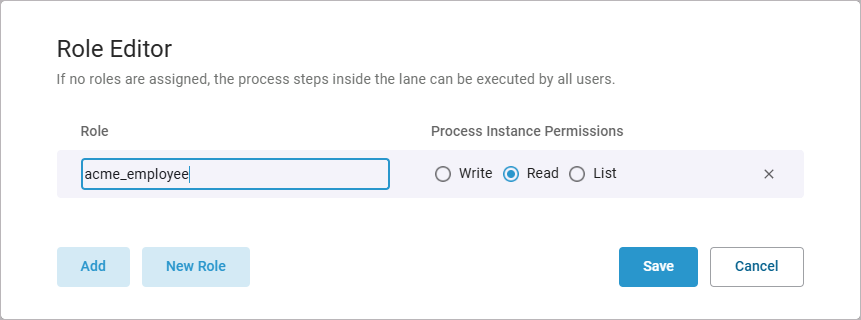
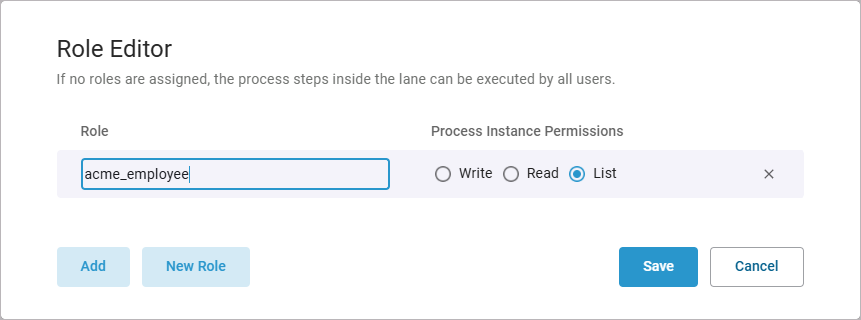
If the lane of the start event only has roles with Read or List permission, users with these roles cannot trigger the start event. They cannot create a new process instance.
The application hides the option in the UI.
A POST call to the API returns a permission error: 401 Unauthorized