
REST services can be tested with a REST Test Tool (refer to Testing APIs for details), and if you are using API Management, your client's developers can access APIs via a Developer Portal (see Developer Access to APIs).
Especially in these cases it is important to provide an elaborated REST service documentation.
When compiling a REST service, an OpenAPI descriptor file is created that contains the service description. This file reflects the REST interface structure as implemented by you (see Defining a REST API).
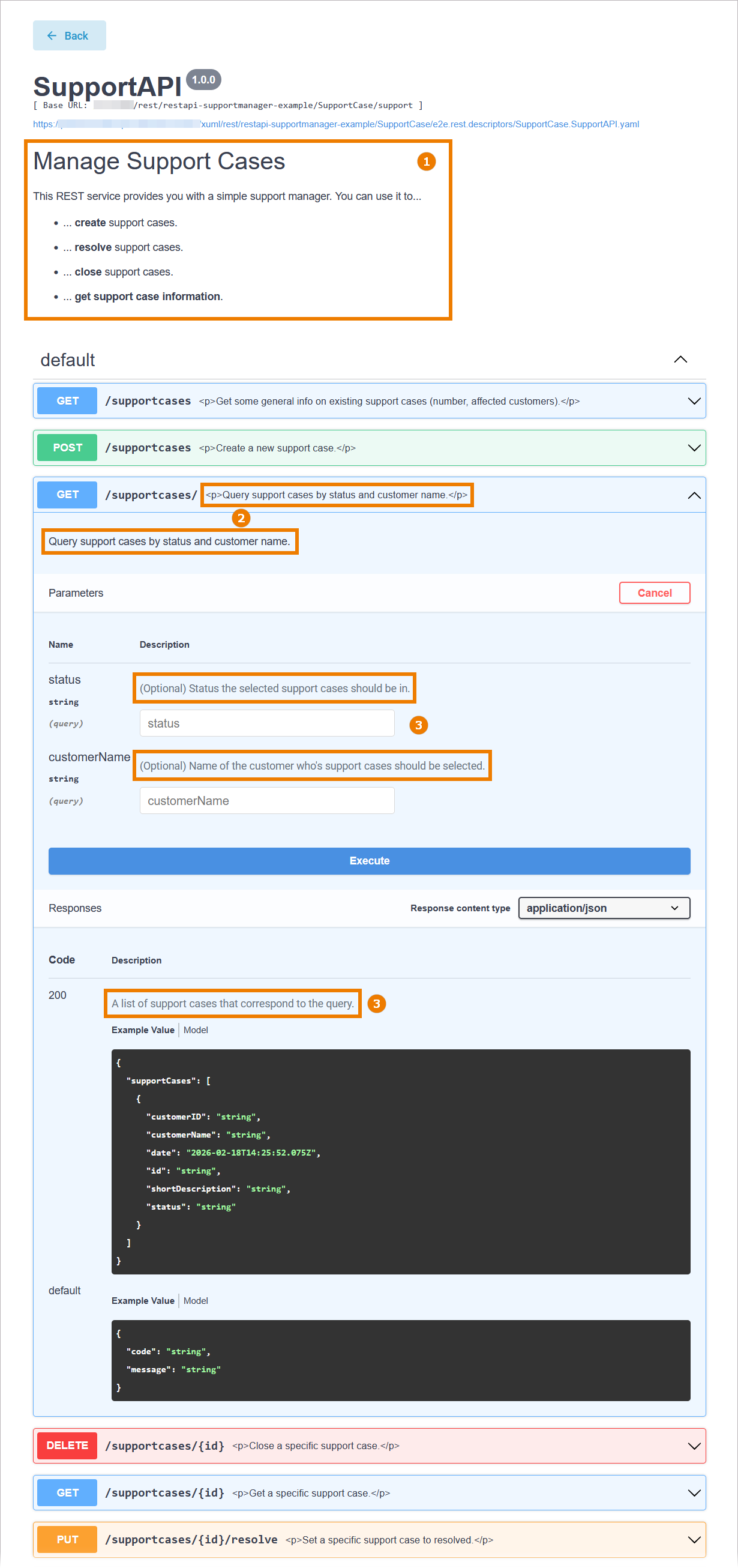
The generated OpenAPI file also contains textual documentation. Tools supporting OpenAPI descriptor files (yaml format) can make the documentation visible:
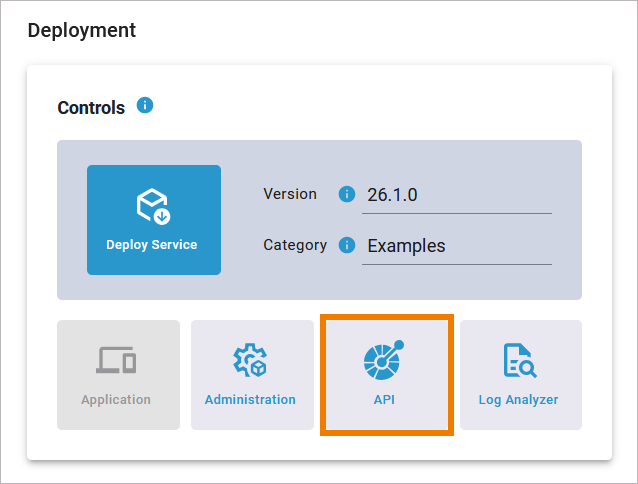
In the Designer, you have direct access to the OpenAPI test tool via the Deployment Controls> API:
The documentation from the model elements will be added to the description and summary tag of the service descriptor. We recommend to populate the following documentation in your REST service:
|
Element |
Description |
OpenAPI File Example |
|
|---|---|---|---|
|
|
REST Port Description |
Describe your API in general. |
YAML
|
|
|
REST Operation Description |
Provide a short description for each operation. |
YAML
|
|
|
Parameter Description |
Provide a short description for each parameter. |
YAML
|
Documenting REST Elements
You can add documentation to all REST elements listed in the table above:
-
the REST port type
-
REST operations
-
parameters
Documentation can be added in the Description field in the attributes panel of each element:
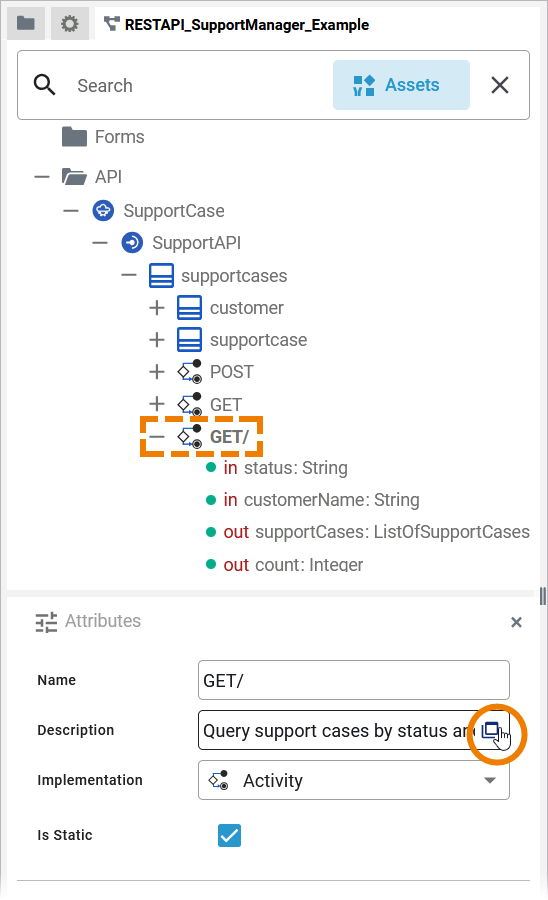
Refer to Attributes Panel > Description for more information about the description editor.