
Private APIs are only accessible for known consumers, called clients. Each client can consume multiple APIs within API Management. The relation between client and API is defined via a contract and a plan.
Breaking a Contract
|
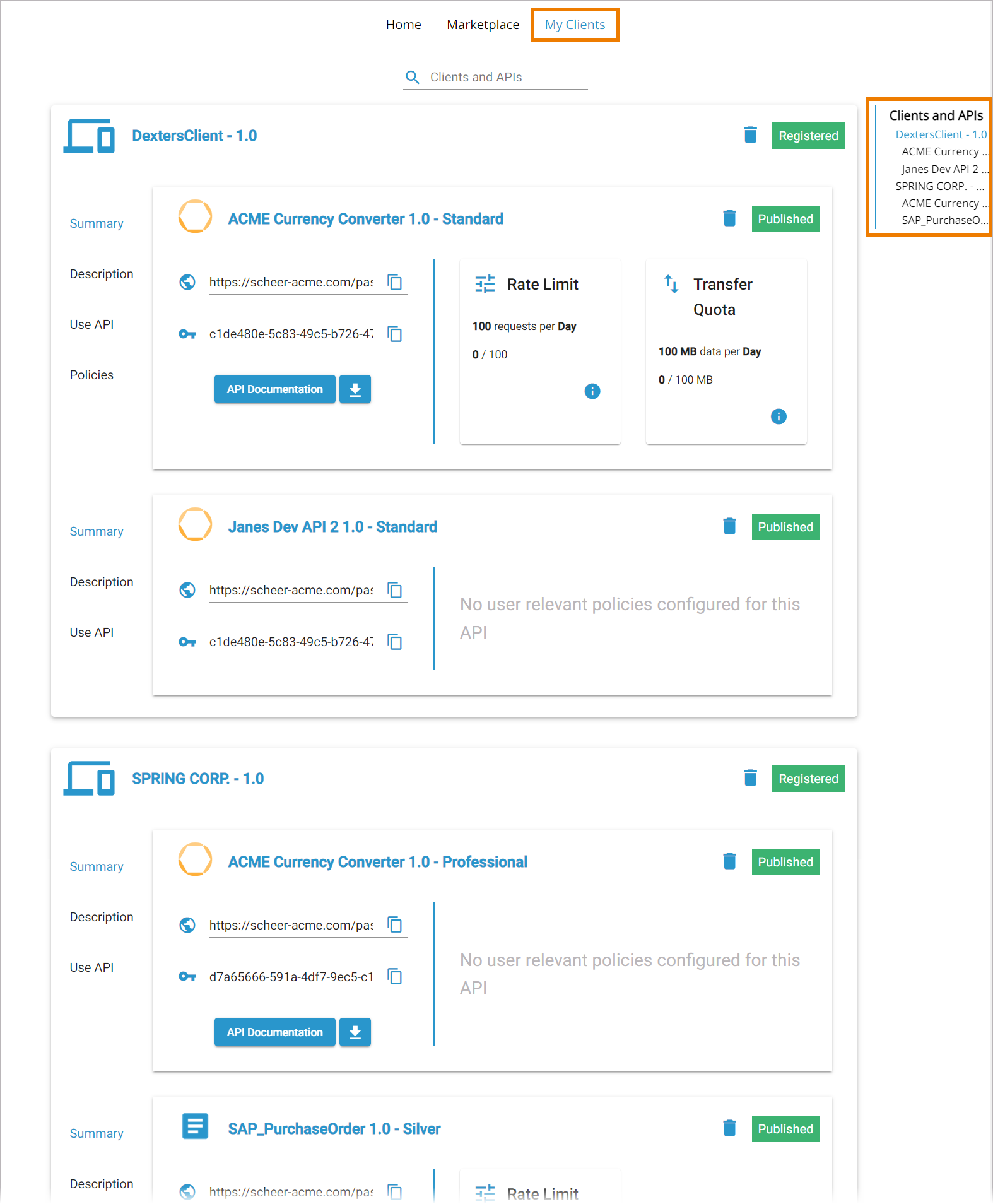
If you want to unsubscribe from an API you are currently consuming with one of your clients, got to tab My Clients in the API Developer Portal. All contracts are displayed within the client tile as well as in the right sidebar. Expert Advice Use the sidebar for easy navigation within the My Clients tab. |
|
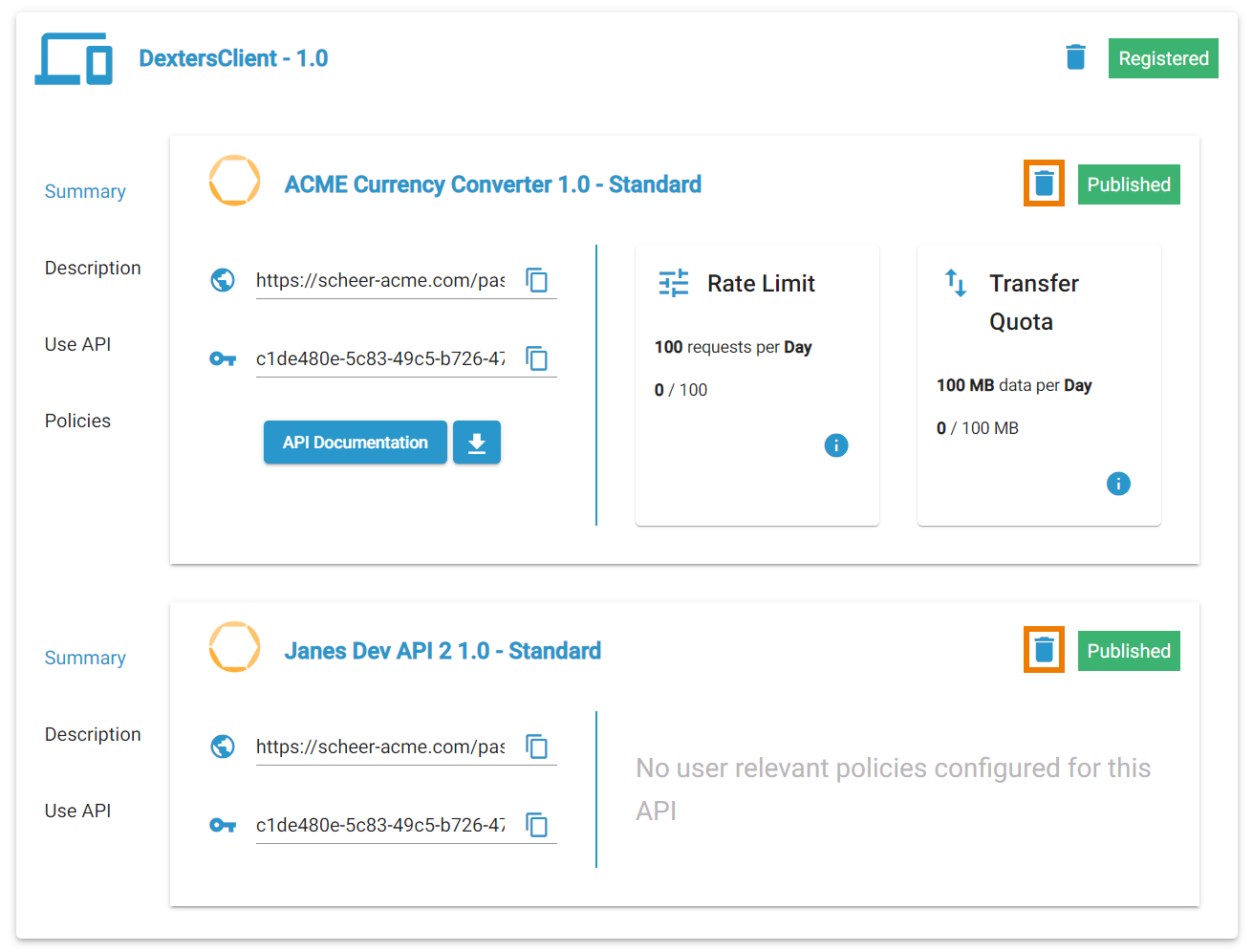
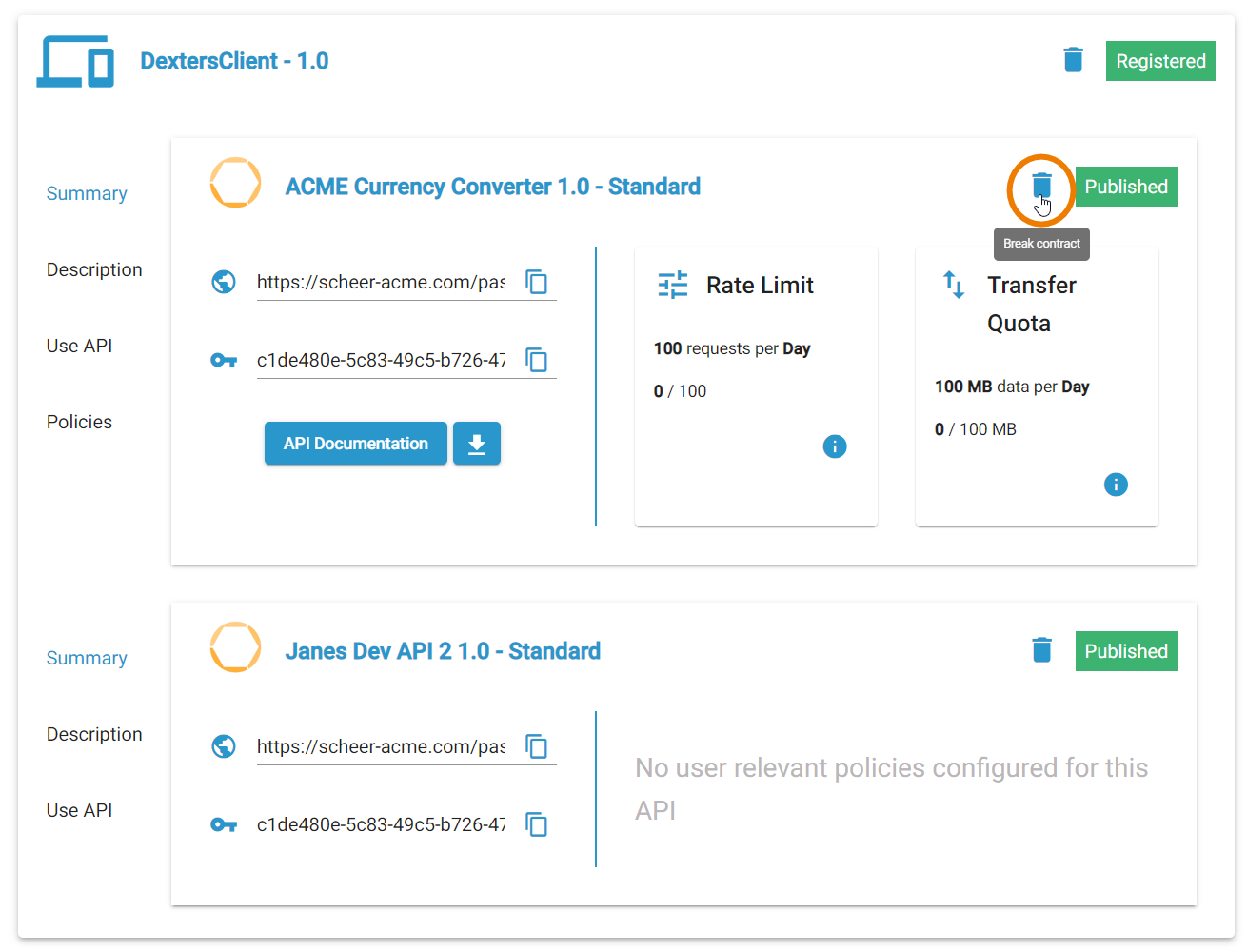
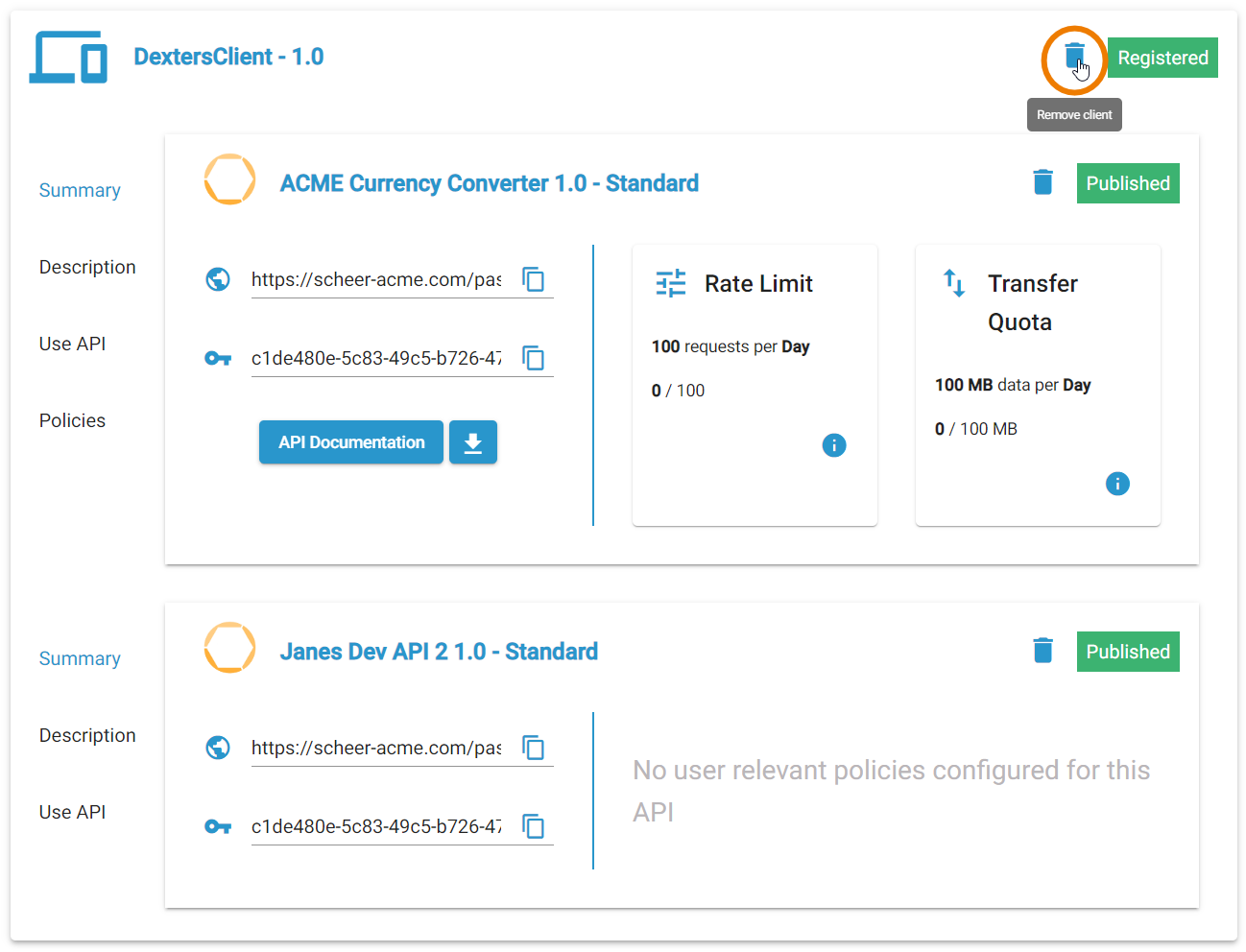
If you manage several contracts within one client, for each contract a separate deletion icon |
|
Use it to break a single contract.
|
|
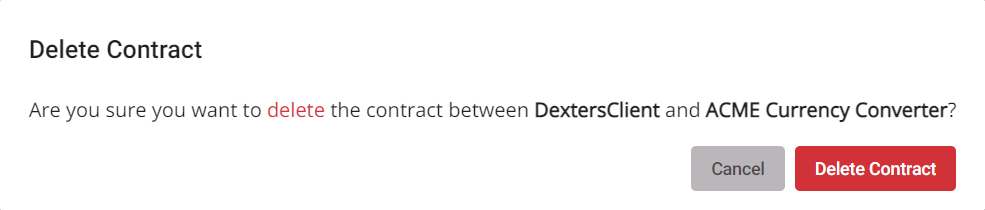
For security reasons, you need to confirm the deletion. |

Deleting a Client
|
You can also break all contracts of a client at once, but be careful: This will delete the whole client! Use the |
|
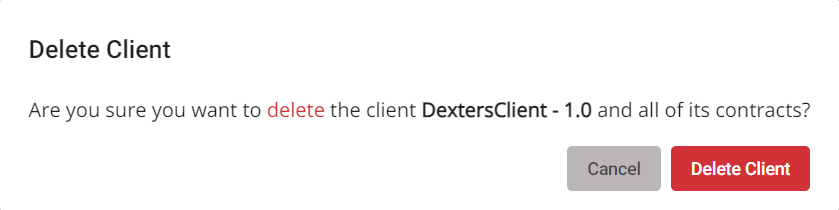
For security reasons, you need to confirm the deletion. |