
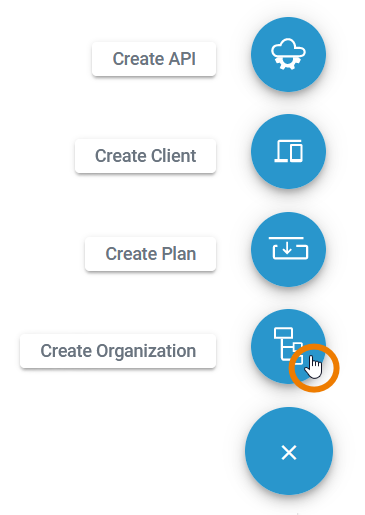
No matter where you are in the API Management, the Create button is always displayed at the bottom right and opens the creation menu.
Click the Create Organization button to add a new organization:
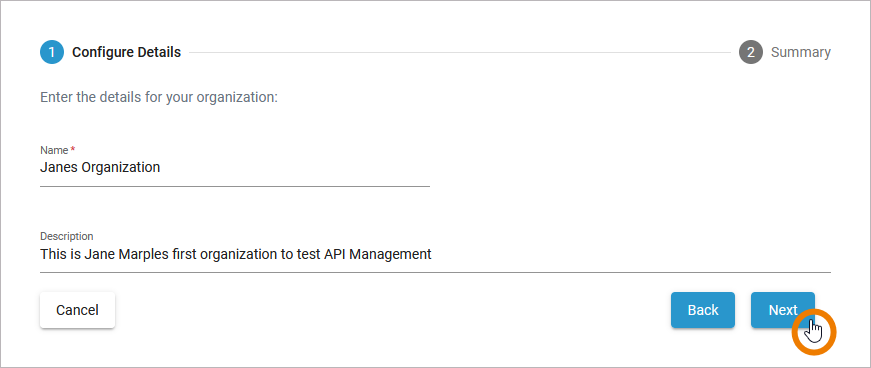
A wizard will guide you through the creation process. First you need to enter a name for the organization. This is mandatory.
The name of an organization is unchangeable after its creation.
You can then enter a description. The description is optional and can also be entered or changed later on the details page of the organization.
Click Next to continue:
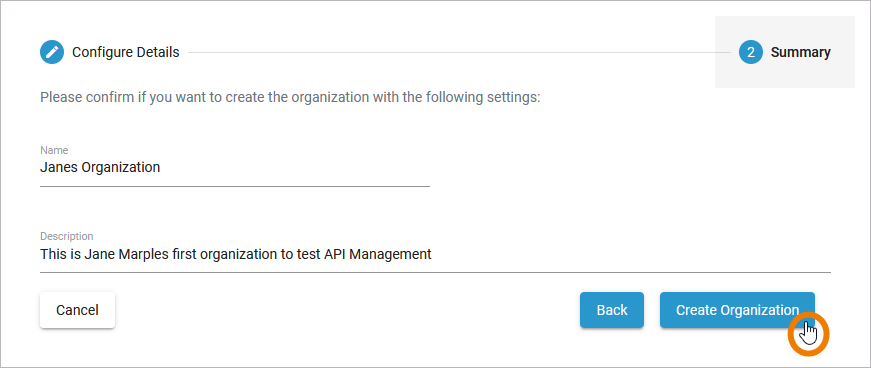
In the next step you can check your entries again. The summary is read-only.
-
Click Create Organization to finish.
-
Click Back if you want to revise your settings.
-
Click Cancel to abort the whole creation process.
After a successful creation, you will be taken to the organization details page:
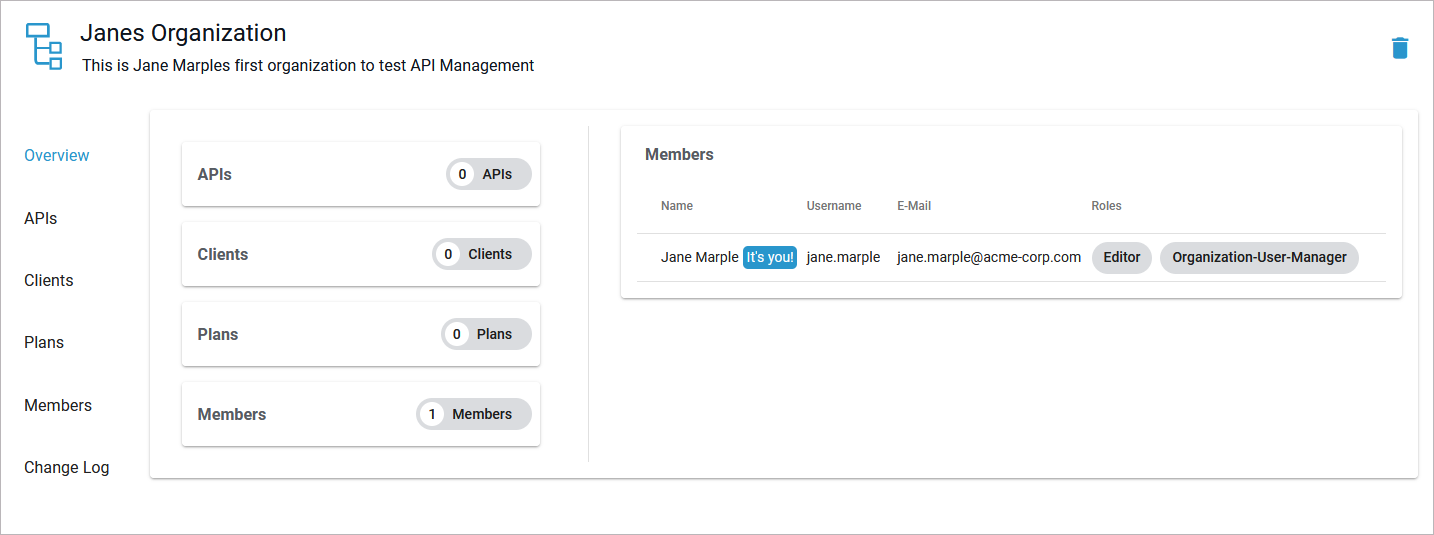
For detailed information about all organization details, refer to Organization Settings.