
If you want to remove an organization, click Delete on top right of the organization's details page:
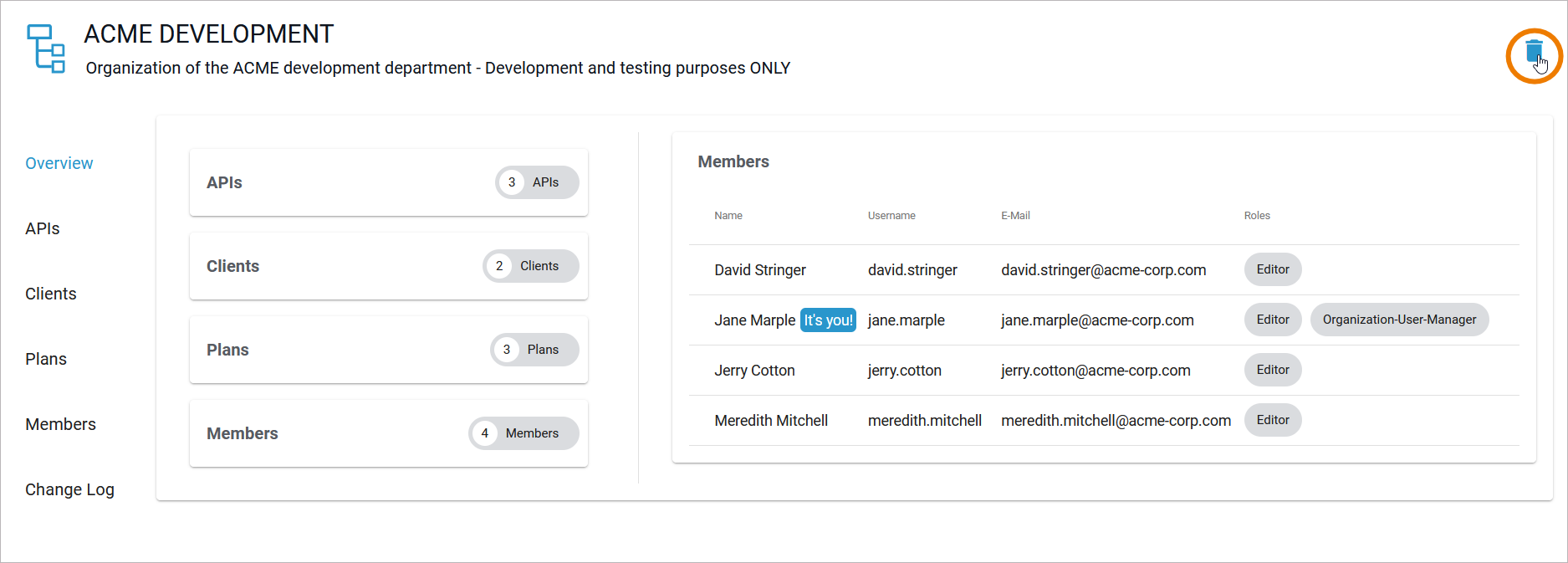
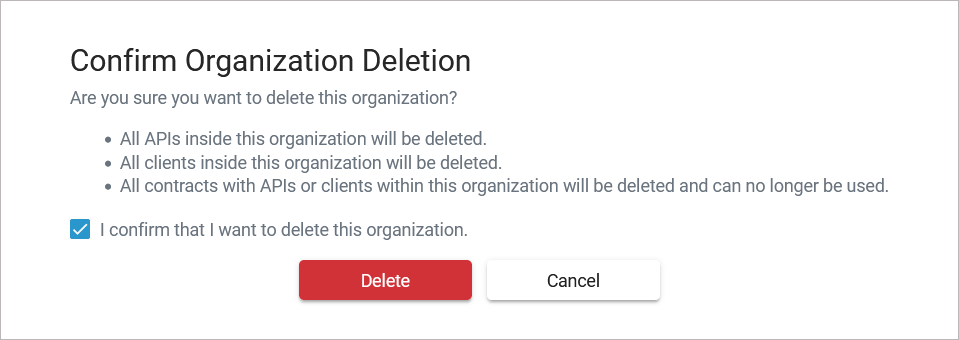
Since an organization is the container for all other elements such as plans, clients and APIs, you will have to confirm, that you want to delete the organization.Option Delete is only enabled if you activate the checkbox:
A toast message indicates successful deletion:
