The button Retire allows you to shut down an API:

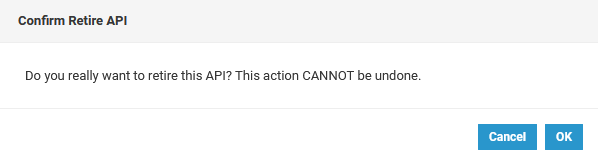
If you use the button, a confirmation dialog will open:
If you have confirmed the dialog with OK, the status in the basic settings will change to 


The button Retire allows you to shut down an API:
If you use the button, a confirmation dialog will open:
If you have confirmed the dialog with OK, the status in the basic settings will change to