
The Control Hub is a web application. You do not need to install anything to use it, it runs in a desktop browser. You just need to log in to your Scheer PAS Code environment.
Signing In
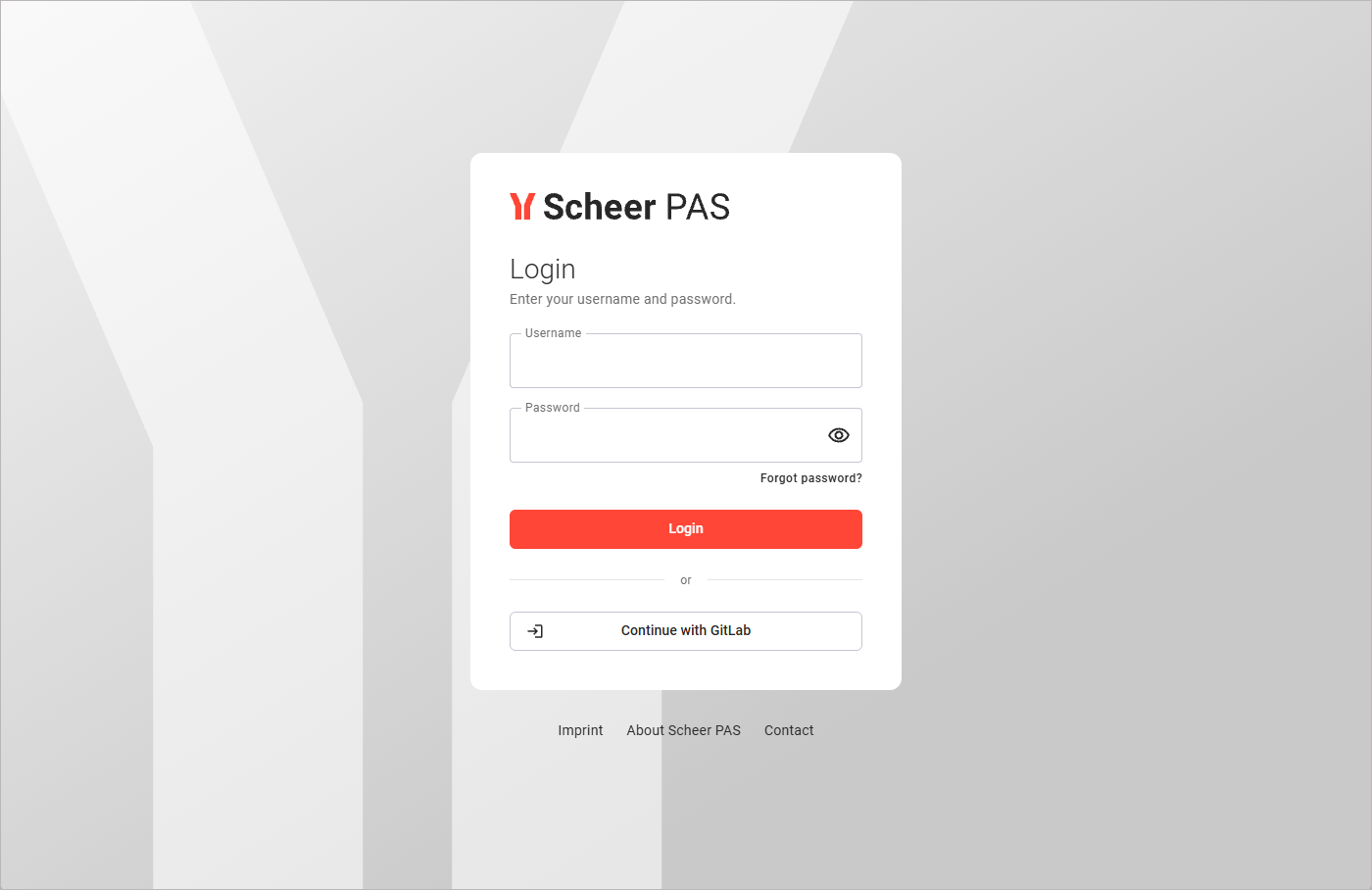
To start working with the Control Hub, you must first log in to your PAS Code system. Go to your company's address, for example https://customers.scheer-solutions.com/acme-prod/app/portal/home and log in. You need valid user data consisting of a username and a password. Enter the credentials in the corresponding fields and click Login. If alternative login methods are available, they will be displayed below the login button:
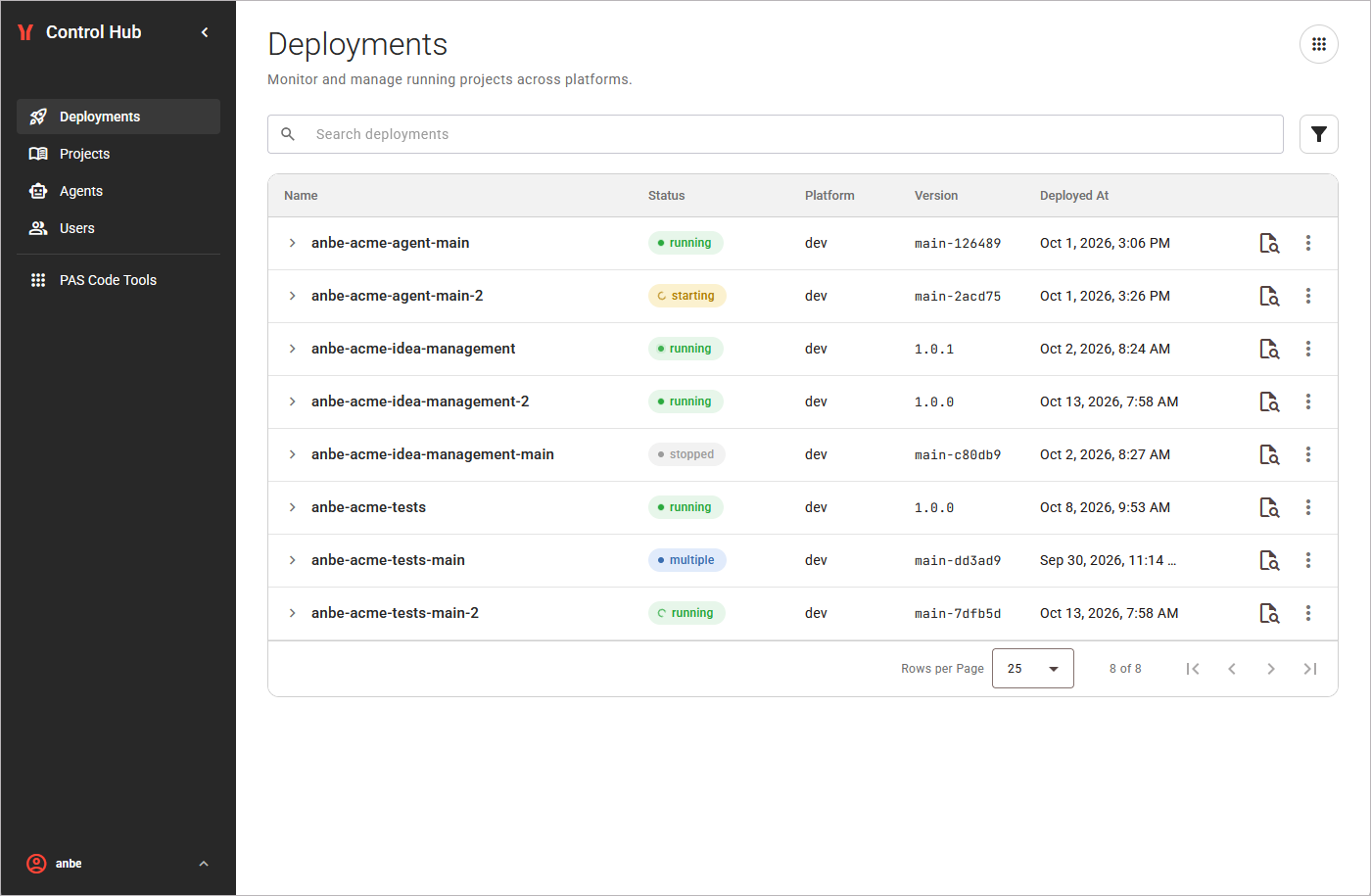
If you open the Control Hub after login, the Deployments view is displayed. This is the start page of the Control Hub:
Your session stays active while you work. If the session can no longer be refreshed, the Control Hub returns you to the login page.
User Settings: Profile and Logout
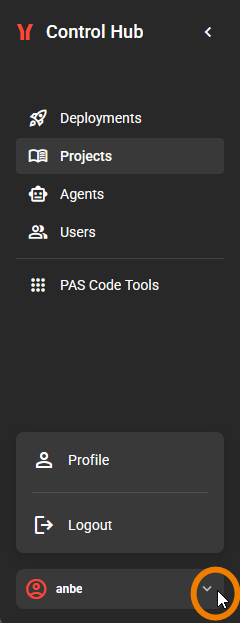
Your user name is displayed at the bottom of the sidebar. Click the name to open the available user settings:
Managing Your Profile
The Profile page holds the personal information about your user:
|
My Details |
This section contains your name, your login ID, and your email address.
|
|---|---|
|
My Password |
If you want to change your password, click Send Reset Link. You will then receive an email to set a new password. |
|
My Groups |
This section displays all the groups your user is a member of across all platforms where you have a user account. Shows also a short description of the rights that come with the corresponding group membership. |
Signing Out
Use the logout option in the user preferences to sign out from the Control Hub. After a successful logout, you are redirected to the login page. To continue working, sign in again as described above.
Related Content
Related Documentation: