
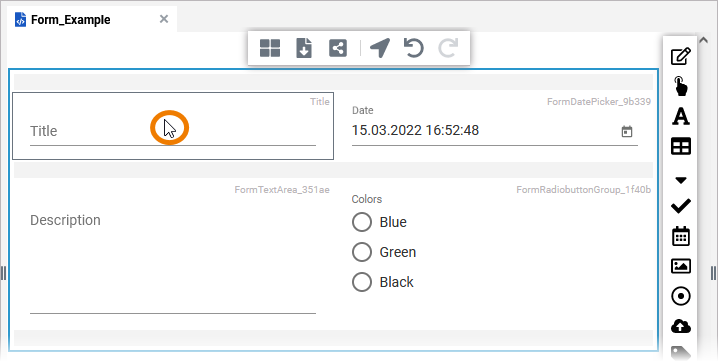
Click an element in the editor to select it:
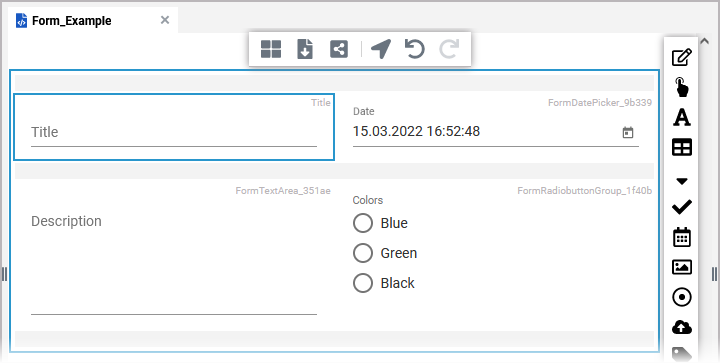
The selected element is marked by a blue frame:
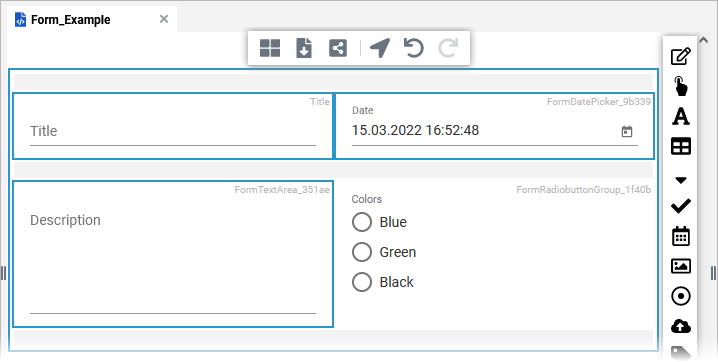
If you want to select several elements at once, hold down the Ctrl key and click the respective elements with the mouse.
-
To add more elements to an existing selection, hold the Ctrl key and click on the elements you want to add.
-
To remove an element from an existing selection, hold the Ctrl key and click on the element you want to deselect.
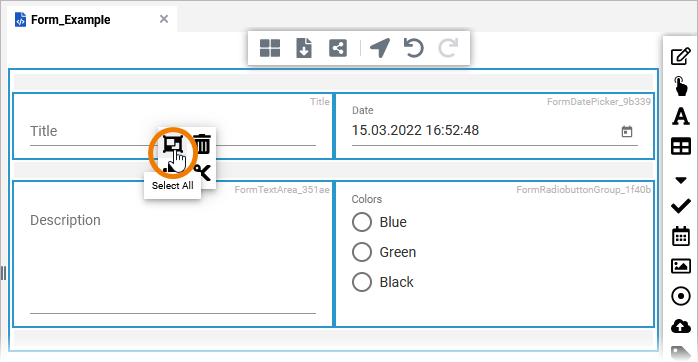
You can select all the elements in the editor by using the context menu. Use option Select all to select all elements in the form:
Refer to Working with the Form Editor for a list of all available shortcuts and mouse actions in the Form Editor.