
Scheer PAS Designer has its own administration where users can manage basic settings of the installation. You can open the Designer administration from anywhere in the Designer:
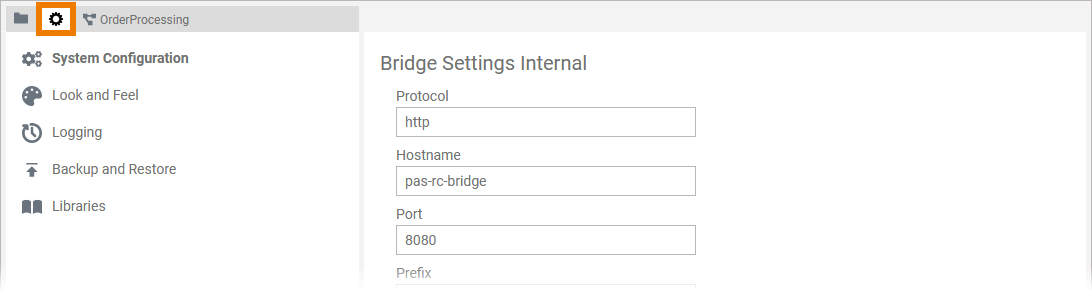
The content of the tree in the administration tab depends on the profile assigned to your account within PAS Administration.
Every user of the Designer has a personal administration view showing the following options:
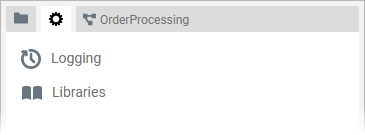
This is the view when you have been assigned the standard profile pas_user in the Scheer PAS Administration.
Users with administration rights see an extended menu:
Tab Configuration is only available on PAS installations with a Docker setup. In a Kubernetes setup, the tab is not displayed.
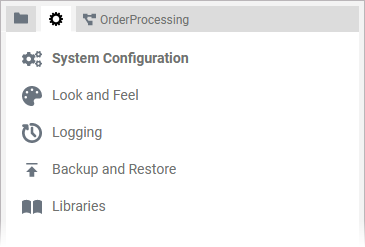
This is the view when you have been assigned the standard profile pas_admin_user in the Scheer PAS Administration.
Related Content
Related Documentation: