If documentation is available for an asset, you can access it via the Asset Drawer. To display the documentation of an asset, use option Open Asset documentation in new tab:
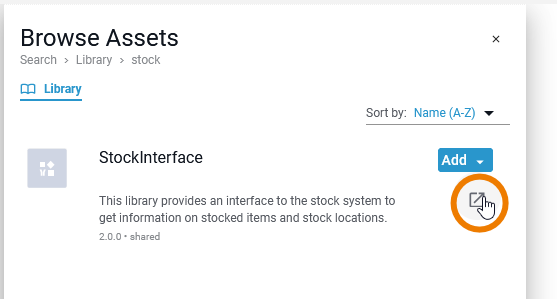
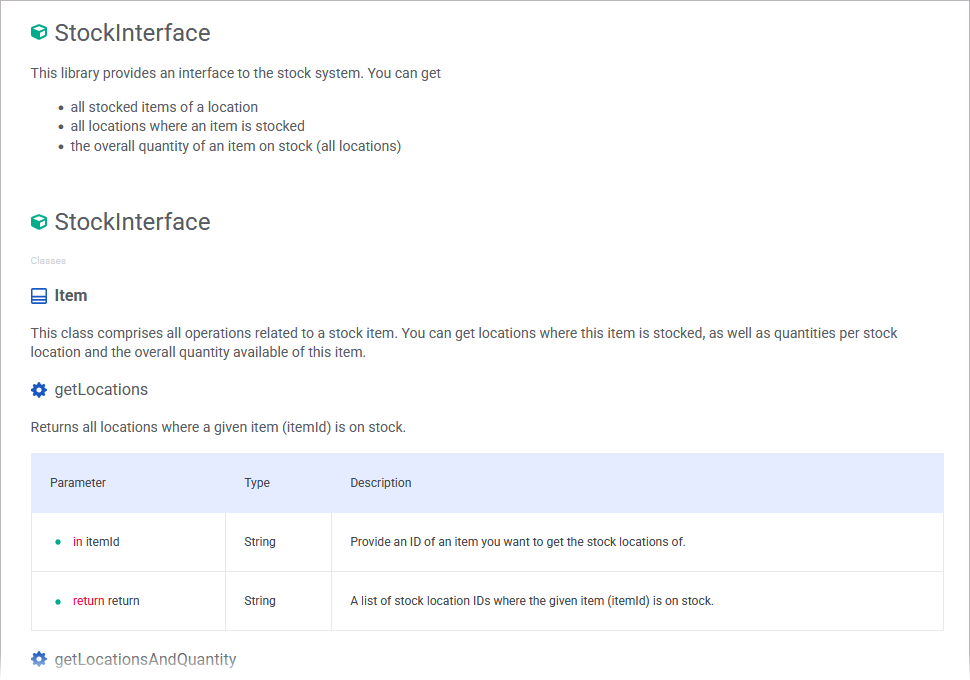
To allow developers to access asset documentation at any time during the development process, the documentation of the asset opens in a new browser tab:
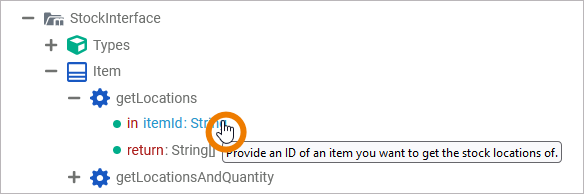
For libraries, the documentation is also displayed as a tooltip in the Service panel: Move the mouse pointer over library content for which documentation has been saved to display the text.