If documentation is available for a library, you have several options to access it:
-
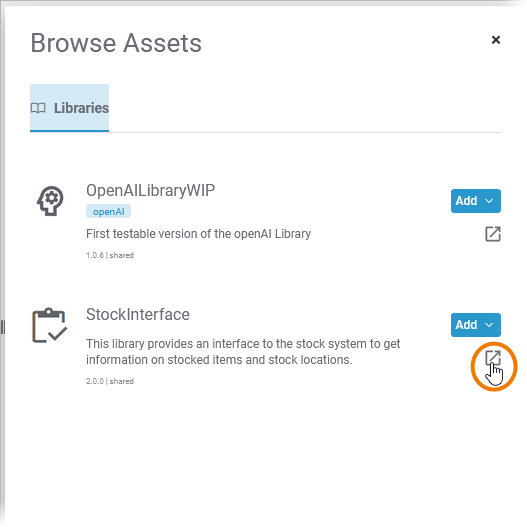
Via the Asset Drawer: To display the documentation of a library, click Open Asset documentation in new tab.
-
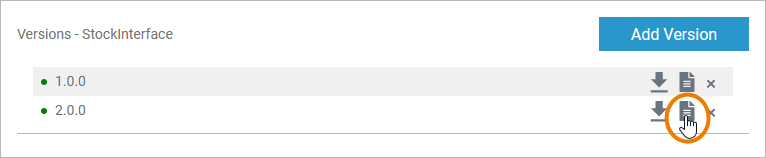
Via the Library Administration: Use option Documentation to display the documentation of the corresponding library.
-
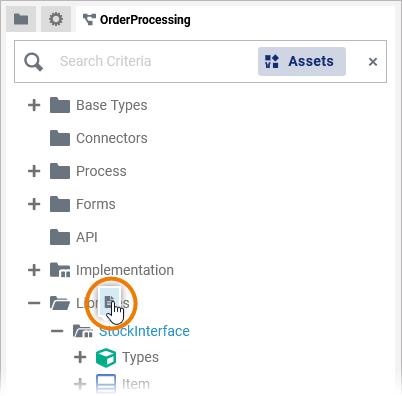
Via the Service panel: Hover over a library in folder Libraries to display the context menu and use option Documentation.
-
Via the Manage Libraries dialog: Use option Documentation to display the documentation of the corresponding library.
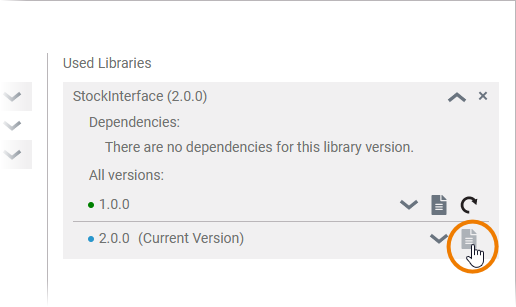
To allow developers to access asset documentation at any time during the development process, the documentation of the asset opens in a new browser tab:
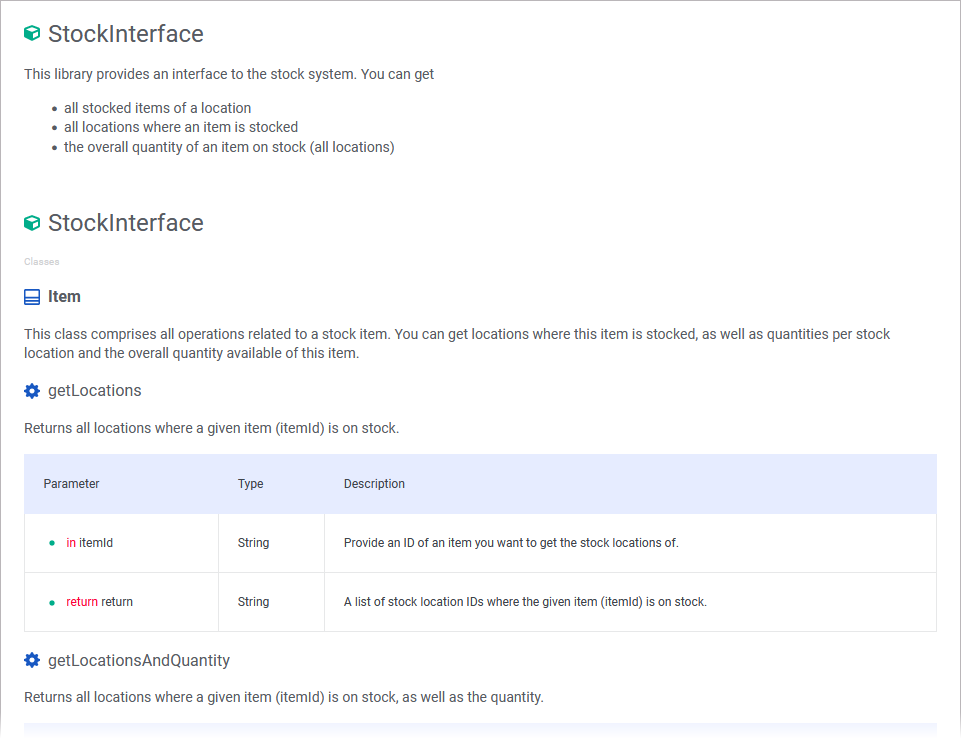
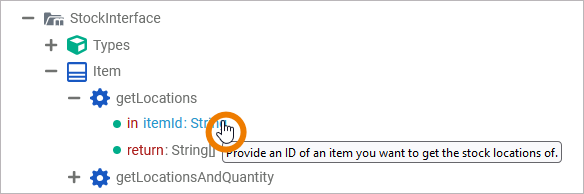
The documentation is also displayed as a tooltip: Move the mouse pointer over library content for which documentation has been saved to display the text.