
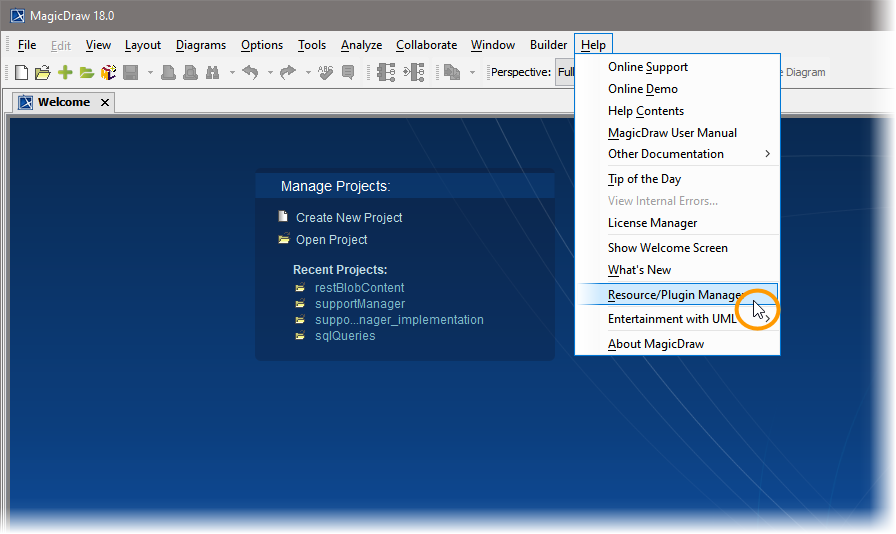
To uninstall the Builder plugin for MagicDraw, open the Resource/Plugin Manager.
Select All Resources in the drop-down box in the toolbar to display all plugins.
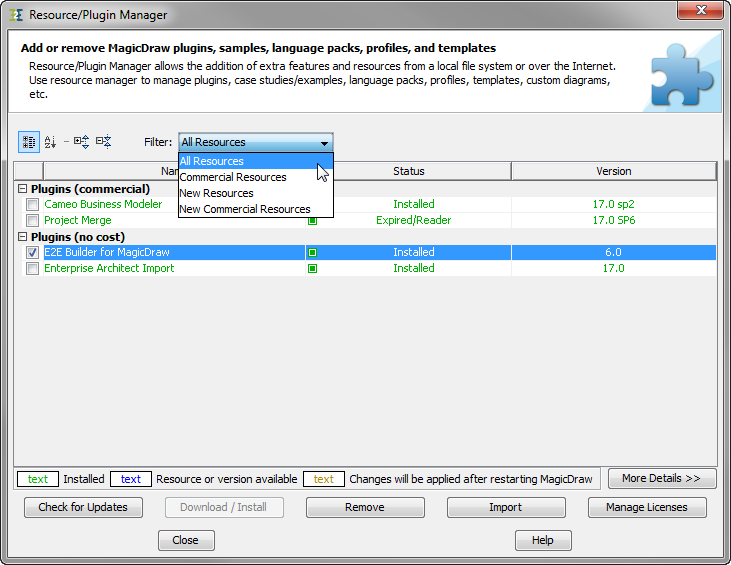
Check the checkbox oft the Builder for MagicDraw UML plugin and click Remove.
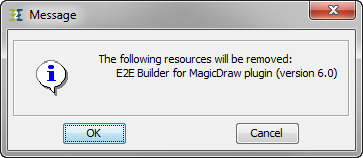
The Resource/Plugin Manager asks for confirmation. Click OK:
The Resource/Plugin Manager confirms the removal of the Builder:
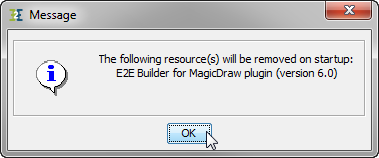
The Builder has been scheduled for removal. Restart MagicDraw to finally remove the Builder. Click Close:

Finish the uninstalling by removing folder .e2ebuilder in your users directory and by removing the folders you installed the examples to.
You now can use native MagicDraw UML again.