
You can create a domain in two ways:
-
Either, you can enter a domain name during the installation of the Bridge (see e.g. The Bridge Installation Process),
-
or you can convert a stand-alone node to a domain.
If you have not chosen to create a domain during the installation, the Bridge is still in an initial state called stand-alone. That means, that it is not included in a domain, yet. After first login with the pre-defined user id admin, the following page is displayed.
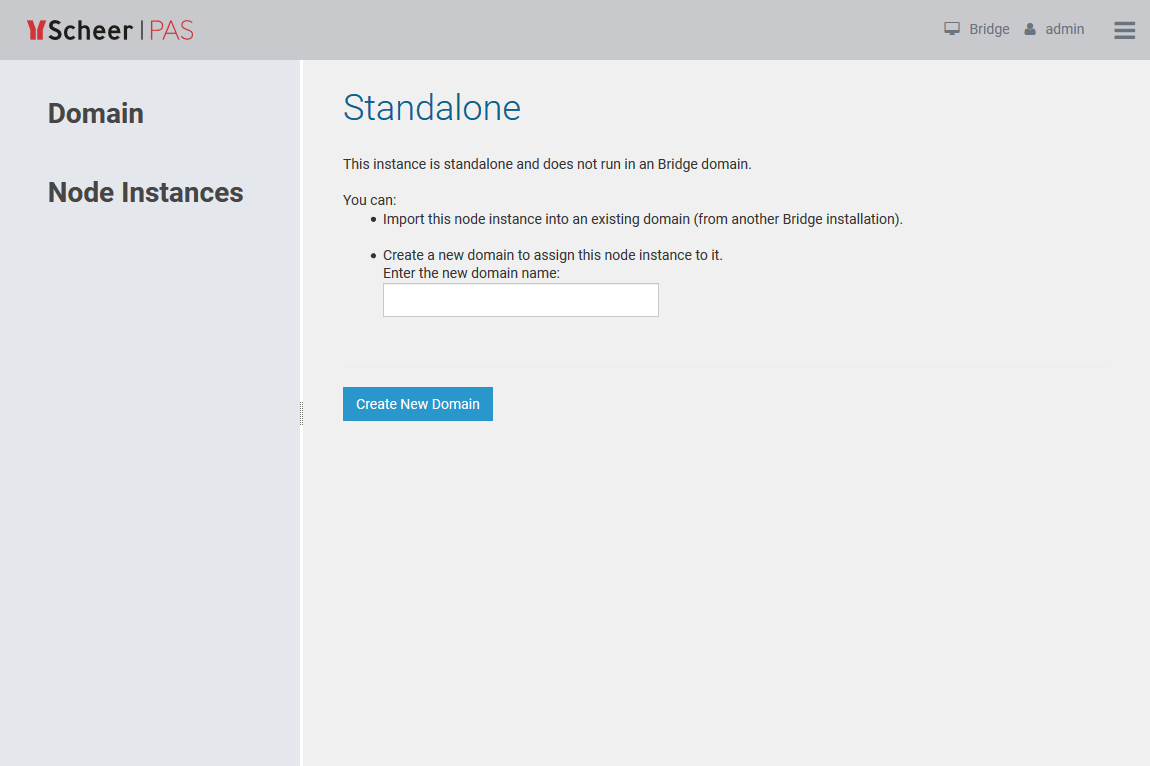
There are two possibilities of how to proceed:
-
You can import this node instance into an existing domain.
In the browser, open another Bridge whose node instance was already imported into a domain. From there, import your node instance into this domain. -
You can create a new domain.
Your node instance will be the first one that is assigned to the new domain. Enter a domain name and click the button Create New Domain.
After the domain has been created successfully, the page changes as follows.
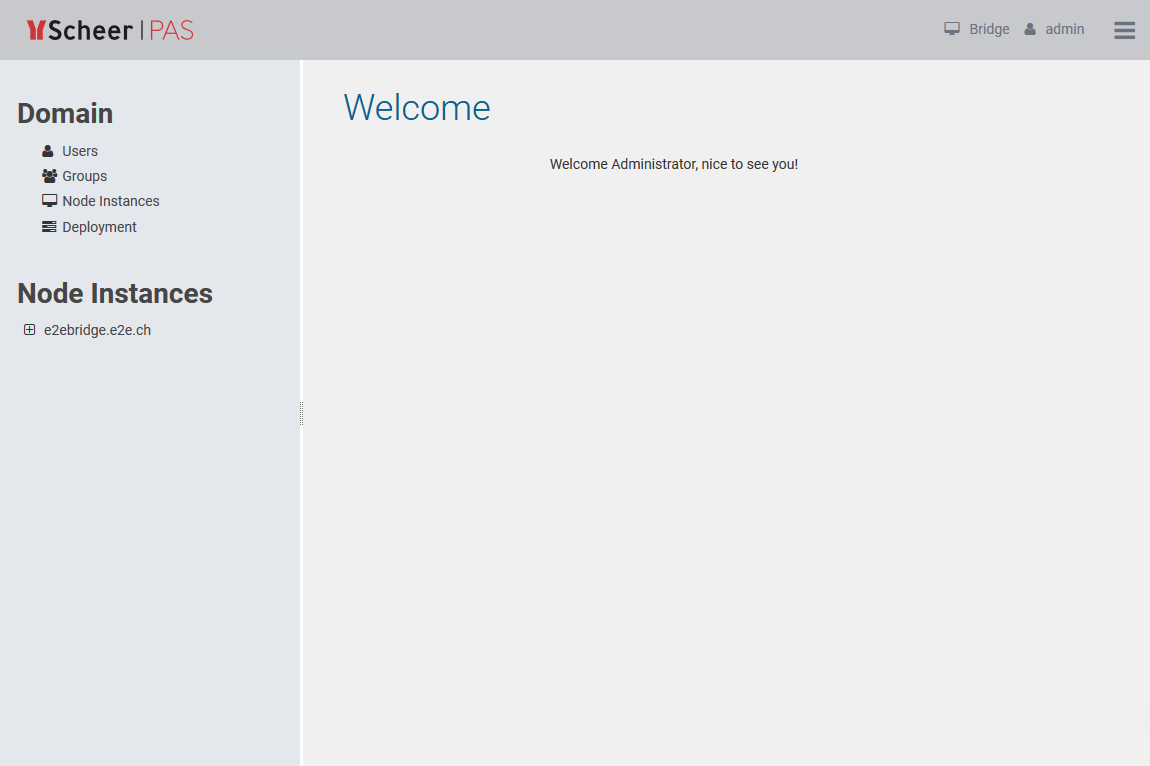
The node instance e2ebridge.e2e.ch is listed in the navigation on the left. Now, services can be deployed to this node instance.