
In API Management, almost everything exists in the context of an organization. To be able to manage APIs, plans and clients, you need to create an organization first.
Prerequisites
-
If you have already created a test organization with another tutorial, you can skip this step and proceed.
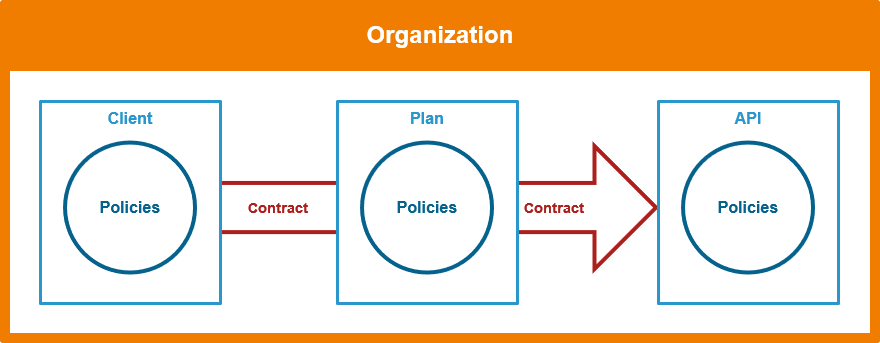
As a best practice, we recommend creating an organization that is exclusively dedicated to testing purposes.
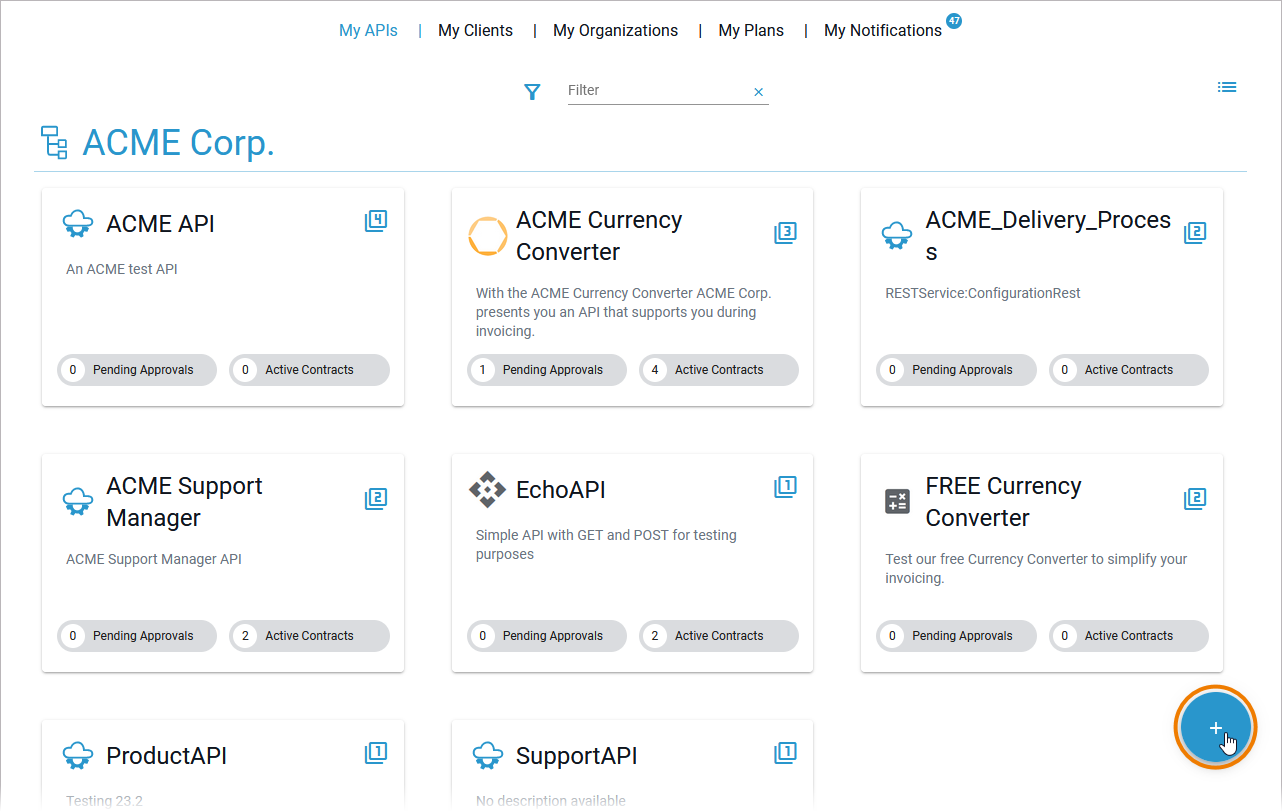
After opening API Management, click Create at the bottom right to open the creation menu:
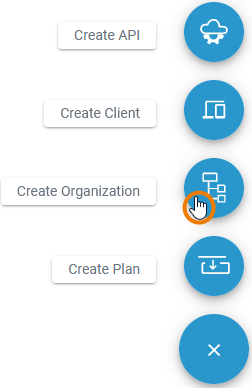
Click Create Organization to add a new organization:
Please make sure that the name of the created elements such as organizations, APIs, clients etc. is unique. You can use your own name as pre- or suffix, e.g. PublicEchoAPI_David.
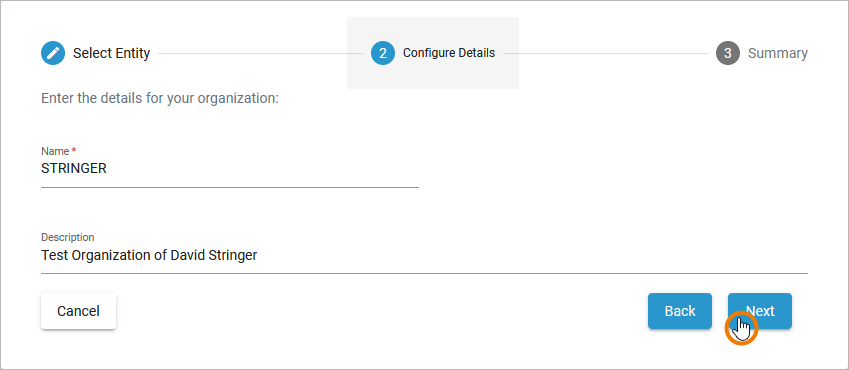
A wizard supports you during the creation process. First, enter a Name and an optional Description for your organization:
-
Name: Use your own last name (e.g. STRINGER)
-
Description: Test Organization of your name (e.g. David Stringer)
Click Next to continue:
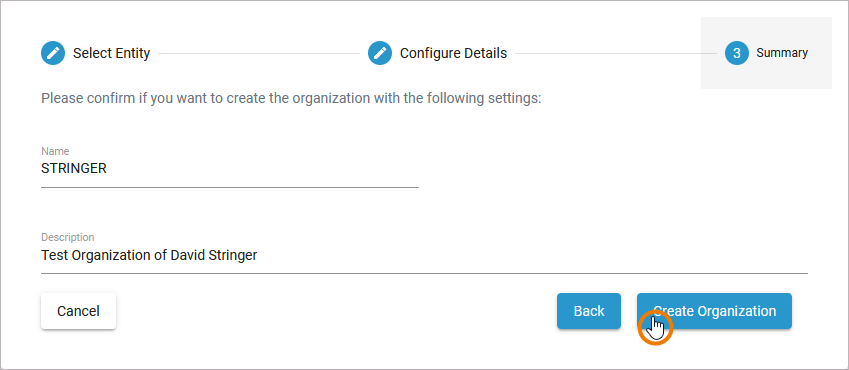
The Summary allows you to check your entries. Click Create Organization to confirm your settings and create the new organization, click Back if you want to adapt your entries:
The new organization has been created. The organization's detail page opens automatically. Now you are ready for the next step:
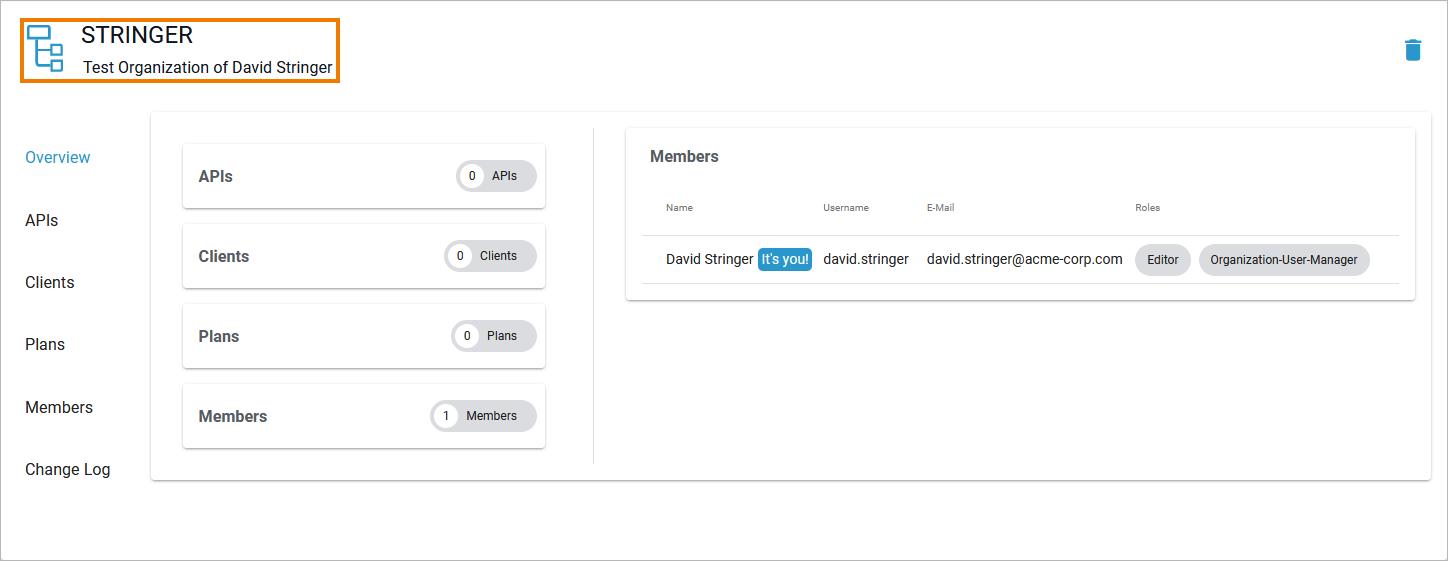
Refer to Organizations in the API Management Guide to learn more about the details of an organization and its configuration options.